Palworld has two guided configuration areas in the game-serverhosting panel. The server wizard manages connection details; the gameplay editor controls 26 rules in PalWorldSettings.ini. You can therefore change common values without manually editing Palworld's long configuration line, while keeping type and range validation.
Start with Palworld server hosting if you still need a server. Create a current world backup before changing gameplay rates, death rules or base limits.
Connection settings in the server wizard
| Field | Effect | Editing mode |
|---|---|---|
ServerName |
Name shown for the server | editable text |
ServerPassword |
Join password; empty means no password | editable and sensitive |
ServerPlayerMaxNum |
Concurrent player limit from 1 to 32 | editable number |
COMMUNITY_SERVER |
Listing in the community browser | on/off |
AdminPassword |
Password for administrator commands | generated automatically, read-only |
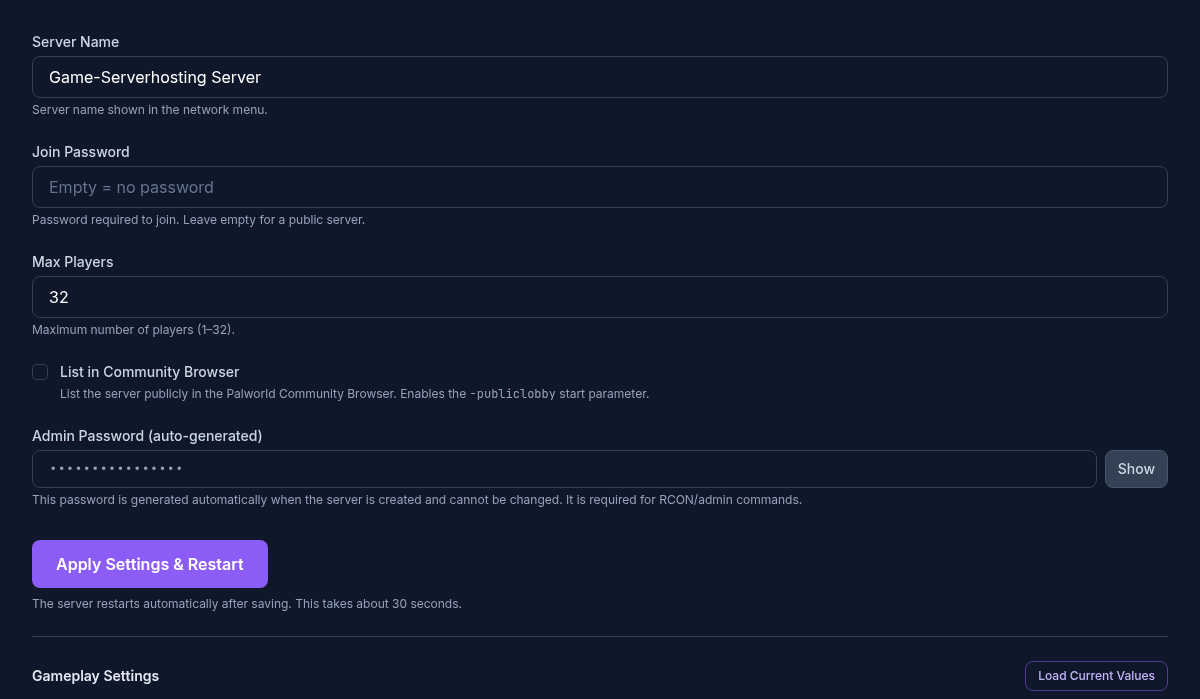
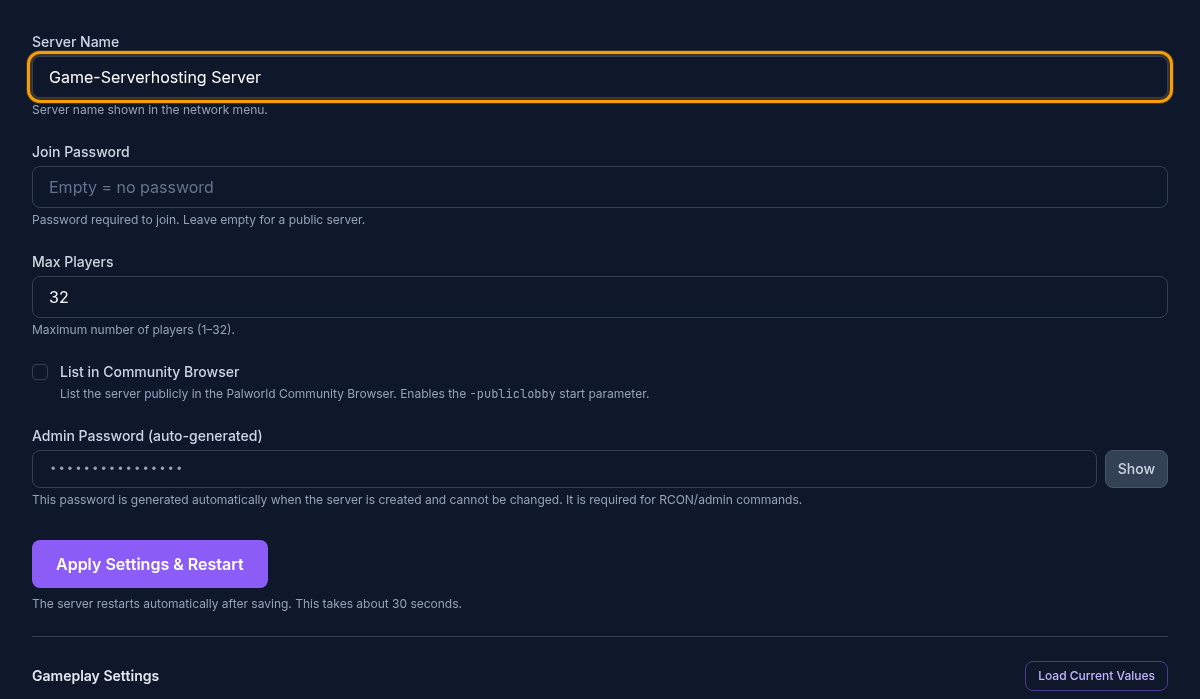
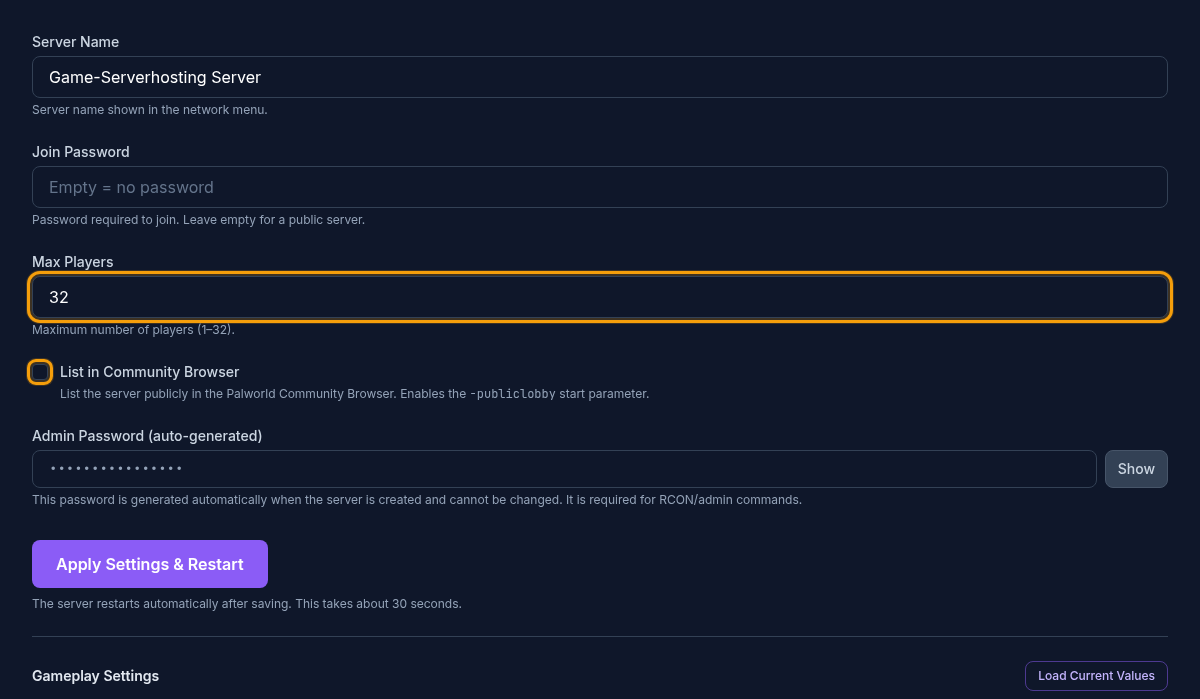
Choose a recognizable name and use a join password for private groups. Community listing affects discovery but does not replace access control. Share the admin password only with people who manage the server.
Gameplay editor and presets
The gameplay editor reads Pal/Saved/Config/LinuxServer/PalWorldSettings.ini. All 26 fields require a restart. Three presets provide a coherent starting state:
- Casual: faster experience, captures and drops, shorter egg hatching and no death penalty.
- Normal: regular rates and normal difficulty.
- Hardcore: hard difficulty and a higher Pal spawn rate; decide the additional hardcore toggles separately.
Treat a preset as a template. Review its preview, apply it and then adjust the few rules that need to differ.
Settings with a large effect
ExpRate, PalCaptureRate and CollectionDropRate change progression speed. PalSpawnNumRate can also raise server load because more Pals exist at the same time. Increase these settings in small steps.
BaseCampWorkerMaxNum and BaseCampMaxNumInGuild affect active base size. The panel limits bases per guild to 10 in line with Pocketpair's server guide. More workers and bases may increase load when several locations are active.
bEnablePlayerToPlayerDamage specifically controls direct damage between players in the current panel. It is not a complete PvP profile: death penalty and friendly fire remain separate settings.
Every gameplay setting in the current panel
The complete table stays collapsed for easier reading. It shows the exact key, data type, accepted range, panel default, practical effect and restart status.
All 26 gameplay settings and three presets
- File:
Pal/Saved/Config/LinuxServer/PalWorldSettings.ini
| Key | Panel label | Type and accepted values | Default | Effect / note | UI restart status |
|---|---|---|---|---|---|
Difficulty |
Difficulty | Selection · None, Casual, Normal, Hard | Normal |
Chooses the base difficulty profile; individual rates and rules remain configurable. | restart required |
DeathPenalty |
Death Penalty | Selection · None, Item, ItemAndEquipment, All | All |
Controls whether players lose nothing, items, equipment or everything on death. | restart required |
ExpRate |
EXP Rate | Number · 0.1 to 20 | 1 |
Multiplier for earned experience; higher values speed up progression. | restart required |
PalCaptureRate |
Pal Capture Rate | Number · 0.1 to 20 | 1 |
Multiplier for Pal capture chance; higher values make captures easier. | restart required |
PalSpawnNumRate |
Pal Spawn Rate | Number · 0.1 to 20 | 1 |
Multiplier for concurrently spawning Pals; high values can raise server load significantly. | restart required |
CollectionDropRate |
Collection Drop Rate | Number · 0.1 to 20 | 1 |
Multiplier for gathered resources and collection drops. | restart required |
DayTimeSpeedRate |
Daytime Speed | Number · 0.1 to 20 | 1 |
Day speed multiplier; higher values make daytime pass faster. | restart required |
NightTimeSpeedRate |
Nighttime Speed | Number · 0.1 to 20 | 1 |
Night speed multiplier; higher values make nighttime pass faster. | restart required |
bEnablePlayerToPlayerDamage |
Player-to-Player Damage | Toggle (true/false) | true |
Allows direct damage between players; other PvP and death rules remain separate. | restart required |
bEnableFriendlyFire |
Friendly Fire | Toggle (true/false) | false |
Allows damage within allied groups when enabled. | restart required |
bEnableInvaderEnemy |
Raid events | Toggle (true/false) | true |
Enables hostile raid events against bases. | restart required |
bShowPlayerList |
Player list in pause menu | Toggle (true/false) | true |
Shows the online player list in the pause menu. | restart required |
PalEggDefaultHatchingTime |
Pal Egg Hatching Time | Number · 0 to 720 · step 1 | 72 |
Base time for hatching large eggs in hours; 0 makes eggs hatch immediately. | restart required |
GuildPlayerMaxNum |
Max Players per Guild | Integer · 1 to 100 | 20 |
Limits the number of players in one guild. | restart required |
PlayerDamageRateAttack |
Player Attack Damage | Number · 0.1 to 5 | 1 |
Multiplier for attack damage dealt by players. | restart required |
PlayerStomachDecreaceRate |
Player Hunger Rate | Number · 0.1 to 5 | 1 |
Multiplier for player hunger drain; higher values empty the hunger bar faster. | restart required |
bHardcore |
Hardcore Mode | Toggle (true/false) | false |
Enables the server's base hardcore rules. | restart required |
bPalLost |
Lose Pals on Death | Toggle (true/false) | false |
Controls whether players lose their Pals on death. | restart required |
RandomizerType |
Pal Randomizer | Selection · None, Region, All | None |
Chooses normal Pal distribution, regional randomization or global randomization. | restart required |
RandomizerSeed |
Randomizer Seed | Text · max. 32 characters | empty |
Reproducible seed for randomized Pal distribution; the same rules and seed produce the same mapping. | restart required |
bIsRandomizerPalLevelRandom |
Random Pal Levels | Toggle (true/false) | false |
Also randomizes the levels of Pals placed by the randomizer. | restart required |
BaseCampWorkerMaxNum |
Max. Base Camp Workers | Integer · 1 to 50 | 15 |
Limits Pals assigned to work at each base. | restart required |
BaseCampMaxNumInGuild |
Max. Base Camps per Guild | Integer · 1 to 10 | 4 |
Limits the number of bases a guild may build. | restart required |
BuildObjectDeteriorationDamageRate |
Building Deterioration Rate | Number · 0 to 10 | 1 |
Building deterioration multiplier; 0 disables time-based deterioration. | restart required |
bAllowGlobalPalboxExport |
Global Palbox: Export | Toggle (true/false) | true |
Allows Pals to be exported through the Global Palbox. | restart required |
bAllowGlobalPalboxImport |
Global Palbox: Import | Toggle (true/false) | false |
Allows Pals to be imported through the Global Palbox. | restart required |
Presets
| Preset | Purpose | Values set |
|---|---|---|
Casual (casual) |
Starting values with PvP disabled; the PvP choice is applied separately. | Difficulty = Casual; DeathPenalty = None; ExpRate = 2; PalCaptureRate = 2; PalSpawnNumRate = 1; CollectionDropRate = 2; DayTimeSpeedRate = 1; NightTimeSpeedRate = 1; bEnableFriendlyFire = false; bEnableInvaderEnemy = true; PalEggDefaultHatchingTime = 1; GuildPlayerMaxNum = 20; bEnablePlayerToPlayerDamage = false; bShowPlayerList = true |
Normal (normal) |
Starting values with PvP disabled; the PvP choice is applied separately. | Difficulty = Normal; DeathPenalty = All; ExpRate = 1; PalCaptureRate = 1; PalSpawnNumRate = 1; CollectionDropRate = 1; DayTimeSpeedRate = 1; NightTimeSpeedRate = 1; bEnableFriendlyFire = false; bEnableInvaderEnemy = true; PalEggDefaultHatchingTime = 72; GuildPlayerMaxNum = 20; bEnablePlayerToPlayerDamage = false; bShowPlayerList = true |
Hardcore (hardcore) |
Starting values with PvP disabled; the PvP choice is applied separately. | Difficulty = Hard; DeathPenalty = All; ExpRate = 1; PalCaptureRate = 1; PalSpawnNumRate = 1.5; CollectionDropRate = 1; DayTimeSpeedRate = 1; NightTimeSpeedRate = 1; bEnableFriendlyFire = false; bEnableInvaderEnemy = true; PalEggDefaultHatchingTime = 72; GuildPlayerMaxNum = 20; bEnablePlayerToPlayerDamage = false; bShowPlayerList = true |
Apply and test safely
Back up the world and announce the restart. Change one group, save it and inspect the startup log. Then test the corresponding behavior: one XP action for ExpRate, one capture for PalCaptureRate, a day-night transition for time speed or base management for the BaseCamp limits.
If the server fails to start, restore the latest changed values or the backed-up configuration. Avoid editing the wizard and the same INI file in parallel.
FAQ
Where do I change the server name and password?
Use the connection settings in the server wizard. Gameplay rates and world rules belong to the separate gameplay editor.
Which preset should I choose first?
Choose Normal for the regular experience, Casual to reduce grind and Hardcore only when the group accepts its stricter rules and has a tested backup path.
How many bases can one guild have?
The current panel accepts 1 to 10, with a default of 4. This matches Pocketpair's server documentation version 1.0.4.
Why is a restart required?
Palworld reads these values from PalWorldSettings.ini during startup, so the panel marks every gameplay field as restart-required.
Sources and review date
Reviewed: 8 September 2026. Values and limits come from the current panel schema and were checked against Pocketpair's server guide 1.0.4: