1 · 4 · 16 · 67 km²
Paid server
GeoWorld is included up to 5 GB of unpacked world data. Up to 3 successful generations per server in a rolling 24-hour window. Failed or cancelled runs do not count.
Black Week: 10% extra from 3 months paid upfront, no code. Until پیر, 23:59. 2 days left.
All deals
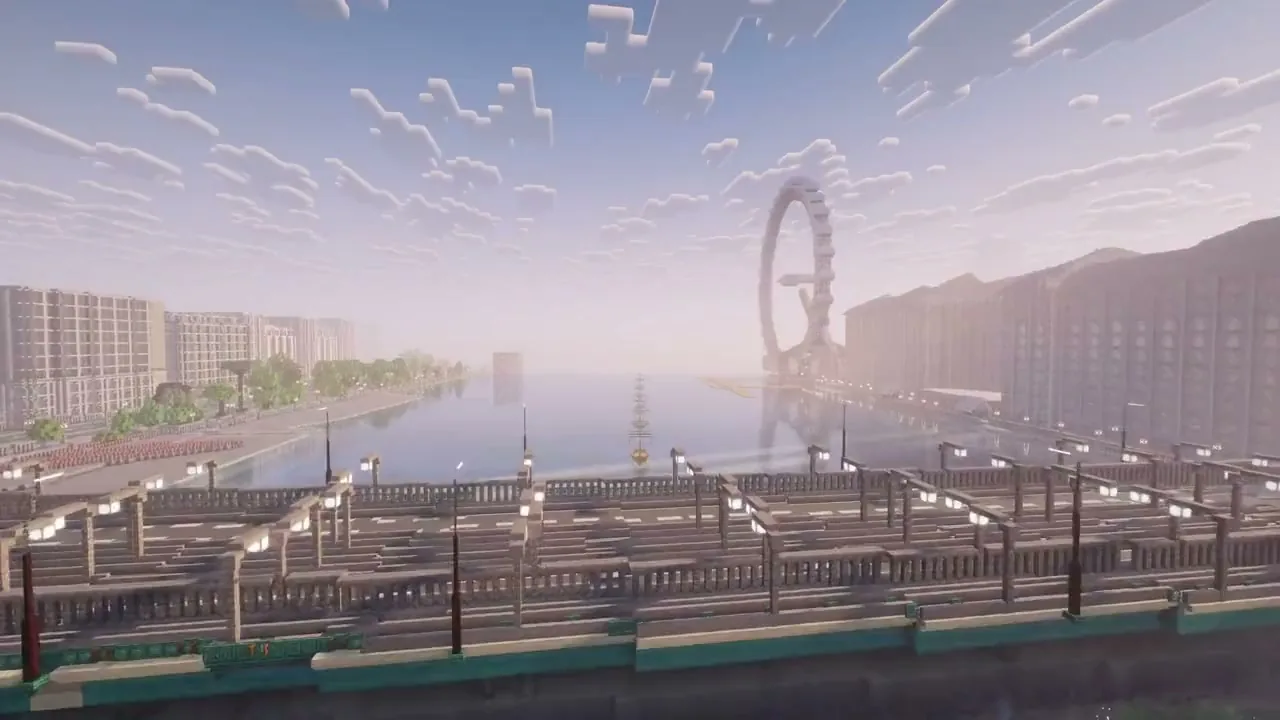
Example footage with shaders · In-game appearance may differ
A real city. A playable Minecraft world.
Search for a named place in our covered map area. We turn roads, buildings and terrain from OpenStreetMap into a playable Minecraft Java world and set it up on your server.
Available regions: Europe, the US states of New York and New Jersey, and Kantō in Japan including Tokyo. Your entire selected cutout must be inside the coverage area.
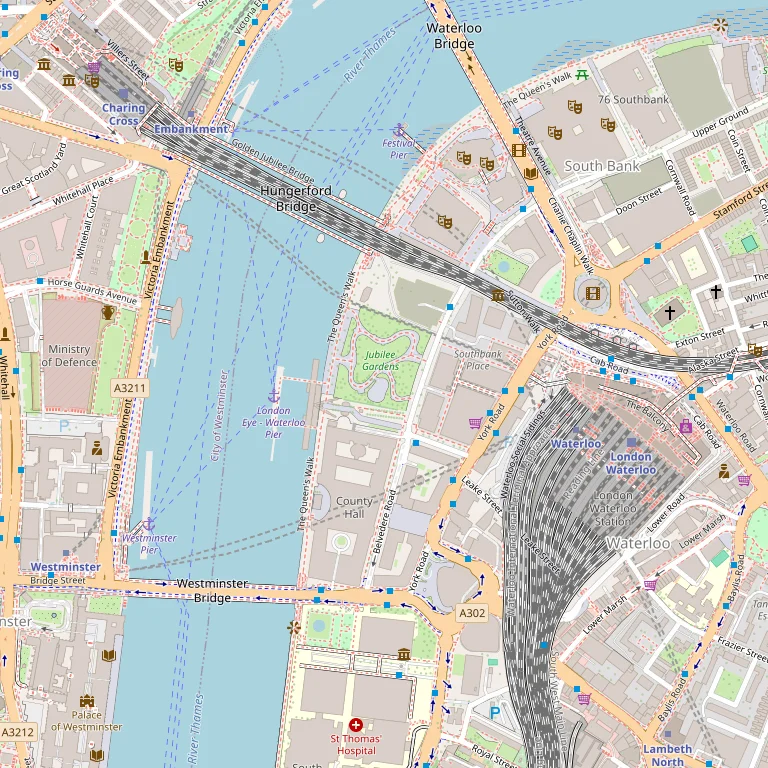
Find a city, district, village or notable place in our place index.
Check the map preview and choose your area and options, up to 5 GB of unpacked world data.
We build, import and activate the world automatically while generation runs in the background.
1 · 4 · 16 · 67 km²
GeoWorld is included up to 5 GB of unpacked world data. Up to 3 successful generations per server in a rolling 24-hour window. Failed or cancelled runs do not count.
Try Paris, London, Berlin, Barcelona, Bremen, New York or Tokyo. Your entire cutout must be inside the covered map area.
Map data © OpenStreetMap contributors, ODbL 1.0, openstreetmap.org/copyright — generated with Arnis, Apache-2.0
No. The city world is included with every Minecraft Java server at no extra cost; you only pay for your server plan. The limit is 5 GB of unpacked world data on every plan.
You can search named cities, towns, districts, villages and other places in our OpenStreetMap index. Bedrock worlds and places outside the coverage area are not supported yet.
The time needed depends on your chosen area, the map data, your options and the current load. Larger city worlds take more time. Once the world is ready, it is transferred to your server automatically. You need enough free storage for this.
On a new order, the selected city world replaces the default starting world. On an existing server, you can choose whether the imported world should be activated immediately.
Open the Minecraft Java configurator, expand “Starting world: real city” and search for your place.
Choose a city world