A Garry's Mod server with TTT needs three clean building blocks: the terrortown gamemode, suitable TTT maps including Workshop content, and a clear admin structure. At game-serverhosting, you control these points through the panel, configuration, and console, while keeping technical control over files, startup parameters, and moderation.
Requirements
You need a Garry's Mod server, access to the game-serverhosting panel, the server.cfg, server console or RCON, and a Steam account for Workshop collections. Garry's Mod uses Steam Workshop; you can find the official Workshop overview for App ID 4000 at documentation on steamcommunity.com. For automatic Workshop downloads, you also need a public collection and, depending on your setup, a Steam Web API Key from documentation on steamcommunity.com.
Garry's Mod is a sandbox based on the Source engine. TTT, Trouble in Terrorist Town, is a social deduction game mode: Innocents and Detectives have to identify Traitors before they take control of the round. This only works reliably when the server gamemode, maps, addons, and client downloads match.
Order a Server and Open the Basic Configuration
Choose Garry's Mod as the game in the order wizard. TTT is a common mode, but the same server can later also be used for Sandbox, DarkRP, or Deathrun by changing the gamemode flag in the startup configuration. After ordering, check in the dashboard whether the server has started and whether you have access to startup variables, the file manager, and the console.
You set the most important Source server variables, including sv_cheats, sv_gravity, voice chat, and sbox_ limits for props, ragdolls, vehicles, or NPCs, in the panel under Game Settings → Server Variables. game-serverhosting writes these values to the server.cfg and creates a backup in the process. This is especially helpful if you want to change configurations repeatedly without editing the file manually every time.
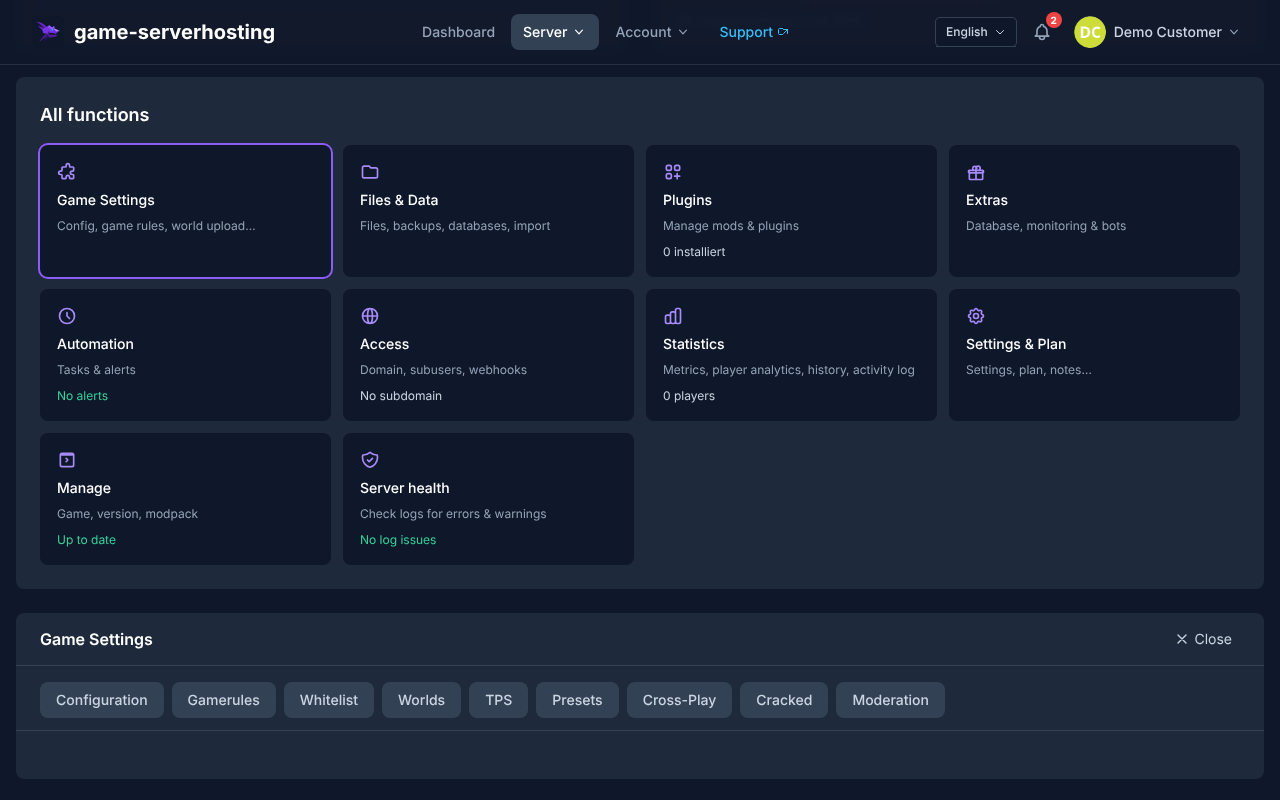
Set Up TTT Mode
Set the Gamemode to TTT
Open the startup configuration in the panel and set the parameter:
GAMEMODE=terrortown
Alternatively, add this to server.cfg:
gamemode terrortown
Then restart the server. Only the restart ensures that Garry's Mod loads the new game mode on startup.
Adjust the TTT Configuration
You control TTT settings through ConVars in the server.cfg. Adopt existing values deliberately and only change what fits your player group:
# Number of Traitors (share of total players)
ttt_traitor_pct 0.25
# Minimum Traitors per round
ttt_traitor_max 32

# Round time in seconds
ttt_roundtime_seconds 300
# Preparation time
ttt_preptime_seconds 30

# Karma system (friendly-fire penalty)
ttt_karma 1
ttt_karma_starting 1000
ttt_karma_min 500

# Map rotation
mapcyclefile mapcycle.txt
After changes, check the server console for unknown ConVars or loading errors. If you use TTT addons, additional variables may be added; document such changes directly in your internal admin note or in comments near the affected config lines.
Set Up TTT Maps
TTT works best with maps that were built for this mode and usually start with ttt_. Create a mapcycle.txt in the garrysmod/ directory:
ttt_minecraft_b5
ttt_67thway_v8
ttt_rooftops_2016
ttt_dolls_v2
The maps must actually be present on the server. The cleanest way to manage them is through a Workshop collection, so the server and players load the same base content.
Set Up a Workshop Collection
Create a Collection
- Go to documentation on steamcommunity.com
- Click “My Workshop Items” → “Create Collection”
- Add the desired maps, weapons, and content packs
- Publish the collection publicly
Enter the Collection ID in the Panel
In the panel under Startup, enter the Workshop data:
WORKSHOP_ID=123456789
WORKSHOP_AUTH_KEY=YourSteamWebAPIKey
The collection ID is in the URL of your Steam collection. The server loads the included items on startup. If downloads are missing, first check whether the collection is public, whether the ID was copied correctly, and whether the API key was entered without extra spaces.
Use ULX as an Admin Tool
ULX is a widely used admin framework for Garry's Mod. It works with ULib and provides commands for moderation, permissions, and server management.
Install ULX
- Subscribe to ULX in the official Steam Workshop and ULib on the Steam Workshop
- Add both to the Workshop collection or upload them manually to
garrysmod/addons/ - Restart the server and check the console for ULX/ULib loading errors
Assign Admin Permissions
You set permissions in the server console or via RCON:
ulx adduser "PlayerName" superadmin
ulx adduser "ModeratorName" admin
Important ULX Commands
| Command | Function |
|---|---|
ulx ban <name> <minutes> <reason> |
Ban a player |
ulx kick <name> <reason> |
Kick a player |
ulx slay <name> |
Kill a player |
ulx tp <name> |
Teleport to a player |
ulx noclip <name> |
Enable noclip |
ulx menu |
Open the admin menu (F4 / console) |
Useful TTT Addons
Use addons sparingly and test them one by one. Too many unchecked Workshop items make troubleshooting harder and lengthen client downloads.
| Addon | Function |
|---|---|
TTT2 |
Extended TTT framework with new classes and features |
Randomats |
Random round events for more variety |
TTT Weapon Placer |
Place weapons on maps without code |
Custom Items |
Add your own Traitor/Detective items |
If you run other co-op or survival servers alongside Garry's Mod, the internal guides on renting and setting up a Valheim server and renting and setting up a V Rising server help you compare panel, mod, and server logic.
Check the Result
Restart the server and then check four points: no gamemode error should appear in the console, the first map from mapcycle.txt must be loadable, Workshop items must be detected on startup, and ulx menu should work for authorized admins. Then connect as a player, wait for the preparation phase, and check whether a TTT round starts with role assignment.
Troubleshooting
Purple Textures or Missing Content
Missing textures are often caused by missing Valve game data or map dependencies. Add a suitable content pack such as CS:S Weapons and Props to the Workshop collection and test again. Make sure you do not violate rights to third-party content.
Players Cannot See Addon Items
Check whether the addon is included in the public collection and whether the server loads the collection on startup. You can also set this in the server.cfg:
sv_allowupload 1
sv_allowdownload 1
TTT Round Does Not Start
TTT requires at least two players; for meaningful rounds, more players are more practical. Check ttt_minimum_players, the current gamemode, and whether the loaded map supports TTT.
Checks, Limits, and a Safe Way Back
The guide “Set Up a Garry's Mod Server and Enable TTT Mode” applies to the server type described in the article and the version status visible at the time of checking. Menu names, available versions, mod or plugin compatibility, and required resources may differ after updates. Therefore, do not transfer values to another game, loader, or server version without checking them first.
Before changing the world, savegame, configuration, or extensions, create a backup of the affected files. Then change only one related step at a time and test it with the same client and server version you want to play with later.
| Checkpoint | Expected Result | Abort and Rollback |
|---|---|---|
| Server startup | The server reaches the ready-to-run state without any new error message. | If startup errors occur, revert the change and restore the latest backup. |
| Connection test | A test account can connect using the address shown in the panel. | If version or connection errors occur, compare the version, port, and firewall rules again. |
| Function test | The specifically changed function works without damaging existing world or game data. | If side effects occur, stop the server and restore the backed-up files. |
A successful individual test is not a guarantee of performance or availability. World size, mods, plugins, player count, network path, and simultaneous load can change the result. Document the version, change, and test result so you can trace later deviations.
FAQ
Does the Workshop Collection Have to Be Public?
Yes, for a straightforward server start, it should be public. Private or incorrectly linked collections often cause maps and addons not to load.
Do I Need CS:S for a GMod Server?
Many maps and addons expect CS:S models or textures. If players see purple textures, content is usually missing. A suitable Workshop content pack can fix the problem.
How Many Players Make Sense for TTT?
Technically, TTT starts with only a few players, but social deduction works better with a larger group. Check your Traitor ratio and round time to match the active player count.
Can I Run Multiple Game Modes at the Same Time?
No, a GMod server runs with one gamemode at a time. You can switch the mode and restart, or use separate server slots for different modes.
Where Do I Find the Steam Web API Key?
You create the key through the official Steam page documentation on steamcommunity.com. Enter it only in the panel or protected configuration areas and do not publish it.