The most reliable way to install Satisfactory mods is with the Satisfactory Mod Manager, then transfer the same mod state to your dedicated server. What matters is not just the installation itself, but synchronization: the server and all clients must use the same mods in compatible versions, otherwise joining often fails right away.
Requirements
Before you start, you should have a working local Satisfactory installation, access to your server file manager or SFTP, and a maintenance window for the server restart. Also plan a backup of your savegames before testing larger mod sets. Saves can become dependent on installed mods, especially with production chains, power mods, or new items.
ficsit.app is the primary source for mod management. The platform is the central place for Satisfactory mods, the Satisfactory Mod Manager, and the SML mod loader. Use the respective mod page there to check notes about dependencies, supported game versions, and known limitations.
If you only want to set up client mods for your own game, the guide Installing Satisfactory Client Mods – Setting Up the Satisfactory Mod Manager is a good addition. For other games with similar mod synchronization, you can find the workshop flow in Installing Project Zomboid Mods or server-side mod management in the guide Installing Factorio Mods on the Server.
Installing the Satisfactory Mod Manager
The Satisfactory Mod Manager, or SMM for short, is the practical standard way to install mods locally and manage the SML mod loader at the same time.
- Download the Satisfactory Mod Manager
- Install SMM and select the Satisfactory installation path
- Search for and install mods through the SMM interface
- SMM automatically manages dependencies and SML (Mod Loader)
Open SMM after installation and check whether your Satisfactory installation was detected correctly. If you use multiple installations or platforms, make sure you select the path you will also use later to join the server.
Selecting Mods and Testing Locally
Install mods locally first and test them in a separate world or with a copy of your save. This reduces the risk of a mod conflict directly affecting your production server.
Popular Mods
| Mod | Description |
|---|---|
| Smart! | Smart building with advanced tools |
| FICSIT Augmentation | Many QoL improvements |
| Refined Power | New energy sources and power plants |
| Item Dispenser | Distribute items automatically |
| Pak Utility | Performance improvements for large factories |
Treat the table as guidance. Before installing, always check the current mod page on ficsit.app, because compatibility and maintenance status depend on the individual mod project. Especially after larger game updates, mods may temporarily fail to load or require new versions.
Installing Mods on the Server
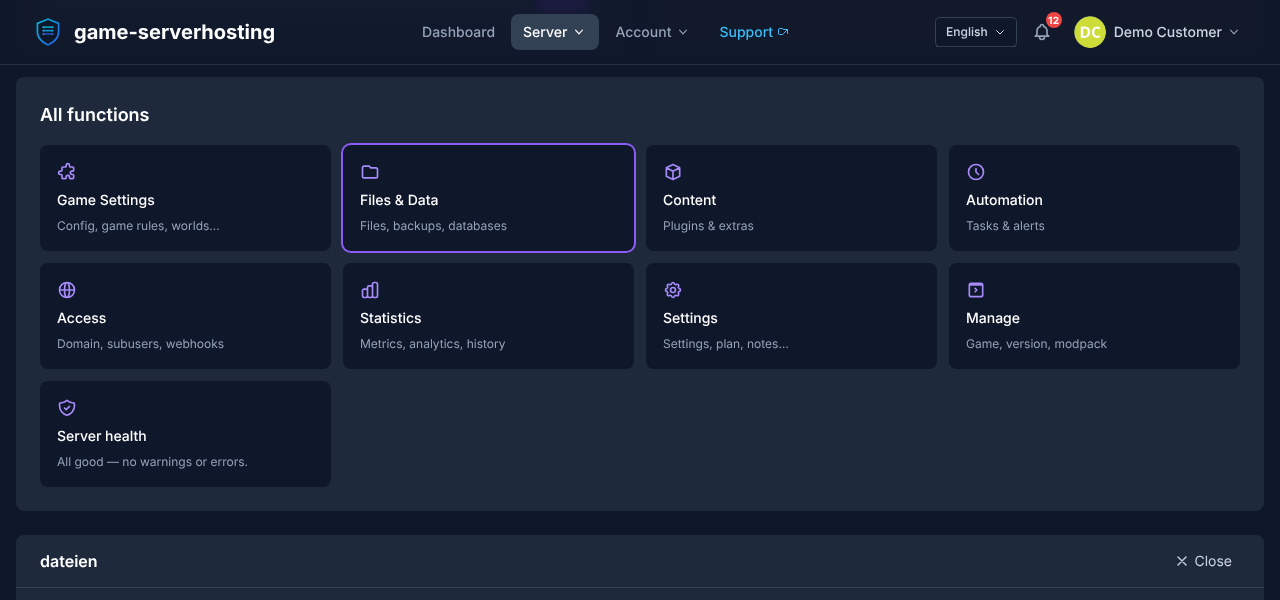
Here is how to bring mods to your dedicated server:
- Install mods locally with SMM
- Copy the
Modsfolder from your Satisfactory installation:...\FactoryGame\Mods\ - Upload it to the corresponding folder on the server via SFTP or the panel file manager
- Restart the server — all players must have the same mods installed
If your hosting panel offers a file manager, you can upload the folder there. With many files, SFTP is often more stable and easier to keep track of. Do not blindly overwrite folders if you are unsure: compare the existing structure first and only remove old mod versions intentionally, so no duplicate or outdated files remain in the Mods directory.
Checking the Result
After the upload, restart the server and connect with a client that has the same mod state. Then check three things: the server starts without mod loader errors, your client can join, and the installed mods are actually active in the game. If joining fails, it is almost always due to a version mismatch, a missing dependency, or an incompatible mod.
For teams, a short mod list with version numbers is useful, for example in Discord, a wiki, or a text file in the project. That way all players know what they need to install before joining the server.
Mod Compatibility and Updates
- SML (Satisfactory Mod Loader) is installed automatically by SMM
- All players in the session must have exactly the same mods in the same version
- After every Satisfactory update, you should check all mods for new versions
When Satisfactory gets an update, mods can become incompatible. Afterward, open SMM first and check whether mods are marked as incompatible or updateable. For critical servers, it is better to wait until the most important mods have been updated instead of starting a production save directly with an uncertain mod state.
Updating Mods After Game Updates
- Open SMM — incompatible mods are marked
- Wait until the mod developer publishes an update
- Update mods and upload the mod folder to the server again
- Restart the server and synchronize with all players
Avoid mixed states: when you update locally, the server must get the same state. Conversely, players should not join with newer or older mod versions.
Troubleshooting
| Problem | Solution |
|---|---|
| Server does not allow a connection | Check whether the mod versions on the client and server match |
| Crash while loading | Remove mods one by one until the crash stops |
| Mod missing after update | Check SMM for a new version and upload the mods again |
| SML not found | Restart SMM — SML will be installed again automatically |
If the server does not start after an upload, first check the most recently added mods. Remove them one by one or in small groups for testing, and restart the server after every change. This helps you find out faster whether a specific mod, a dependency, or a combination of several mods is causing the problem.
Verification, Limits, and a Safe Rollback
The guide “Installing Satisfactory Mods – SMM Guide” applies to the server type described in the article and the version state visible at the time of verification. Menu names, available versions, mod or plugin compatibility, and required resources may differ after updates. So do not transfer any values to another game, loader, or server version without checking them first.
Create a backup of the affected files before making changes to the world, savegame, configuration, or extensions. Then change only one related step at a time and test it with the same client and server version you want to play with later.
| Checkpoint | Expected Result | Abort and Rollback |
|---|---|---|
| Server start | The server reaches the ready-to-run state without a new error message. | If startup errors occur, revert the change and restore the latest backup. |
| Connection test | A test account can connect using the address shown in the panel. | If version or connection errors occur, compare the version, port, and firewall rules again. |
| Function test | The specific changed function works without damaging existing world or game data. | If side effects occur, stop the server and restore the backed-up files. |
A successful individual test is not a guarantee of performance or availability. World size, mods, plugins, player count, network route, and simultaneous load can change the result. Document the version, change, and test result so you can trace later deviations.
FAQ
Do all players need the same Satisfactory mods?
Yes. For a modded server, all players should have the same mods installed in the same version. Even small version differences can cause joining to fail or content to be missing.
Can I install mods directly only on the server?
That is not enough for most setups. You install the mods locally with SMM, copy the Mods folder to the server, and make sure all clients use the same state.
What do I do after a Satisfactory update?
Open SMM, check for incompatible or updateable mods, and wait for suitable mod updates for important worlds. After that, upload the updated Mods folder to the server again and restart it.
Where can I find Satisfactory mods?
The central source is ficsit.app. There you will find mods, the Satisfactory Mod Manager, and notes about dependencies or compatibility.
Should I create a backup before installing mods?
Yes. Create a backup of your savegames before adding new mods, major updates, or removing mods. Some mods change production chains or saves in ways that can affect the world if they are removed later.