A Team Fortress 2 server becomes reliable when the basic configuration, GSLT, map rotation, and plugin system work together cleanly. You control the most important values through the game-serverhosting panel or directly through tf/cfg/server.cfg. For community operation, you also need transparent admin permissions, suitable maps, and a quick check after every restart.
Requirements
For the configuration, you need access to your TF2 server in the game-serverhosting panel, the file manager or SFTP access, the server console, and ideally RCON. If you want to use SourceMod, you also need MetaMod:Source and SourceMod from the official download sources.
Valve provides Game Server Login Token management through the documentation at steamcommunity.com. For Team Fortress 2, use the App ID 440 there if you want to enter your own token instead of the automatically set token.
At game-serverhosting, technical control is the focus: you can work conveniently in the panel, but you can still make changes directly to files such as server.cfg, mapcycle.txt, and SourceMod configurations when needed.
Order a Server and Open Access
Select Team Fortress 2 as the game in the order wizard. After provisioning, open the server management, console, and file manager in the panel. You can also find the entry point for the full community server setup in the guide Rent a Team Fortress 2 Server – Community Server Guide.
For other Source or survival servers, file paths and settings differ significantly. If you run multiple games, the separate guides for Rent a CS2 Server: Settings, Plugins & Workshop Maps 2025 and Rent a Valheim Server: Mods, Configuration & Boss Order 2026 help you compare the workflows.
Set the GSLT Cleanly
The Game Server Login Token registers your server with Steam. At game-serverhosting, the token is automatically entered into the startup variable STEAM_ACC for normal operation. Check this value if your server does not appear in lists, players are disconnected immediately, or the console reports token errors.
You can optionally use your own GSLT. Create it under the documentation at steamcommunity.com with App ID 440 and enter it in the panel under the startup variables:
STEAM_ACC=YOUR_GSLT_TOKEN
Use a separate token for each server and restart the server after the change. Do not share the token publicly because it is assigned to your Steam account.
Edit Server Variables in the Panel
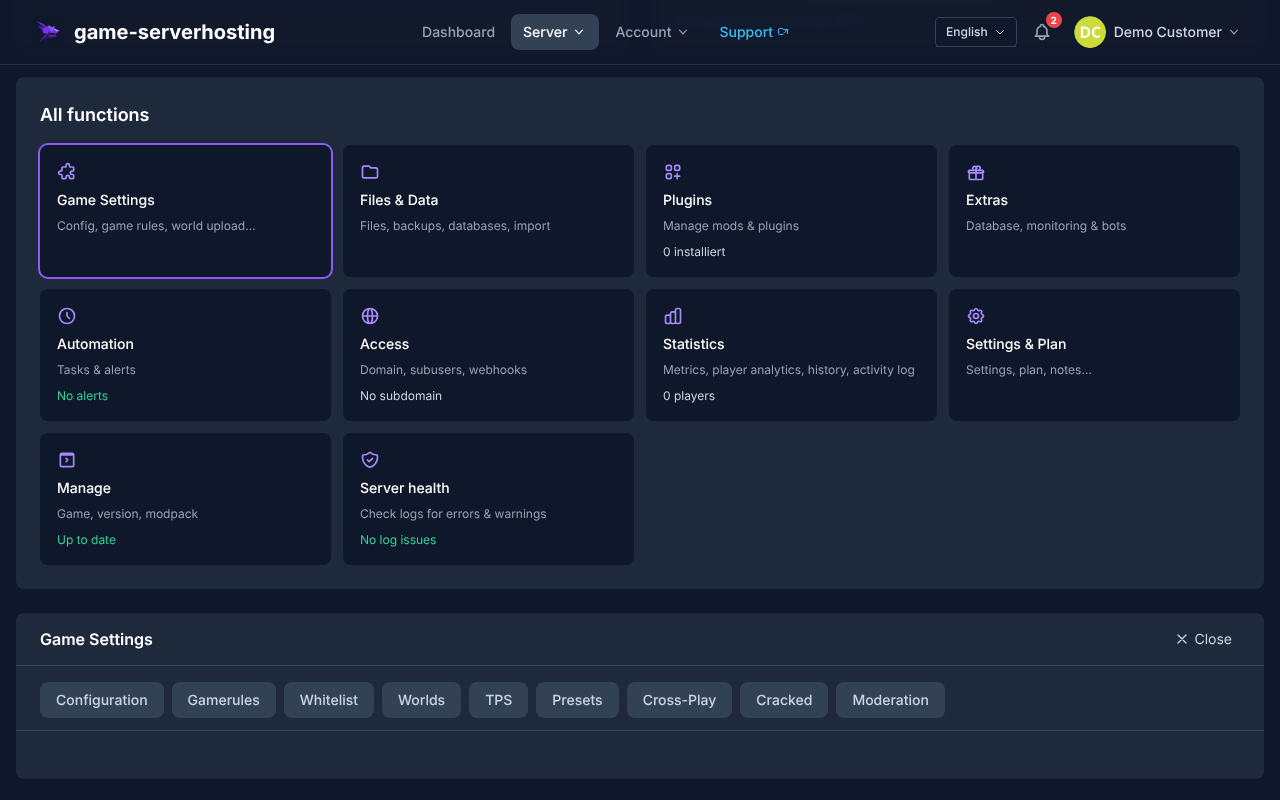
The fastest way to configure TF2 is the guided editor directly in the panel on the server management page. Player cheats (sv_cheats), round limits (mp_timelimit, mp_winlimit, mp_maxrounds), team balance (mp_autoteambalance), and friendly fire are set through labeled fields with help texts. game-serverhosting writes the changes back to tf/cfg/server.cfg. You can find the editor under Game Settings → Server Variables.
Edit server.cfg Manually
If you want to set ConVars that are not shown in the editor, edit tf/cfg/server.cfg directly. Back up the file first or use the backup function in the panel.
// Server name
hostname "My TF2 Server"

// Player maximum
sv_maxplayers 24

// RCON password for remote control
rcon_password "MyRCONPassword"

// Server password (empty = public)
sv_password ""

// Physical region (for latency optimization)
sv_region 3

// Send heartbeat to Steam master server
heartbeat

// Prevent player cheats
sv_cheats 0
sv_pure 1

// Language restrictions (optional)
// sv_voiceenable 1

// Pure server mode (prevents client modifications)
sv_pure_kick_clients 1

// TF2-specific: casual/competitive settings
mp_tournament 0
mp_teams_unbalance_limit 1
mp_autoteambalance 1
Do not expose sensitive values such as rcon_password in screenshots or public support posts. After changes, restart the server or run suitable RCON commands if the respective variable can be changed at runtime.
Set Up Maps and Mapcycle
You control the rotation through tf/cfg/mapcycle.txt. Each line contains a map name without the file extension:
cp_dustbowl
ctf_2fort
koth_harvest_final
pl_badwater
cp_granary
koth_nucleus
ctf_turbine
pl_upward
| Prefix | Game mode |
|---|---|
cp_ |
Control Points |
ctf_ |
Capture the Flag |
koth_ |
King of the Hill |
pl_ |
Payload |
arena_ |
Arena |
mvm_ |
Mann vs. Machine |
You trigger an immediate change via RCON or the panel console:
rcon changelevel koth_harvest_final
rcon mp_nextmap cp_dustbowl
Upload custom maps as .bsp files to tf/maps/. The entry in mapcycle.txt must match the file name exactly. With sv_allowdownload 1, clients can download missing files when joining; for large maps, a properly set up FastDL or Workshop workflow makes more sense than slow direct downloads.
Install and Manage SourceMod
SourceMod extends TF2 servers with admin commands, permission management, and plugins. You can find the official downloads at the documentation at sourcemm.net and documentation at sourcemod.net.
- Download MetaMod:Source.
- Download SourceMod.
- Extract both archives into the
tf/directory so thataddons/metamod/andaddons/sourcemod/exist. - Restart the server.
- Check in the console whether MetaMod and SourceMod load without errors.
You assign admin rights in addons/sourcemod/configs/admins_simple.ini:
"STEAM_0:1:12345678"    "99:z"     // Superadmin (all permissions)
"STEAM_0:0:98765432"    "bdk"      // Moderator (ban, kick)
You can determine your Steam ID from your profile URL, for example through the documentation at steamid.io. Place plugins as .smx files in addons/sourcemod/plugins/.
| Plugin | Function |
|---|---|
TF2 Scramble |
Team scramble after a round for balance |
TF2 RTD |
Roll the Dice — random effects per round |
AFKManager |
Automatically kick AFK players |
SteamFriendsList |
Anti-cheat through friend check |
MapChooser |
Vote-based map rotation |
TFTrue |
Competitive rule sets (whitelist etc.) |
Important ConVars for Operation
You can set these values in server.cfg, via RCON, or through suitable panel fields:
// Respawn time
mp_respawnwavetime 10

// Critical hits
tf_weapon_criticals 1
tf_weapon_criticals_melee 2

// Player count for automatic start
mp_minplayers 6

// Play time per round in minutes
mp_timelimit 30

// Maximum overtime
mp_overtime_enable 1

// Voice chat (0 = disable)
sv_voiceenable 1
Only change a few values at a time and document why you set them. This helps you find out faster later whether a problem comes from a ConVar, a plugin, or a map.
Check the Result
Restart the server and check the console first. No token, map, or plugin errors should appear. Then connect as a player, test a map change, check RCON, open the admin menu, and verify whether the next mapcycle entry is loaded.
For visibility in Steam, a valid GSLT, reachable server ports, a working heartbeat, and unproblematic tags are important. With sv_tags, only use values that actually describe your server, and remove old experiments if the server is not listed.
Troubleshooting
Server Does Not Appear in the List
Check STEAM_ACC, server logs, port reachability, and heartbeat. Then restart the server and wait briefly before searching again.
SourceMod Plugin Does Not Start
First check whether MetaMod:Source was loaded. Then check the file path, plugin version, and the SourceMod logs. Many errors are caused by an incorrect folder structure after extraction.
Map Change Fails
Check whether the map is located in tf/maps/ and whether the name in mapcycle.txt matches exactly. For custom maps, also watch for missing companion files.
Players Are Disconnected Immediately
Common causes are token problems, sv_pure conflicts, or faulty custom files. Read the last log lines after the join attempt and temporarily test with an official map.
Verification, Limits, and a Safe Way Back
The guide “Configure a Team Fortress 2 Server: Maps, Mods & Settings” applies to the server type described in the article and the version status visible at the time of verification. Menu names, available versions, mod or plugin compatibility, and required resources may differ after updates. Therefore, do not transfer any values to another game, loader, or server version without checking them first.
Create a backup of the affected files before making changes to the world, savegame, configuration, or extensions. Then change only one related step at a time and test it with the same client and server version you want to play with later.
| Checkpoint | Expected result | Abort and rollback |
|---|---|---|
| Server start | The server reaches the ready state without any new error message. | If startup errors occur, revert the change and restore the latest backup. |
| Connection test | A test account can connect through the address shown in the panel. | If version or connection errors occur, compare the version, port, and shares again. |
| Functional test | The specifically changed function works without damaging existing world or game data. | If side effects occur, stop the server and restore the backed-up files. |
A successful individual test is not a performance or availability guarantee. World size, mods, plugins, player count, network path, and simultaneous load can change the result. Document the version, change, and test result so you can trace later deviations.
FAQ
Do I need a separate GSLT for each TF2 server?
Yes. Use a separate Game Server Login Token for each server. At game-serverhosting, a token is set automatically for standard operation; you can optionally enter your own token via STEAM_ACC.
Should I use server.cfg or the panel editor?
Use the panel editor for common values such as round limits, cheats, and team balance. Edit server.cfg directly if you need additional ConVars or want to maintain an existing configuration under version control.
How do I prevent unwanted players in private rounds?
Set a server password through sv_password, use a strong RCON password, and only assign admin rights to trusted Steam IDs. For public servers, clear rules and moderation plugins help.
Which maps are good for getting started?
For short, easy-to-understand rounds, koth_harvest_final and ctf_2fort are well suited. Payload maps like pl_badwater work better when your group already plays in a coordinated way.
Can I map competitive rules?
Yes, you set basic values through ConVars. For stricter rule sets, whitelists, and league-style workflows, use suitable SourceMod plugins such as TFTrue and test the configuration separately before matches.