WorldEdit edits selected Minecraft areas and keeps an operation history. Check your selection and block limit before placing, back up important builds and test undo on a small change. Permissions for other players' history and for large build actions should be granted separately. The screenshots come from a test server running Paper 1.21.4 and WorldEdit 7.3.9.
Installation and Permissions
You can find WorldEdit in the panel under Plugins → Browser or in the world protection assistant, which installs it together with WorldGuard and LuckPerms. After the restart, /worldedit version replies with the version number.
WorldEdit commands are powerful. Never give them to the default group. In LuckPerms, grant the build group only the WorldEdit nodes it actually needs and set an operation limit. A general moderator role does not automatically need worldedit.*. How to do this is explained in LuckPerms: Setting Up Permissions.
Selecting an Area
The selection is a cuboid between two corner points. There are three ways to set it:
- Wooden axe:
//wandgives you the wooden axe. Left-click sets point 1, right-click sets point 2. - Your position:
//pos1and//pos2use the block you are standing on. - Coordinates:
//pos1 0,-60,0and//pos2 2,-58,2set the points directly.
The chat confirms each point and, for point 2, states the size of the selection in blocks. //size shows it again, //sel clears the selection.
Adjusting the Selection Afterwards
The selection rarely fits perfectly on the first try. Three commands save you from setting the points again:
//expand 10 up
//expand vert
//contract 5 north
//shift 3 east
//expand enlarges the selection in one direction, //expand vert stretches it across the full world height — exactly what you need if a region is later going to be protected with WorldGuard. //contract shrinks it, //shift moves the entire cuboid without changing its size. Without a direction, all three use the direction you are looking in.
Set, Replace, Undo
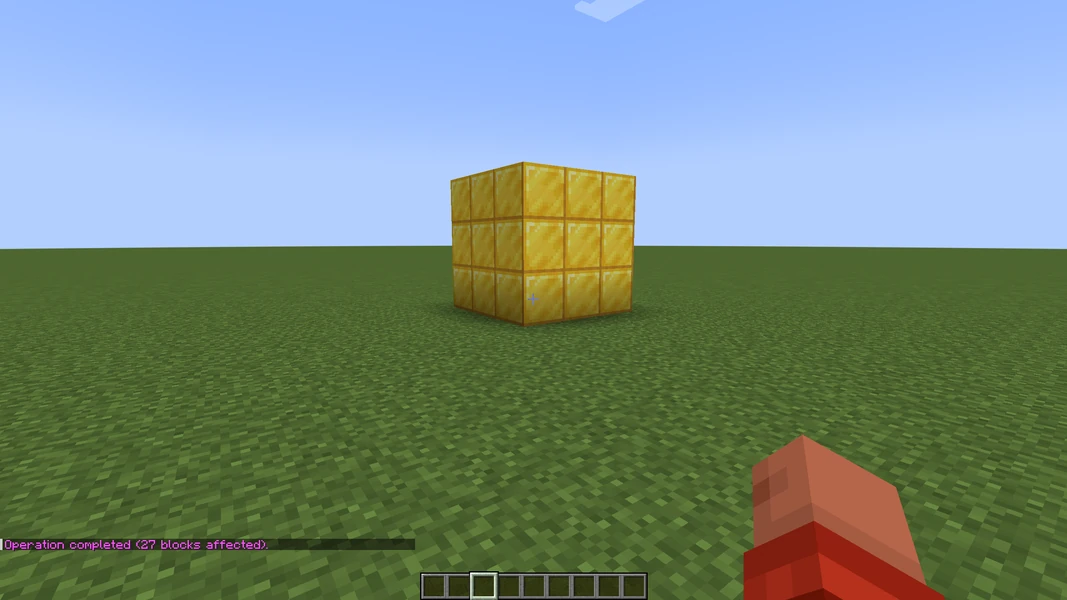
//set gold_block fills the selection with gold blocks. The chat reports how many blocks were changed. In the example below it is 27 blocks, a cube of three by three by three.
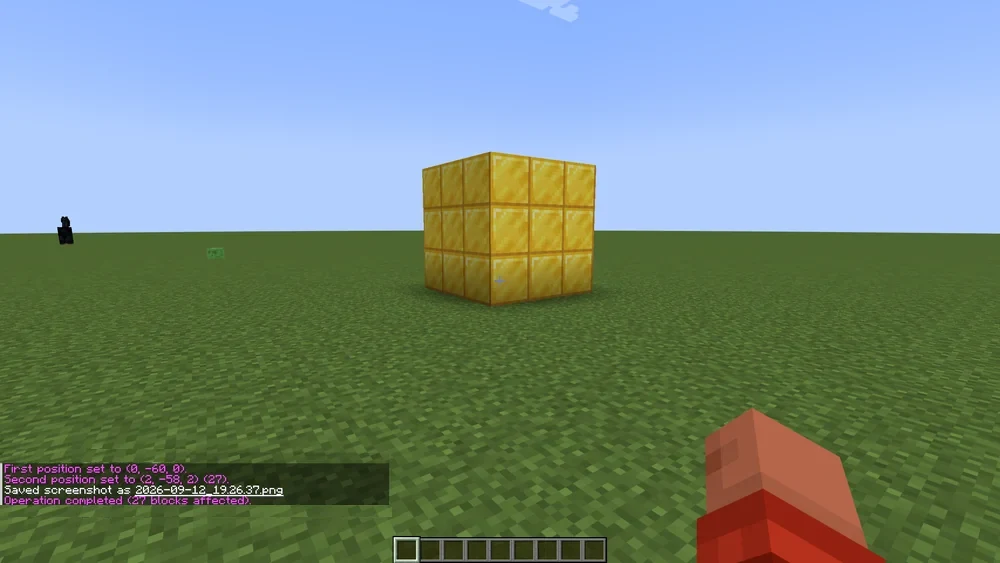
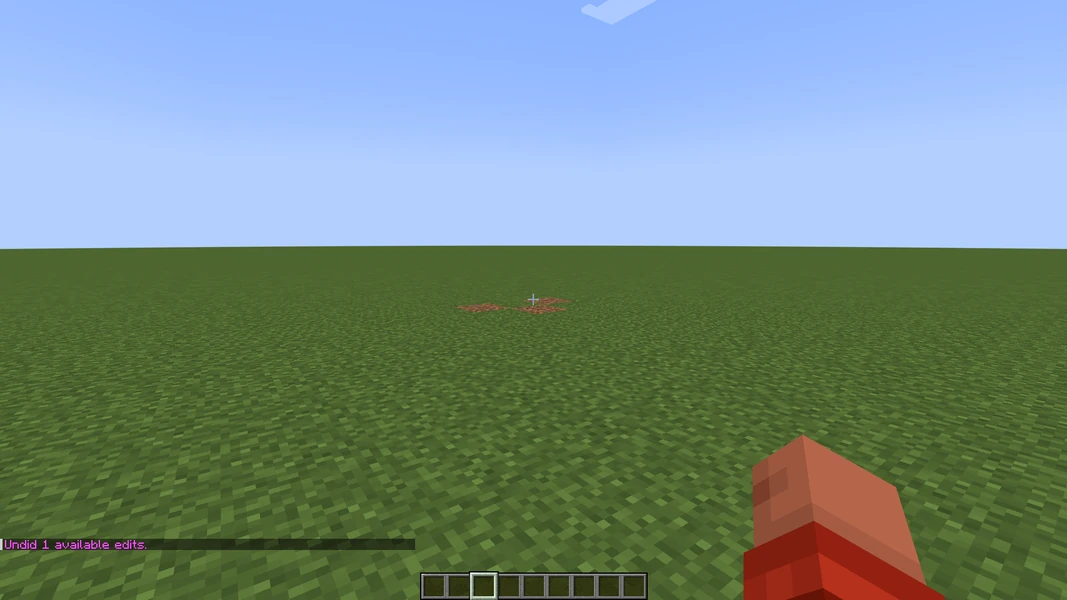
//undo reverts the last step, //redo repeats it. The history depth is set in the configuration (history-size, default 15 steps per player). After a restart the history is empty, so remember: before working on a build that matters to you, make a backup.

More everyday commands:
//replace stone cobblestone
//walls oak_planks
//copy
//paste
//schematic save myhouse
//replace swaps only one block type within the selection, //walls builds only the outer walls. //copy remembers the selection relative to your position; //paste places it again at your current position. //schematic save writes the clipboard to a file under plugins/WorldEdit/schematics/ so you can paste the build on another server.
Large Areas Without Crashing
Very large selections block the server tick while WorldEdit is working. Two rules help:
- Set a limit.
//limit 50000caps the blocks per operation for yourself; a fixed maximum can be defined in the configuration. - Work in stages. A mountain is not removed with a single selection but in slices. Test
//undobetween the steps.
If an operation takes a long time anyway, Paper reports a long tick time in the log. A long tick time is a sign of load. Reduce the operation size and check the result; a watchdog shutdown is not a normal, successful completion.
Common Errors
- "You don't have permission." The player does not have the WorldEdit node. Check with
/lp user Name permission check worldedit.region.set. - Command has no effect. The selection is empty or points to another world.
//sizeshows the state. - Wrong block name. WorldEdit uses the Minecraft IDs, for example
oak_planks, notplanks. Tab completion helps. //undofinds nothing. The history is per player. With the appropriate history permission you can also use//undo <count> <player>, provided that player's history is still available. If it is missing, you need a suitable backup or a log.
FAQ
Why do the commands start with two slashes?
The double // is the prefix for WorldEdit region commands and prevents name collisions with vanilla or plugin commands. Commands that do not need a selection, such as /worldedit version or /schematic list, use a single slash.
Can I undo what another administrator built?
Yes, if their WorldEdit history is still available and you have the appropriate history permission: //undo <count> <player> targets another player's history. Check the player and step count beforehand. For operations that are no longer recorded, you need a backup or a suitable log-based way back.
Is the history still there after a restart?
No, //undo loses its history when the server restarts. By default, WorldEdit keeps 15 steps per player (history-size). Before major changes to important builds, make a backup first.
How many blocks can an operation include?
//limit 50000 sets the upper limit for your own session; a fixed maximum belongs in the configuration. Very large selections block the server tick while WorldEdit is calculating — so split earthworks into slices and check in between with //undo.
Where are saved schematics stored?
//schematic save name writes the clipboard to plugins/WorldEdit/schematics/. Using the file manager in the panel, you download the file and upload it to the same folder on another server; //schematic load name and //paste then place the build there.
Further Guides
You can set up regions where only certain players may build with WorldGuard: Protecting Regions. General plugin installation is described in Installing and Managing Plugins.
Sources
- WorldEdit documentation: https://worldedit.enginehub.org/en/latest/
- Command reference: https://worldedit.enginehub.org/en/latest/commands/
- Selection and history: https://worldedit.enginehub.org/en/latest/usage/regions/selections/
Limiting an Operation Before Running It
Check the world, corner points and the size displayed by //size. Set a limit that fits your plan and work in smaller sections for large areas. After the first step, check whether the expected blocks were changed and whether undo works. The history is not a permanent world backup; its availability depends on the session and configuration. For another player's operation, only use the explicit player name and the desired step count with the appropriate permission. Undoing several steps indiscriminately can otherwise also remove later, correct work.
WorldEdit: view an example
Our own captures from a demonstration environment. The version and setup shown may differ from your server.
"7.3.9+6959-7adf70b"
"7.3.9+6959-7adf70b"