VeinMiner can mine connected blocks of an ore vein together on the server side. First check which plugin or datapack variant is installed and what its block and tool rules are. On a public server, limit the chain length and the trigger so that building work and large veins stay under control. The screenshots come from a test server running Paper 1.21.1 and VeinMiner 2.x: a diamond vein of fifteen blocks, a diamond pickaxe, a single break.
Requirements
You install VeinMiner in the panel under Plugins → Browser. The Modrinth search finds two variants of the same project: the Plugin 2.x as a JAR file for Paper, Purpur and Folia, and the older Datapack 1.x. This guide describes Plugin 2.x; the wizard in the panel detects the installed variant and shows it at the top. After the restart, /veinminer settings maxChain without a value shows the current setting; this is how you verify that the plugin is running.
The management commands belong in a moderation group. Operators may do everything; for everyone else, the nodes veinminer.settings, veinminer.blocks, veinminer.groups and veinminer.toggle control who may change settings, block lists, groups and the server-wide switch. Regular players only need veinminer.use, and only if you enable permissionRestricted. How groups and nodes work is explained in LuckPerms: Setting Up Permissions.
How the Mining Works
Right after installation, this applies: every break with the matching tool triggers the vein. needCorrectTool is set to true, mustSneak to false, and maxChain allows up to 100 blocks per trigger. The search covers all directly adjacent blocks of the same type (searchRadius 1), block by block, until the vein ends or the limit is reached.
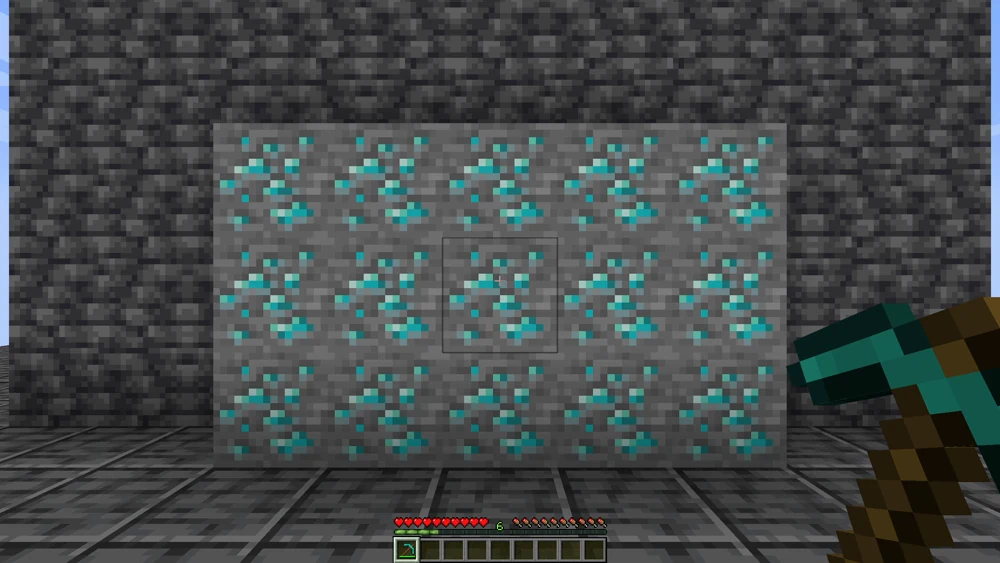
In the example, the vein is exposed as a wall of five by three diamond ore blocks. The player breaks exactly one block in the middle.

All fourteen remaining blocks break at the same moment, and the diamonds and experience orbs fly out of the wall. With tool wear enabled, an almost used-up pickaxe can break in the process. The tested plugin versions 2.9.0 and 2.12.0 register the option as decreaseDurability; some older documentation calls it durabilityDecrease. Use the name from the command completion of your installed version. Enchantments and group or client overrides change the actual wear; therefore, test a small vein first with a tool in a known condition.
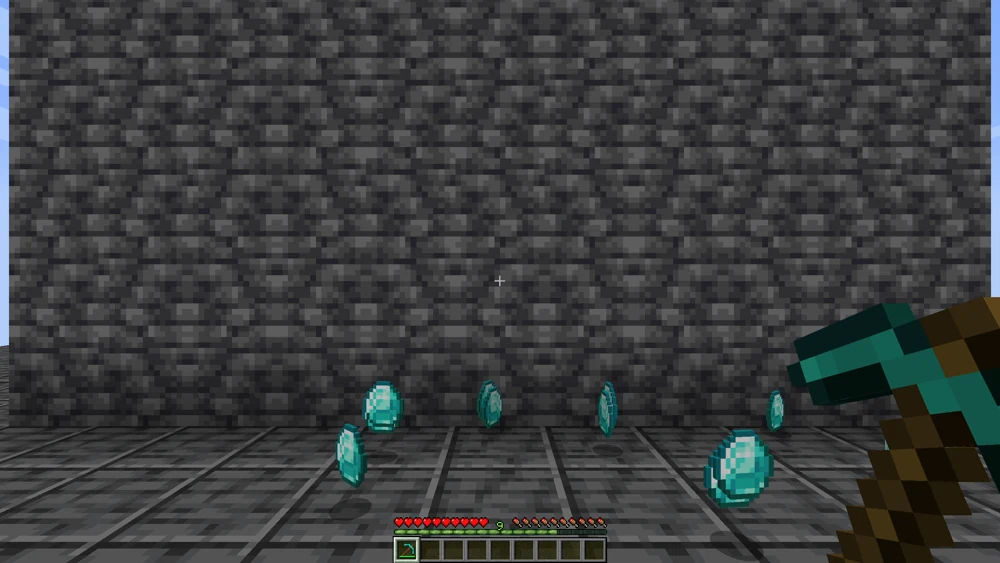
Afterwards, the diamonds lie in front of the player and the wall is empty. With mergeItemDrops true, the items drop as a single stack at the position of the first block, which saves entities when there are many players.
Settings: Wizard or Console
For VeinMiner 2.x, the server panel includes a wizard with two presets that sets the values through the running server console and leaves block and tool groups untouched:
- Balanced (recommended): at most 64 blocks per trigger, 1 tick delay between blocks, 20 ticks cooldown, sneaking required, correct tool required, individual drops.
- Performance (for many players): at most 32 blocks, 2 ticks delay, 40 ticks cooldown, drops merged.
Plan plugin updates deliberately through the plugin management, and back up the world and configuration beforehand. After applying a preset, check the console responses: a sent command does not yet prove an applied setting. A generally effective settings autoUpdate command is not registered in the tested versions. The presets also set permissionRestricted false. If usage should remain restricted to authorized players, set the option back to true after applying the preset and test with two regular accounts, one with and one without veinminer.use. Operator rights bypass this test. In the tested outputs, the global values are defaults: a client override can change them for players with the client addon; an override of the block group takes precedence over that. For the group you are testing, check mustSneak, maxChain, permissionRestricted and decreaseDurability in particular before you evaluate access or mining tests. How to open the wizard is explained in Plugin Wizards in the Panel.
You can also set the same values by hand: in-game with a slash, in the panel console without:
/veinminer settings mustSneak true
/veinminer settings maxChain 64
/veinminer settings cooldown 20
/veinminer settings delay 1
mustSneak is the most important setting on a building server: when it is set to true, the vein only breaks if the player sneaks while mining. If you want to work on a stone wall without half the wall coming along, just work standing upright. cooldown and delay are specified in ticks; 20 ticks equal one second.
Blocks and Groups
Which blocks VeinMiner treats as a vein is defined in groups. Each group links a list of blocks with the tools that are allowed to trigger them. /veinminer blocks shows the blocks that apply to all tools; /veinminer presets offers ready-made groups, such as Logs for wood. Use the selection of your installed version; you can explicitly define an ore group yourself. You create your own group like this:
/veinminer groups create erze diamond_ore
/veinminer groups edit erze add-block deepslate_diamond_ore
/veinminer groups edit erze add-tool diamond_pickaxe
A diamond pickaxe is enabled for this group. Check existing block lists and other groups: if diamond ore is also allowed there, additional tools may remain permitted. Test the intended tools and deliberately wrong tools without OP. Put leaves or wood into a group with the axe, and better not stone at all, otherwise entire walls disappear when you dig tunnels.
Common Mistakes
- More breaks than intended while building. Set
mustSneak trueor remove the block from the group. The wizard's presets already require sneaking. - The server stutters with large veins. Lower
maxChainand raisedelay; the "Performance" preset spreads the mining over more ticks. - The pickaxe is suddenly broken. Check the effective
decreaseDurabilitysetting as well as enchantments and group/client overrides. Check the tool condition before a small test; a fixed amount of wear per block does not apply to every configuration. - The wizard shows "Datapack 1.x". The 2.x presets then do not apply; you configure the datapack in-game as an operator with
/function veinminer:_config. - VeinMiner reports an update in the console. This is the built-in updater. Check the specific plugin version and the offered update path. Plan updates with a backup; a blanket
autoUpdate falseconsole command is not registered in the tested versions. - VeinMiner should be off briefly.
/veinminer toggleturns the plugin off and on again server-wide without losing the settings.
FAQ
Do my players need a mod or a client setting?
No. VeinMiner runs entirely on the server. Anyone who can join normally can use it right away, including players on Geyser with a Bedrock client, because only the mining is evaluated on the server side.
More breaks than I wanted while building. What helps?
/veinminer settings mustSneak true. After that, the vein only triggers if the player sneaks while mining; standing upright, you mine block by block as usual. On building servers this is the most important setting, and the wizard's presets already require it.
Do I have Plugin 2.x or Datapack 1.x?
The wizard in the panel shows the detected variant at the top. Without the panel, /veinminer settings maxChain tells you: if the command responds with a value, Plugin 2.x is running. You configure Datapack 1.x instead as an operator with /function veinminer:_config.
Does the tool wear out faster?
With tool wear enabled, a large vein can destroy an almost used-up tool. The currently tested option is called decreaseDurability; check the name and value in your installed version's output. Enchantments and group or client overrides can change the wear. Test a small vein instead of expecting a fixed number of points per block or trigger.
How do I turn VeinMiner off temporarily?
/veinminer toggle turns it off server-wide and back on again without losing settings, block lists or groups. This is the quickest way if you want to work undisturbed during a building project or an event.
Further Guides
How plugins get into the panel and are updated is shown in Installing and Managing Plugins. Whether a large vein really causes lag is something you measure with spark: Analyzing Lag before you change the settings.
Sources
- Project page on Modrinth: https://modrinth.com/plugin/veinminer
- Source code and instructions: https://github.com/MiraculixxT/Veinminer
- Commands, settings and permissions: https://github.com/MiraculixxT/Veinminer/blob/master/veinminer/README.md
Testing a Block Group on a Harmless Test Vein
In a separate test area, place a small allowed ore vein next to a block that is not allowed. First test the intended tool, then a deliberately wrong tool. Test sneaking, cooldown, durability and the maximum chain length with a regular player role. An OP test does not confirm the default permission. If a wall gets mined along with it while building, check groups and the trigger condition before making a blanket performance change. Document the old setting and revert only this group. Plugin 2.x and Datapack 1.x remain separate configuration paths.
VeinMiner: view an example
Our own captures from a demonstration environment. The version and setup shown may differ from your server.
- One diamond vein, one pickaxe.
- One block is mined. The whole vein follows.
- The drops lie collected in front of you.
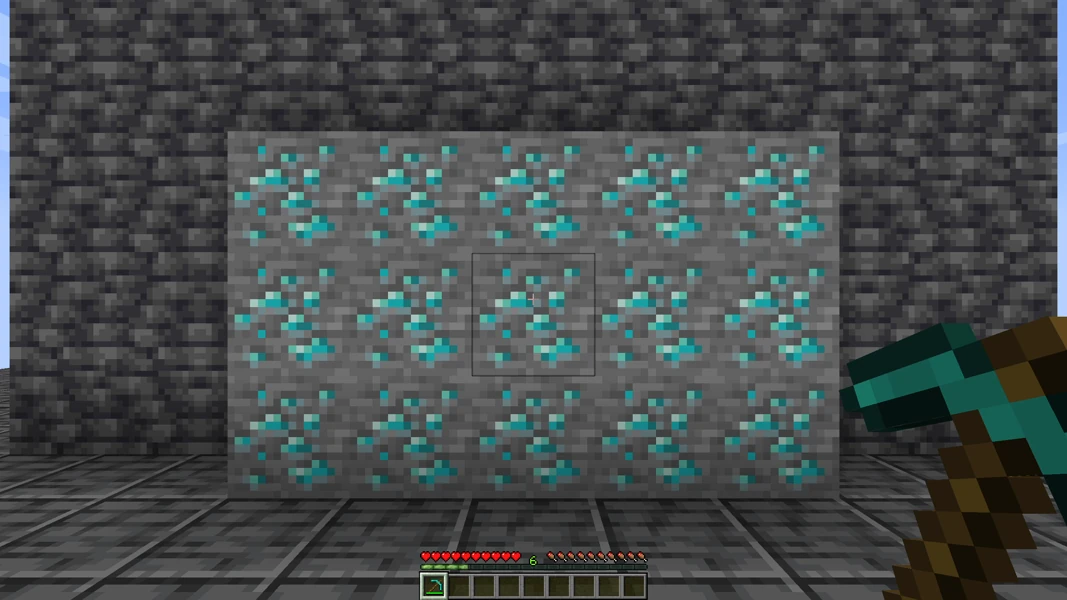
VeinMiner 2.4.4 · Paper 1.21.1 · 2026-09-14

VeinMiner 2.4.4 · Paper 1.21.1 · 2026-09-14
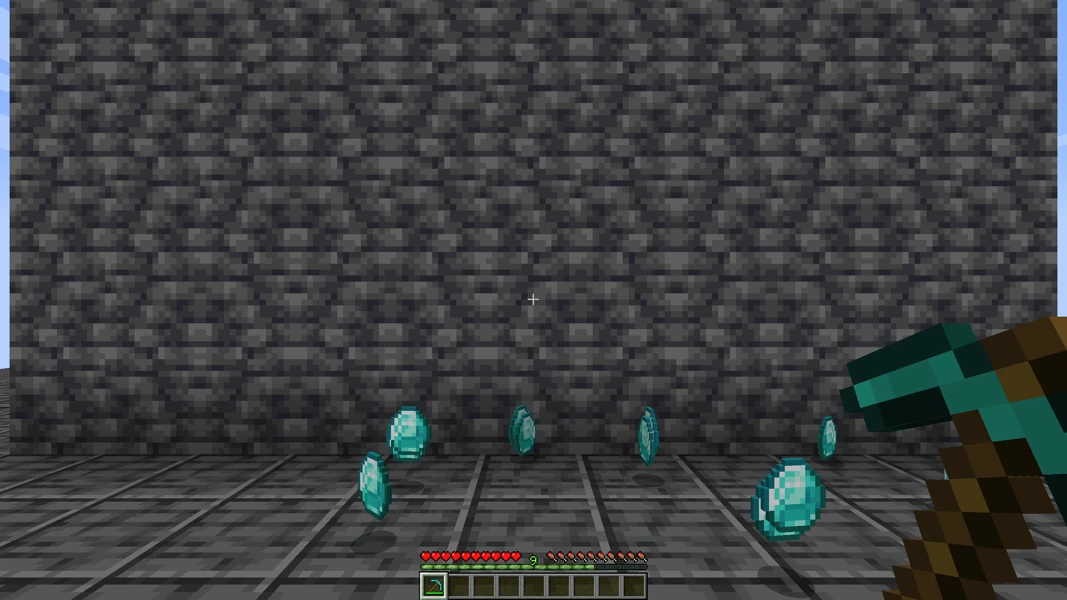
VeinMiner 2.4.4 · Paper 1.21.1 · 2026-09-14