Cobblemon Official and The Pixelmon Modpack offer Pokémon gameplay on different loaders: Fabric on one side, NeoForge on the other. Choose based on game systems, required extra mods and the matching client version. The documented idle values are not a direct load comparison and say nothing about the maximum number of players.
This guide is current as of September 27, 2026. The older idle and Cobblemon bot values come from the checks of September 23–26. New is a real single-player check of Pixelmon on September 27. It confirms joining, natural spawns and permissions without OP; a larger group of players and a direct load comparison of both packs have not been measured yet.
Pixelmon is a fan project and is not affiliated with Nintendo.
The Two Packs at a Glance
| Property | Cobblemon Official | The Pixelmon Modpack |
|---|---|---|
| Version in our catalog | 1.8.1 | 9.4.1 (Modrinth label: Release) |
| Loader | Fabric (Loader 0.19.5) | NeoForge 21.1.248 |
| Minecraft | 1.21.1 | 1.21.1 |
| RAM in our catalog | 6 GB | 6 GB |
| Idle RAM, no players | about 2.0 GB | 1.37 GiB |
| Entries in the pack | 75 | 14, including the Pixelmon mod at around 400 MB |
| Fellow players on mobile or console (Bedrock) | no | no |
| What fellow players need | Cobblemon Official 1.8.1 in the launcher | The Pixelmon Modpack 9.4.1 in the launcher |
Both idle RAM values apply to a server with 6 GB and not a single player. They say nothing about how much memory a group of ten people needs. Still interesting: Pixelmon’s reputation as a “heavy” pack holds true for the download, but at idle our Pixelmon server actually used less RAM than the Cobblemon server.
Loader: Fabric or NeoForge
The loader is the foundation on which all mods of a pack run. It determines which additional mods you can add later.
- Cobblemon Official runs on Fabric in our catalog. If you already know Fabric mods or want to add Fabric mods later, you stay in that world.
- The Pixelmon Modpack runs on NeoForge. According to the official Pixelmon wiki, Pixelmon has required NeoForge instead of Forge since version 9.3.0. According to the wiki, the Arclight hybrid server has not been compatible since Pixelmon 9.2.4.
On our test server, Pixelmon reported version 9.4.1 at startup and ran on NeoForge 21.1.248 with Minecraft 1.21.1 and Java 21. You don’t have to set the Java version yourself; it comes matched to the pack.
Mods from the other world can’t be mixed: a Fabric mod doesn’t run on a NeoForge server and vice versa. If your group already has favorite mods, first check which loader they are available for.
Gameplay Feel and Scope
Both packs revolve around the same thing: finding Pokémon in the world, catching them, building a team and sending them into battles. In comparisons on other sites, Cobblemon is usually described as closer to regular Minecraft and Pixelmon as an extensive role-playing game with many systems of its own. We can back up the second part by looking inside the server.
On first start, Pixelmon creates 26 settings files of its own in config/pixelmon and 9 more for spawning in config/pixelmon/spawning. The file names alone show how much the pack brings, including:
- Battles and breeding (
battle.yml,breeding.yml) - Raids with their own structures (
raids.yml) - computer-controlled characters, so-called NPCs (
npcs.yml) - a trading card game that is part of the pack as its own mod, “Pixelmon TCG” (
tcg.yml) - its own in-game currency, riding and shrines
- its own dimension: on our test server, the folder
world/dimensions/pixelmon/ultra_spacewas created on first start
For a server, that means Pixelmon has more adjustable settings. You can fine-tune spawn rates, legendary spawns, raids and permissions, but you also have to work through more files. The guides Setting Legendary Spawns and Spawn Rates and Ranks and Permissions with LuckPerms show how.
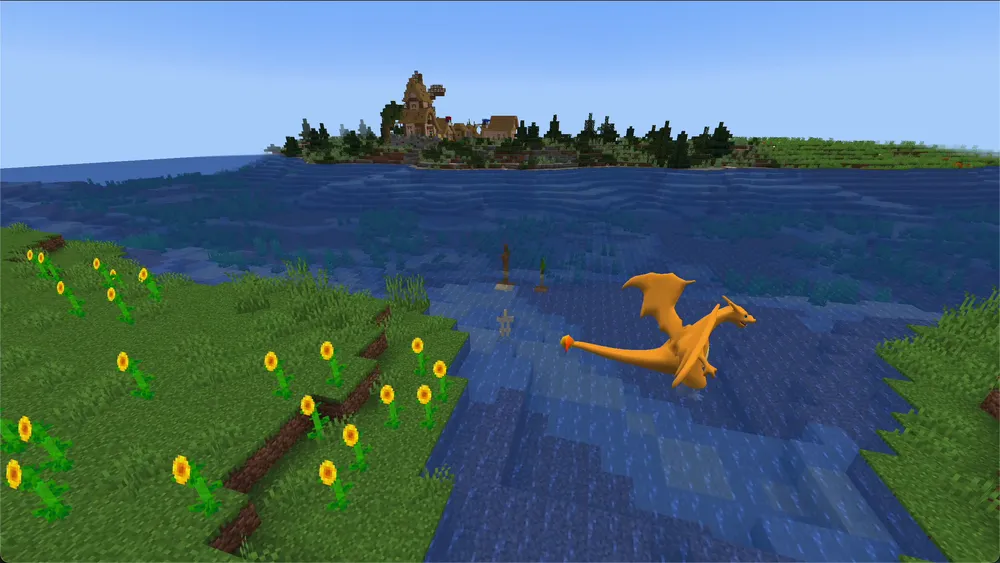
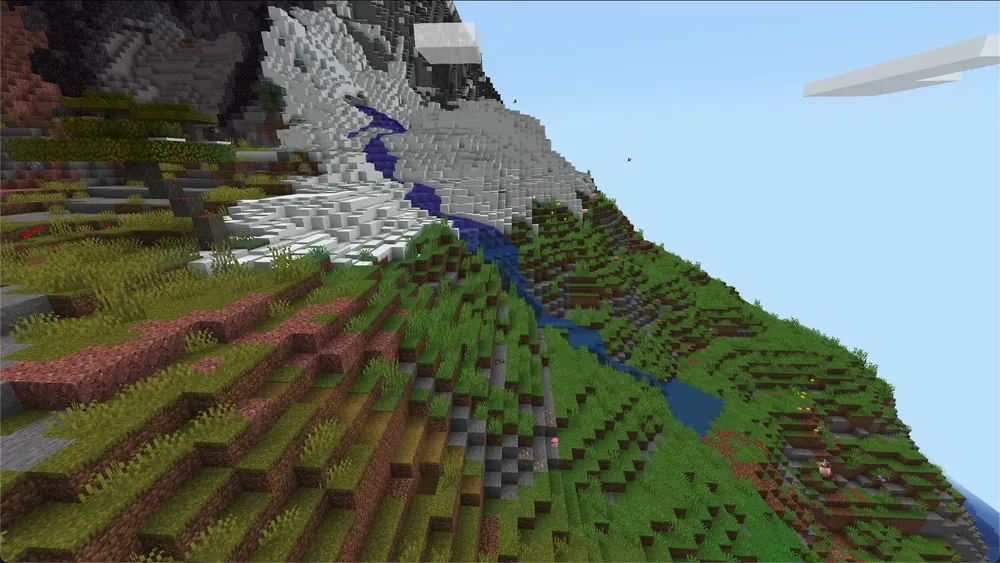
Pixelmon also comes with Terralith for world generation as well as Tectonic, Structory and Incendium for additional landscapes and structures. On our test server, the mods folder held 12 files totaling 424 MB. Most of that is the Pixelmon mod itself.
Version: Release Label and Update Check
The documented catalog state is The Pixelmon Modpack 9.4.1 from September 17, 2026. The official Modrinth project API lists this publication as a Release. Before an update, though, still compare the specific pack version and dependencies; the label alone is not a compatibility guarantee.
We chose 9.4.1 because this version installs cleanly, starts and passes the connection check on our side. Format, requirements or mod features can change even between releases. Create a backup before every update, see Creating a Minecraft Server Backup.
Cobblemon Official is at version 1.8.1 in our catalog.
What Do Your Fellow Players Need?
For both packs, the same applies: every player needs the modpack on their own PC, in the same version as the server. The easiest way is through a launcher such as the Modrinth app.
For Pixelmon, the wiki is clear here: anyone using a different Pixelmon version than the server gets a “Mod Rejection” error message when joining and can’t get onto the server. For players, Pixelmon is also the bigger download: the Pixelmon mod alone is around 400 MB, and the launcher additionally downloads a music resource pack of around 143 MB.
Players on mobile or console can’t join either server. Both packs require Minecraft Java Edition with the mods installed on every device. How to join step by step is explained in Joining a Minecraft Modpack Server.
RAM: What We Recommend and What We Measured
We offer both packs with 6 GB RAM. That is our catalog value, not a load measurement. The official Pixelmon wiki states “at least 4 GB, more is better” for a server. Other providers list values between 5 and 8 GB for Pixelmon.
With us, a server with 6 GB costs €6,89 per month — the same tier as at checkout, the value updates automatically here.
| Provider | RAM | Price per month | As of |
|---|---|---|---|
| game-serverhosting | 6 GB | €6,89 | current order price |
| Apex Hosting | 6 GB | US$22,49 | 27/09/2026 |
| Shockbyte | 6 GB | US$23,99 | 27/09/2026 |
Regular monthly prices without promotional discounts; competitor prices in their original currency, not converted. An entry only appears with a source and drops out after 45 days without a fresh check.
The following older measurements are a historical baseline; they are not a load comparison with the new single-player check:
- Pixelmon: 1.37 GiB of memory in use, 20 ticks per second according to
neoforge tps, no players. - Cobblemon: about 2.0 GB, no players.
New on September 27: Pixelmon with a real player. The Pixelmon Modpack 9.4.1, Minecraft 1.21.1, NeoForge 21.1.248 and LuckPerms 5.4.150 ran on our 6 GB offering with 150% CPU. During a ten-minute test segment with movement and respawn in a village area, the server container used 3.22–3.23 GiB; the per-minute TPS queries showed 20 TPS. The client saw naturally spawned Pokémon, chose its starter and opened the PC without OP. The Java heap was limited to 6 GiB; the container had 7.2 GiB including operating reserve. Measurements and method as JSON.
This is a short single-player pilot in an existing area, not proof for 5 or 10 players, long journeys with new chunk generation, or raids. The CPU setting and LuckPerms differ from the older idle values; no ranking such as “lighter than Cobblemon” under load can be derived from this. You can increase your server’s RAM later.
How Long Does Startup Take?
On our test server, Pixelmon took around 56 seconds from process start to the console line Done (…) on first start, and 60 to 68 seconds on later restarts. The longer time belonged to the restart in which LuckPerms was additionally loaded. We did not measure the startup time for Cobblemon under the same conditions and therefore make no comparison.
Which Pack Fits Your Group?
There is no “better”, only “more fitting”. These questions help with the decision:
- Do you already use Fabric mods or want to stay close to regular Minecraft? Then Cobblemon Official is the obvious start.
- Do you want a big package with raids, characters, trading cards, its own dimension and many settings? Then The Pixelmon Modpack fits.
- Do your fellow players have slow internet or little storage space? Expect the larger download with Pixelmon.
- Do you want published releases? Modrinth lists Pixelmon 9.4.1 and Cobblemon Official 1.8.1 as a release. Still check the compatibility of your extra mods and back up before version changes.
You can order both packs from us. We are not aware of any way to carry a save with caught Pokémon from one pack to the other. Plan a switch as a new save.
If you already have a Pixelmon world from an older Minecraft version, read Carrying a Pixelmon World Over to 1.21.1 first. You’ll find an overview of more packs in the guide The Best Minecraft Modpacks for Your Own Server.
FAQ
Which pack needs less RAM? The old idle values alone don’t answer that for a group of players. The new Pixelmon pilot with a real player came in at 3.22–3.23 GiB of container RAM and 20 TPS in per-minute queries. The conditions don’t amount to a direct comparison with Cobblemon; a measurement for Pixelmon with 5 or 10 players is still missing. We recommend 6 GB for both.
Is Pixelmon 9.4.1 a beta or a release? The official Modrinth project API lists 9.4.1 from September 17, 2026 as a release. The older 9.4.0 is marked as a beta. Our documented test confirms installation, startup and joining for the described setup; still back up before updates and check extra mods.
Can friends on mobile or console play along? No, with neither of the two packs. Both require Minecraft Java Edition with the mods installed.
Does every player have to install the modpack? Yes, in exactly the server’s version. For Pixelmon, according to the wiki, the server rejects a different version with “Mod Rejection”.
Can I add Fabric mods to Pixelmon? No. Pixelmon runs on NeoForge, where only NeoForge mods run.
Can I manage Pixelmon permissions with LuckPerms? Yes. On our test server, LuckPerms ran together with Pixelmon 9.4.1. The instructions are in the guide Ranks and Permissions with LuckPerms.
Sources and Test Setup
Addition from September 27: a real Java client without OP, natural spawns, PC unlock and lock, and a ten-minute test segment with movement and respawn; container RAM every 15 seconds and TPS from the console every minute. Measurements and limitations are listed above. The following details document the older checks:
Test setup: The Pixelmon values come from our own test server on September 24 and 25, 2026 (6 GB RAM, Java 21, NeoForge 21.1.248), the Cobblemon values from the check of our catalog entry on September 23, 2026. Both servers ran without players and were deleted afterwards. In detail:
- Catalog: Cobblemon Official 1.8.1 (Fabric Loader 0.19.5) and The Pixelmon Modpack 9.4.1 (NeoForge 21.1.248), both Minecraft 1.21.1 and 6 GB, as of September 25, 2026.
- Pixelmon test server: startup time from the server log, idle RAM from the container, TPS via
neoforge tps, mod folder and settings files read from the server. - Version status: The Pixelmon Modpack on Modrinth, checked on October 7, 2026 against the official project API: 9.4.1 is a release, 9.4.0 a beta. The Cobblemon Official API lists 1.8.1 from September 13, 2026 as a release.
- Official Pixelmon wiki: Server installation (NeoForge since 9.3.0, Arclight, at least 4 GB, same version for players), read on September 24, 2026.
- Other providers: RAM figures on the Pixelmon pages of Nodecraft and berrybyte, read on September 25, 2026.
- Price comparison: regular monthly prices for 6 GB according to the pricing pages of Apex Hosting and Shockbyte, read on September 25, 2026, without promotional discounts. Nitrado offers no 6 GB tier for Minecraft and is therefore missing from the comparison.
- Not measured: Pixelmon with 5 or 10 players, longer journeys and new chunk generation, raids, Cobblemon’s startup time under the same conditions, and gameplay feel in a direct comparison.
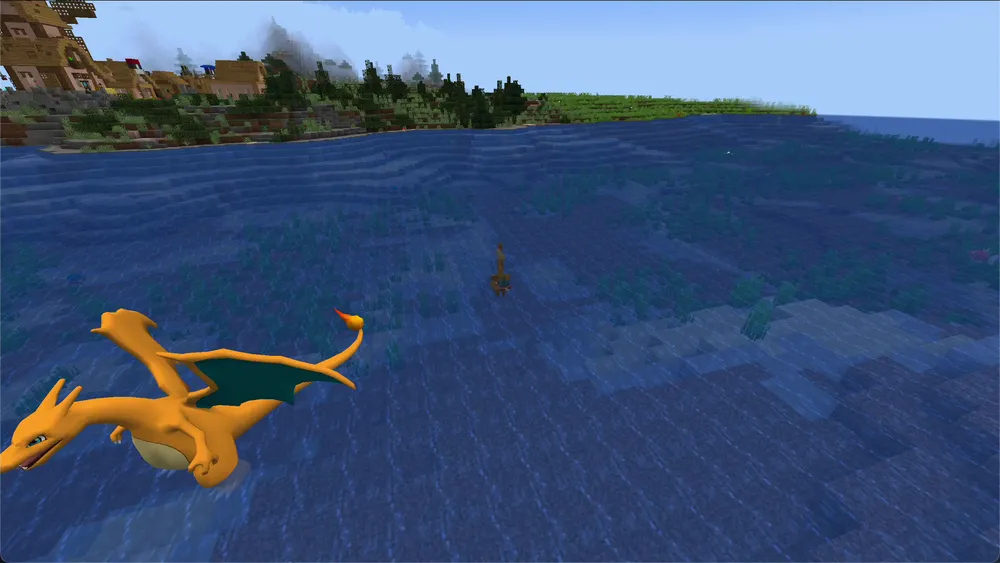
- Images: our own screenshots from The Pixelmon Modpack without shaders. The Pokémon was placed by command for the screenshots.
Making the Choice Based on a Shared Play Session
First try starter selection, catching, battling and your desired world design with your group. Note the client download, extra mods and the specific pack version as you go. A smaller idle RAM result does not automatically decide which pack needs fewer resources with several active players. For existing worlds, the migration question comes on top: switching between Cobblemon and Pixelmon does not simply carry over teams and game systems by swapping the pack. Therefore keep your existing save and run the comparison separately. A later release label likewise doesn’t replace a check of your mods and permissions.