A SkyFactory 4 server needs the matching 4.2.4 pack and its Topography world preset. On your first join, check for the intended tree in the void. If you see normal terrain, first clarify the active world and generator; an existing played world is not deleted for this.
Status of this guide: September 24, 2026. The pack data comes from our catalog and the server pack. The times, RAM and settings come from our own test server from the same day and from our nightly test runs. The images come from our own world in the Minecraft client, which we created with the world type “Sky Factory 4”, not from the server.
What is SkyFactory 4, and is a dedicated server worth it for you?
SkyFactory 4 is a skyblock modpack. You start on a single tree with nothing beneath you. From wood, leaves and saplings, you gradually build everything else: first tools and a small platform, later resource trees and machines, and in the end large automated facilities. If you like the classic skyblock cycle of scarcity and automation, this is for you.
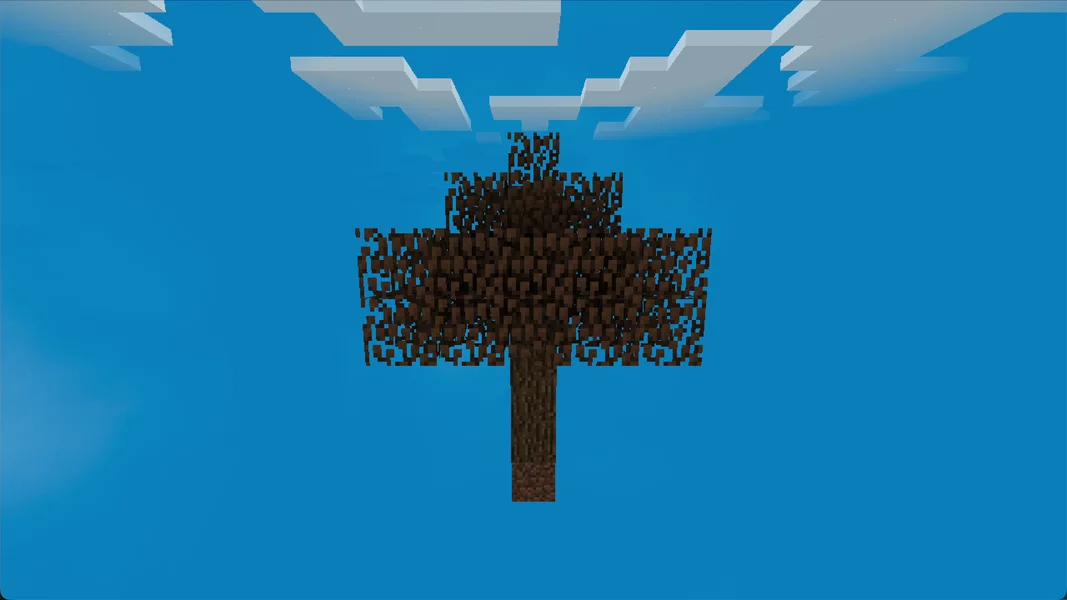
You need your own server if several of you build on the same island and the world should keep running even when the host is offline. This matters especially with SkyFactory 4, because many facilities only work while the world is loaded. For a short solo game, a singleplayer world is enough.
These mods define the pack. All of them are included in the server pack we install:
| Area | Mod in the pack (version) |
|---|---|
| Starting world | Topography 1.14.2 (generates the world with the tree in the void) |
| Falling into the void | Forgiving Void 1.1.0 |
| Trees and resources | Bonsai Trees 1.1.4, Sky Bonsais 1.0.1, Sky Orchards 0.0.12, Tree Growing Simulator 2017 |
| Technology | Mekanism 9.8.3, Applied Energistics 2 (rv6-stable-7), Thermal Foundation 2.6.7.1, Industrial Foregoing 1.12.13, NuclearCraft 2.18u |
| Magic and farming | Astral Sorcery 1.10.27, Mystical Agriculture 1.7.5, ProjectE 1.4.1 |
| Tools | Tinkers' Construct 2.13.0 |
| More dimensions | Twilight Forest 3.11.1021, Compact Machines 3.0.18 |
| New run | Prestige 1.1.58 (off on new worlds, see below) |
| Overview | JEI 4.15.0, JourneyMap 5.7.1 |
Which version, which loader, which Java version?
| Property | Value |
|---|---|
| Pack version | SkyFactory 4.2.4 |
| Minecraft | 1.12.2 |
| Loader | Forge 14.23.5.2860 |
| Java on the server | Java 8 (OpenJDK 1.8.0_312) |
| Mods on the server | 202 |
| RAM with us | 6 GB |
Why 1.12.2? SkyFactory 4 is a pack for Minecraft 1.12.2, and version 4.2.4 is the one the server pack on CurseForge delivers. You don't have to set the matching Java version yourself: the server automatically gets Java 8 for this pack.
How much RAM does SkyFactory 4 need? Our measurement
We offer SkyFactory 4 with 6 GB RAM. Our test server from September 24, 2026 had exactly this allocation (Java heap 6,144 MB) and showed the following values:
| Measurement | Value |
|---|---|
| Idle RAM, 5 minutes after a restart | 3,192 MiB (about 3.1 GiB), CPU 0.6% |
| Peak RAM during a restart | 3,191 MiB |
| Peak RAM on the first start | 3,155 MiB |
| Disk space after the first start | 370 MB |
This is the server without players and without facilities. With SkyFactory 4, the load grows with what you build: every machine, every farm and every permanently loaded area computes on every tick. That's what the gap between roughly 3 GB and 6 GB is for. We haven't measured how much RAM a fully built-out island with several players needs. That's why we don't promise a player count.
With 6 GB, all our automated nightly runs passed, most recently on August 27, September 14 and September 24, 2026. You can see the memory in the panel's resource display. If it rises significantly over weeks, first check which facilities run permanently before you increase RAM.
Ordering the server and the first start
- Open the SkyFactory 4 page and click “Configure Server Now”.
- In the configurator, the game, loader and the tested package are preselected, and RAM is set to 6 GB. You see the price there before you pay.
- After the order, the system creates the server and installs the pack. You don't have to upload anything; the server pack comes directly from CurseForge.
- Wait until the console shows the line
Done (…)! For help, type "help". On our test server, that was 4 minutes and 16 seconds after creation. In our last three nightly runs with 6 GB, the whole test from creation to a successful join took 8 to 12 minutes. - A later restart on the test server took about 2 minutes (113 and 121 seconds) from the container start to
Done. The number in parentheses afterDoneis shorter because Minecraft only measures the world loading there.
Don't be alarmed at the first look at the console: On the first start, our test server wrote 470 lines with ERROR and over 2,200 lines with WARN to the log. Most are recipe errors from BiblioCraft, Applied Energistics 2 and KleeSlabs, as well as signature messages like snad: No fingerprint found!. Also [Mystcraft]: No Symbol match for identifier mystcraft:terrainamplified and a message from ogdragon about a world type list show up. The server still ran normally. Messages like these are part of the startup for SkyFactory 4 and are no reason for a reinstall.
How does the world with the tree in the void come about?
Unlike many skyblock packs, SkyFactory 4 has no dedicated world type in level-type. The world is generated by the mod Topography. It reads its preset from the server.properties:
| Setting | Value in the pack | Effect |
|---|---|---|
level-type |
DEFAULT |
stays the normal Minecraft value |
generator-settings |
{"Topography-Preset":"Sky Factory 4"} |
Topography builds the world according to the “Sky Factory 4” preset |
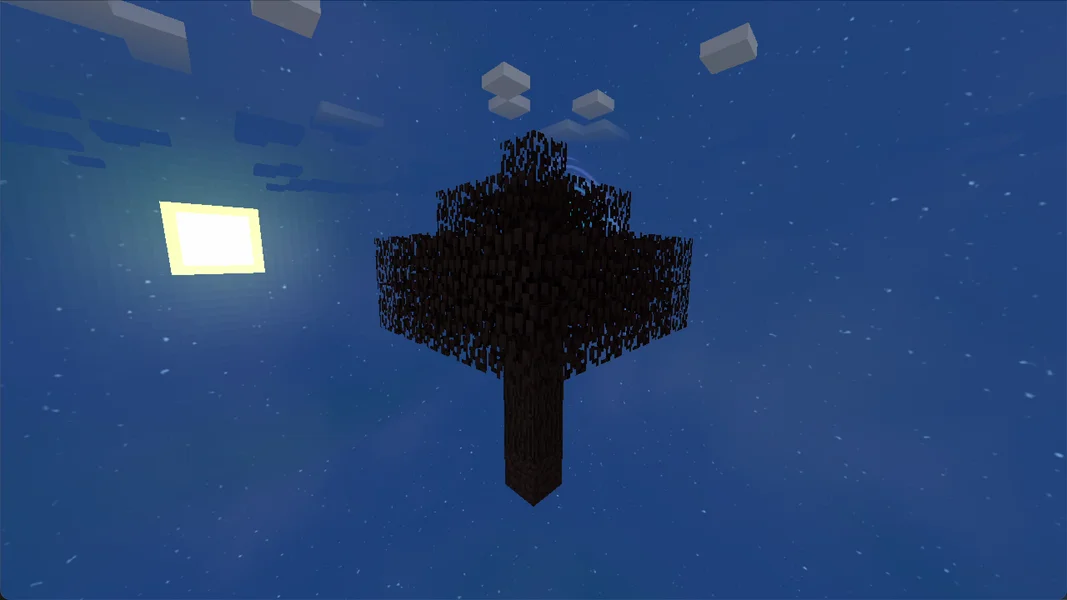
The preset is in the file config/topography/Topography.txt. It is described there as “Classic Sky Factory world type starting on a tree in the void”: the overworld begins with a tree on dirt in the void, the Nether consists of its own cell, and the normal Nether portal is disabled. In the console, you can tell that Topography has read the preset by lines like Settings: Sky Factory 4.
The same file contains further presets: “SkyFactory Tutorial”, “Cave Dimension” and “Sky Crash Factory Landing”. Which one applies is decided by the name in generator-settings. Like all world generation settings, the value only takes effect when a new world is created. We haven't tested switching the preset on the server.
Not starting on the tree?
This is exactly where we ran into a problem on our test server on September 24, 2026. The world world was created there on the very first start of the Minecraft base server, before the pack was installed. When Topography ran for the first time afterwards, it found an already generated, normal world. The result was normal terrain instead of a tree in the void.
We changed this order for new orders (as of September 25, 2026): the world that the base server creates in advance is deleted before the pack is installed. If you order after this change, Topography generates the world itself on the pack's first start. We verified this on September 25, 2026 on a new test server: the world was only created after the pack started, world/level.dat contained the “Sky Factory 4” preset, and of 1,314 chunks around spawn, 1,313 were empty. Only the chunk with the starting tree contained blocks. Servers ordered earlier may still have the old, normal world. You can check whether your server is affected yourself in a minute.
How to check the starting world:
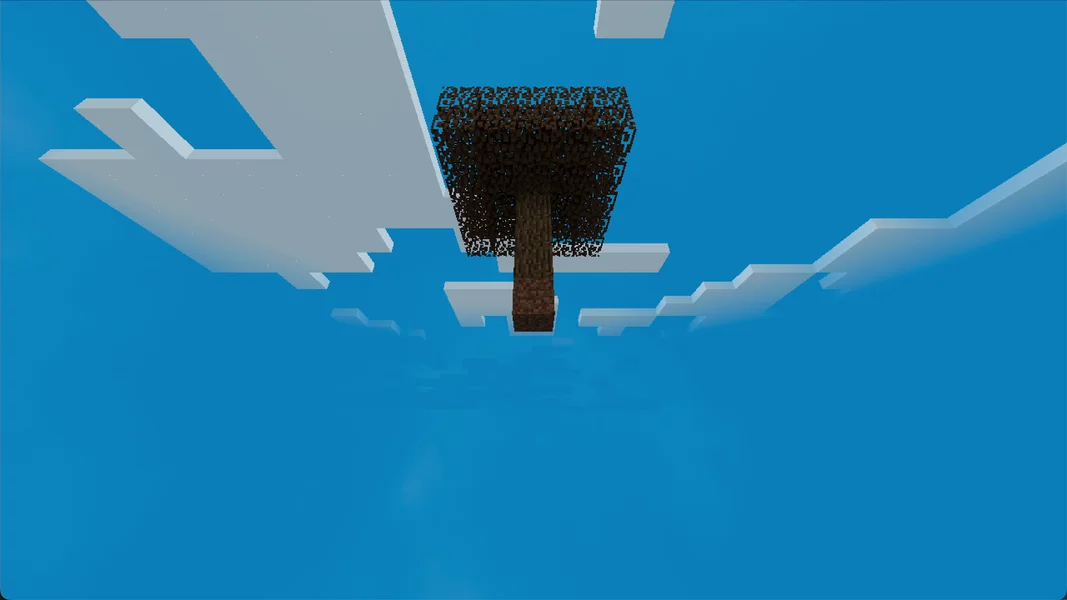
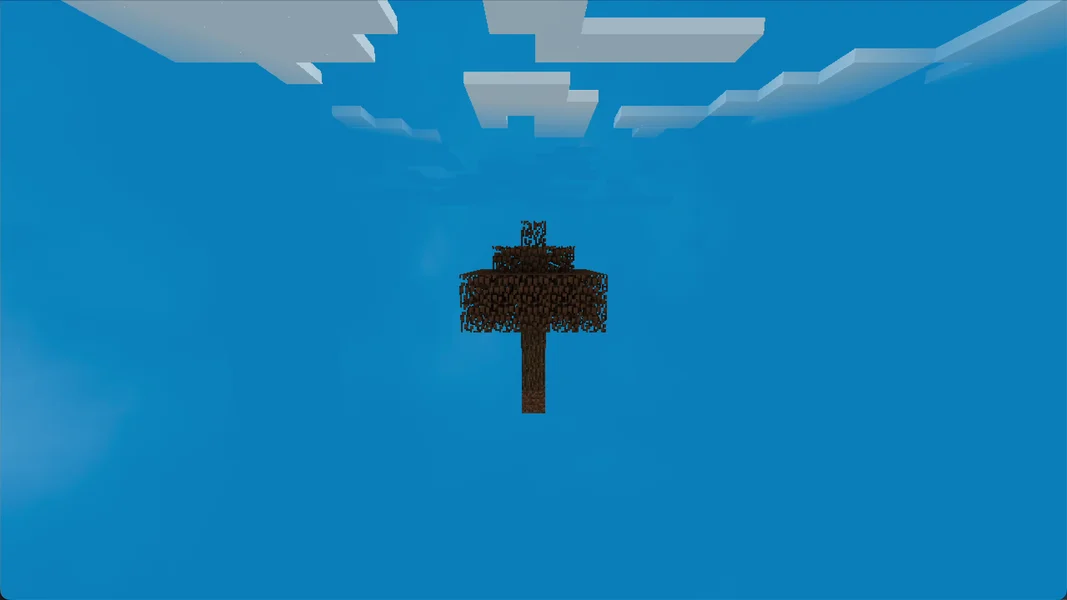
- Join the server right after the first start. The correct result: you are standing on a single tree, with only sky all around and beneath you.
- The wrong result: you are standing on grass, sand or stone, with completely normal terrain all around. In our incorrectly generated test world, the spawn was at Y 64 on normal ground.
- If you look into the file
world/level.datwith an NBT editor: in our incorrect test world,generatorNamewas set todefaultandgeneratorOptionswas empty.
How to regenerate the world. This only makes sense on a fresh server where nobody has built anything yet, because the world folder contains the entire save.
- Stop the server in the panel.
- Create a backup. How to do that is described in the guide Create a Minecraft Server Backup.
- In the file manager, check that
level-type=DEFAULTandgenerator-settings={"Topography-Preset":"Sky Factory 4"}are still in theserver.properties. - Keep the backed-up folder and rename
world, for example toworld-vor-skyfactory-test. This assumes that this really is the wrong, still unplayed world. - Start the server. Topography now generates the world according to the “Sky Factory 4” preset.
- Join again and check whether you are standing on the tree.
If that doesn't work, the backup from step 2 remains your way back.
Which settings does SkyFactory 4 come with?
For SkyFactory 4, the server.properties comes from the pack. You can recognize it by the message of the day SkyFactory 4: Server - v4.2.4. Besides the world generation values, these are important:
| Setting | Value in the pack | Meaning |
|---|---|---|
difficulty |
1 |
easy difficulty |
allow-flight |
true |
Flying is allowed, so the server doesn't kick anyone for “flying” |
max-tick-time |
60000 |
The watchdog only shuts the server down when a single tick hangs for longer than 60 seconds |
The mod settings under config/ contain two values that strongly shape the gameplay feel:
| File | Setting | Value in the pack | Effect |
|---|---|---|---|
config/forgivingvoid.cfg |
fallingHeight |
300 |
Anyone who falls into the void lands back at the top of the world. |
config/forgivingvoid.cfg |
damageOnFall |
19 |
You take 19 damage on landing. |
config/forgivingvoid.cfg |
preventDeath |
false |
Death is not prevented. With low health, you still die. |
config/prestige.cfg |
Prestige Enabled Default |
false |
Prestige mode is off on new worlds. |
config/prestige.cfg |
NewWorldMode |
false |
belongs to the Prestige setting |
About Prestige mode: According to the description in config/prestige.cfg, some mods, for example Ore Excavation, are locked behind Prestige. Because the mode is off on new worlds in this server pack, you decide whether you use it. Change values like these only with the server stopped and after a backup. The values are in simple text files and take effect after the next restart.
Common problems and their causes
| Problem | Cause | Solution |
|---|---|---|
| You start on normal terrain instead of on the tree | The world was created before Topography was active (on servers from before the change) | Section “Not starting on the tree?”, only on a fresh server |
| You are dead after falling into the void | preventDeath=false, 19 damage on landing |
With low health, don't go near the edge, or deliberately change the value |
| Joining fails with a message about missing or wrong mods | A fellow player has a different SkyFactory version | Install exactly SkyFactory 4.2.4, see the next section |
| The normal Nether portal doesn't open | The preset disables it | Intended; the Nether is its own cell in SkyFactory 4 |
Many ERROR and WARN lines in the log |
Normal startup messages of the pack | Do nothing as long as Done appears and players can join |
| A changed preset has no effect | The world already exists | generator-settings only takes effect when a new world is generated |
Connecting fellow players
Every fellow player needs SkyFactory 4.2.4 on their own PC. The easiest way is via the CurseForge app: search for SkyFactory 4, select version 4.2.4, install and launch. The launcher brings the Java for Minecraft 1.12.2 with it. In the game, they enter the server address from your panel under “Multiplayer”. If the versions don't match, the server rejects the join. The detailed guide covering all launchers is in Joining a Minecraft Modpack Server.
Bedrock players, meaning console and mobile, cannot join a SkyFactory 4 server. The pack requires the Java Edition with the installed mods on every device.
FAQ
Can I play SkyFactory 4 on a newer Minecraft version? No. SkyFactory 4 runs on Minecraft 1.12.2. The server sets the matching version automatically.
Is Prestige mode active?
No, not on new worlds. The server pack's config/prestige.cfg contains Prestige Enabled Default=false.
Can I choose a different starting world?
The file config/topography/Topography.txt contains further presets such as “SkyFactory Tutorial” or “Cave Dimension”. However, the name in generator-settings only takes effect when a new world is generated. We haven't tested switching.
Is 6 GB enough for my group? Without players, our test server used about 3 GB. We haven't measured how much is added with large facilities. Watch the RAM display in the panel as your island grows.
How long does a restart take?
On our test server, about 2 minutes from the start to Done.
Why are there so many errors in the log?
The pack consists of 202 mods, and many report recipe or signature errors at startup. What matters is that Done appears at the end.
Sources and test status
Test status: All measurements come from our own test server on September 24, 2026 and from our automated nightly runs; the pack data from our catalog and the server pack. In detail:
- Pack: SkyFactory 4 on CurseForge, version 4.2.4, server pack file 3565687 from CurseForge, Forge 14.23.5.2860, 202 mods (catalog status September 24, 2026).
- Test server: September 24, 2026, 6 GB RAM, Java 8. Measurements for times and RAM from the container, settings read from the server's files. The world on the test server was normal terrain because it was created before the pack installation.
- Nightly runs: automated installation and join tests with 6 GB on August 27, September 14 and September 24, 2026, all passed.
- Not measured: RAM and TPS with real players and facilities, player capacity, the starting world of a real order, regenerating the world by deleting
worldon the server, and switching the Topography preset. - Images: our own screenshots from a local world in the Minecraft client with SkyFactory 4.2.4 and the world type “Sky Factory 4”, not from the server.
Handling a wrong starting area without data loss
Before regenerating, check the active world, the Topography preset and the matching generator values. Then check whether game progress already exists. On a fresh test server, you can rename the wrong world after an external backup and then have a new one generated. On a played world, this is not an automatic repair step: keep it and plan a separate fresh start with your group. Check the new world on an actual join, not just from the console line. Only afterwards decide which world state your fellow players use in production.