Choose between Prominence II, DawnCraft and Zombie Invade based on quest structure, combat feel and group goal. Server and clients need the matching pack/loader version in each case. The documented RAM allocations and empty test servers describe a starting point, not guaranteed performance for your later game world.
Measurement status of this guide: September 25, 2026, Prominence II remeasured on October 6, 2026; product status: October 6, 2026. The pack data comes from our catalog, CurseForge and Modrinth; the times, RAM and settings from our own test servers of September 25 and October 6. The images are our own recordings.
Which RPG modpack suits your group?
All three packs turn Minecraft into an adventure with fights, bosses and progression. But they do so in very different ways, and that decides more about a successful server evening than the number of mods.
| Prominence II: Hasturian Era | DawnCraft – Echoes of Legends | Zombie Invade 100 Days | |
|---|---|---|---|
| Game idea | Classes, abilities, quests, dungeons | Souls-like combat, bosses, fixed quest line | 100 days against ever stronger zombies |
| Minecraft / loader | 1.20.1 / Fabric 0.19.3 | 1.18.2 / Forge 40.2.17 | 1.20.1 / Forge 47.4.10 |
| Pack version on our side | 4.1.2 | 2.0.16_hf | 2.3-Fix |
| RAM on our side | 8 GB | 8 GB | 6 GB |
| Mods on the server | 348 | 251 | 93 |
| Creation to world ready (test) | 7 min 27 s | 6 min 25 s | 4 min 17 s |
| Restart to ready (test) | 138 s | 106 s | 54 s |
| RAM at idle after restart | 5,411 MiB | 1,895 MiB | 1,419 MiB |
| suits | changing players, long-running world | fixed group that plays through together | group with a clear goal over 100 game days |
Prominence II is the most robust pack for a server where it isn't always the same people playing: progress depends on your own class and abilities, not on a story that everyone has to experience together. DawnCraft thrives on hard fights with dodging, stamina and boss patterns. It is the most fun when a fixed group plays through the quest line together. Zombie Invade 100 Days has a built-in end: the zombies get stronger over 100 game days, after which the invasion is over. That is ideal for a project with friends over a few weeks.
Prominence II: Hasturian Era
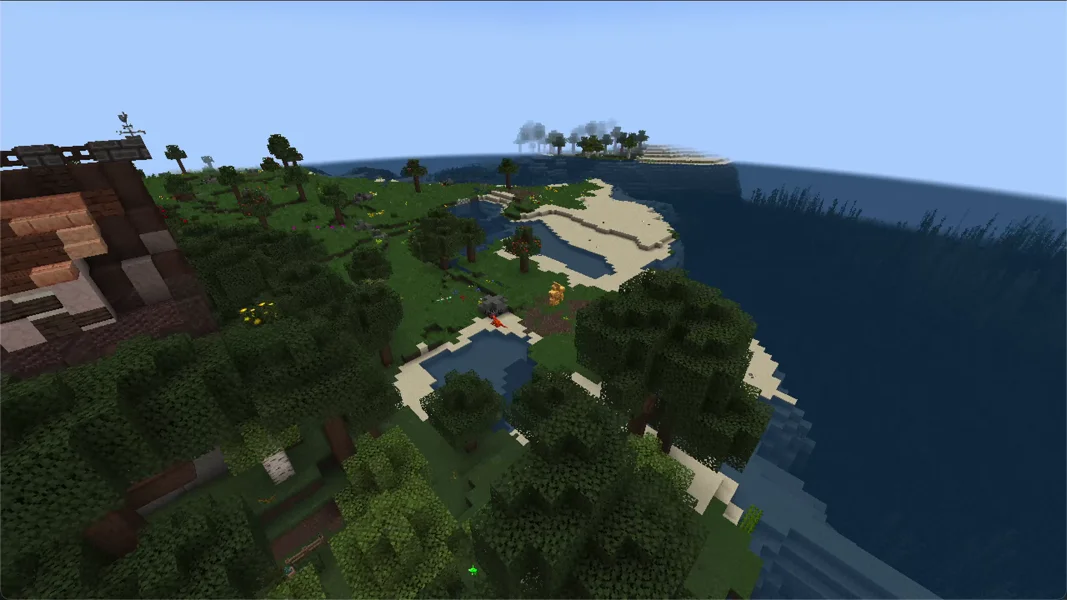
Who it's for: Groups who want to pick a class and work on gear, abilities and quests over weeks. The pack includes the class mods Wizards, Paladins, Rogues, Archers and More RPG Classes, among others, plus Spell Engine, Simply Skills and Pufferfish's Skills for talent trees, as well as FTB Quests.
Version, loader, Java: We install Prominence II 4.1.2 on Fabric Loader 0.19.3 for Minecraft 1.20.1. The server automatically gets Java 17 (17.0.20 on our side). Our still images come from 4.1.0. Versions 4.1.0 and 4.1.1 did not pass our startup check; 4.1.2 passed it on October 6, 2026 and has been installed since. Players should therefore install 4.1.2.
Measured RAM: Our test server from October 6, 2026 had 8 GB (Java heap 8,192 MB). Five minutes after a restart, it used 5,411 MiB with no players, so a good 5 GB, and drew 10 to 15% CPU at idle. That is by far the highest idle value of the three packs: 348 mods keep running even without players. After installation, disk usage was 1.99 GB. The previous version 3.9.27 last passed in our nightly runs with 8 GB on September 25 and October 4, 2026.
Settings you should know:
| File | Setting | Value in the pack | Effect |
|---|---|---|---|
config/openpartiesandclaims-server.toml |
maxPlayerClaims / maxPlayerClaimForceloads |
500 / 10 |
Each player can protect up to 500 chunks, of which 10 can be kept permanently loaded. The loaded chunks cost performance. |
config/yigd.json |
itemLoss.enabled |
false |
After death, the whole inventory lies in the grave, nothing is lost. |
config/yigd.json |
graveRobbing |
enabled: true, afterTime: 1 (hour) |
After an hour, other players may also loot a grave. Important on a PvP server, rather irrelevant on a friends server. |
Common problems with Prominence II:
- Joining fails with missing or wrong mods: The player installed a version other than 4.1.2. Select version 4.1.2 specifically in the launcher.
- High RAM even without players: Around 5 GB at idle is normal for this pack and not a memory leak. What matters is that the value doesn't keep climbing after the start.
- Many error messages in the log: On the first start, our server wrote 214 lines with
ERRORand 746 withWARN. The server ran normally.
DawnCraft – Echoes of Legends
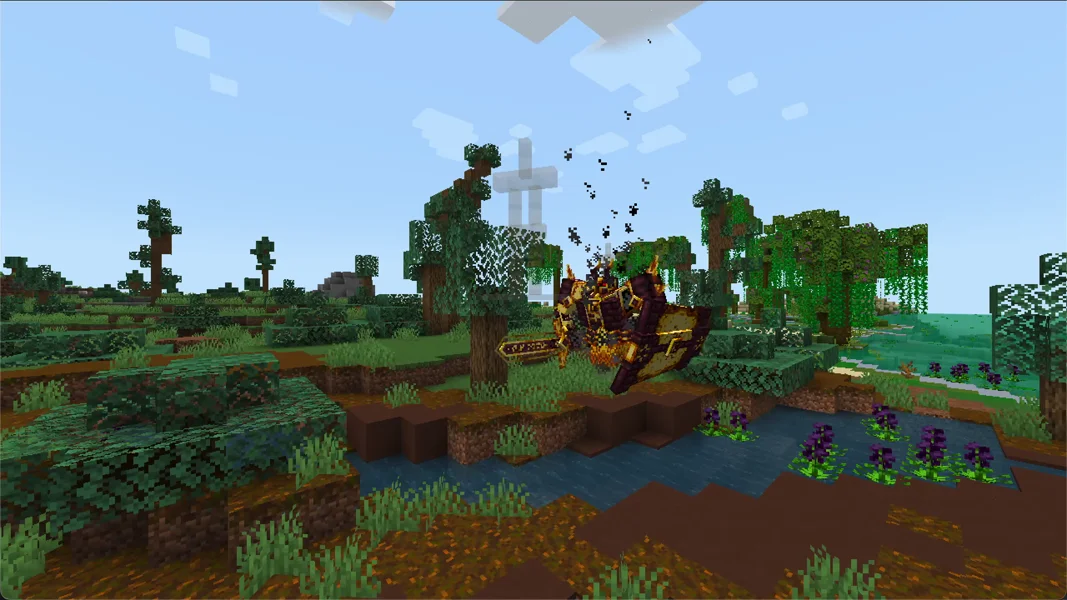
Who it's for: Groups who like hard fights. DawnCraft builds on Epic Fight: attacks have animations, dodging and stamina matter, and bosses from L_Ender's Cataclysm and Mowzie's Mobs require you to learn their patterns. In addition there are Iron's Spellbooks for magic and a quest line with a fixed order.
Version, loader, Java: DawnCraft 2.0.16_hf runs on Forge 40.2.17 for Minecraft 1.18.2, with Java 17 (17.0.20 on our side). The server pack comes directly from CurseForge (file 7243901). There is no DawnCraft version for newer Minecraft versions.
Measured RAM: We offer DawnCraft with 8 GB. Right after the first start, in which the world is created, the test server used 4,057 MiB. After a restart, five minutes later it was only 1,895 MiB at about 3% CPU. The difference comes from the first start: terrain and structures are generated there, after which Java releases the memory again. With players exploring new areas, the demand rises again. In our nightly runs with 8 GB, DawnCraft passed on August 19 and 31 as well as September 16, 2026.
Settings you should know:
| File | Setting | Value in the pack | Effect |
|---|---|---|---|
config/simplebackups-common.toml |
timer / backupsToKeep / maxDiskSize |
120 / 2 / "3 GB" |
The Simple Backups mod backs up the world every 120 minutes into the simplebackups/ folder on your server. The pack allows up to 10 backups or 25 GB; during installation we limit this to 2 backups and 3 GB. |
world/serverconfig/corpse-server.toml |
only_owner |
true |
After death, a corpse with your inventory remains that only you can open. |
world/serverconfig/majruszsdifficulty-server.toml |
kill_requirement / extra_size_per_player |
75 / 0.5 |
After 75 undead killed, an undead army advances in waves, 50% larger for each additional player. |
world/serverconfig/sereneseasons-server.toml |
sub_season_duration / progress_season_while_offline |
8 / true |
Each sub-season lasts 8 days, and the seasons keep progressing even when nobody is online. |
About Simple Backups: The pack's backups are stored in the same storage as the world. That's why we set backupsToKeep = 2 and maxDiskSize = "3 GB" during installation. If you need more snapshots, raise the values with the server stopped and keep an eye on your disk space. Independently of this, you can create your own backups in the panel; how that works is explained in Create a Minecraft server backup.
Common problems with DawnCraft:
- Full CPU for another minute after the start: After the restart, our server was still at a full core for around 50 seconds after
Done. That is the mods reloading and settles on its own. - Running out of disk space: Check the
simplebackups/folder. If you raised the limits of Simple Backups, the backups there quickly take up several gigabytes, see above. - Red lines in the log: After the restart, there were 455
ERRORlines in the log, 438 of which readEntity sword_soaring:sword has no attributesorEntity sword_soaring:rain_screen_sword has no attributes. They don't interfere with operation.
Zombie Invade 100 Days
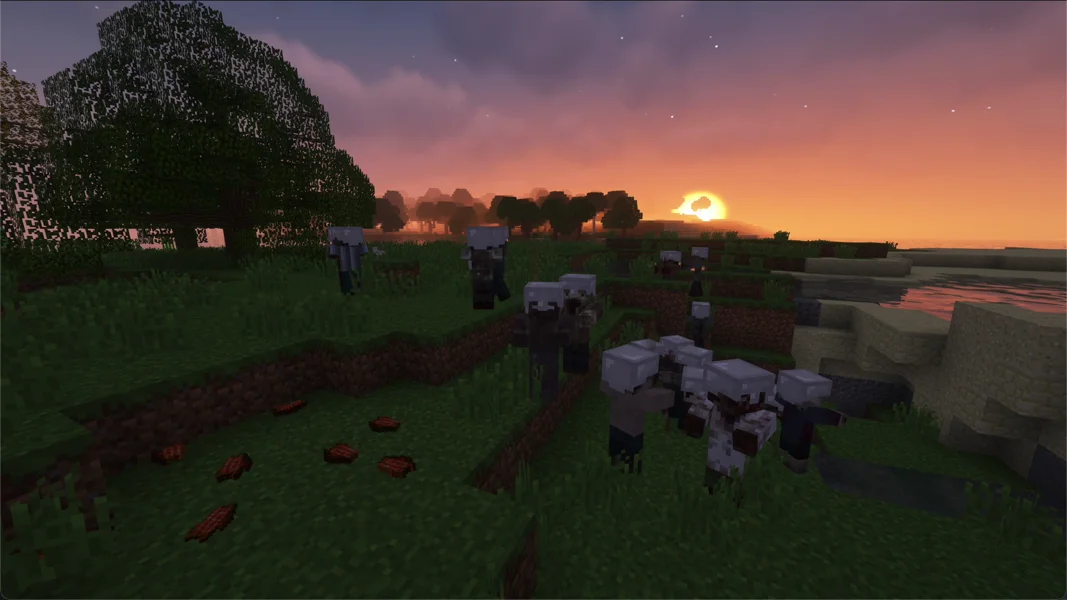
Who it's for: Groups who want a survival game with a schedule. The End of Days mod controls what the zombies can do on which day; in addition there are firearms from TaCZ, Lost Cities for abandoned cities and Hardcore Revival, with which you can revive fallen teammates.
Version, loader, Java: Our catalog installs Zombie Invade 2.3-Fix. The pack runs on Forge 47.4.10 for Minecraft 1.20.1 with Java 17 (17.0.20 on our side). It lists 129 files. 93 mods ended up on the server; our installation sorts out the rest as client-only mods.
How to order it: Search for Zombie Invade in the configurator under Rent a Minecraft server and choose 6 GB RAM. Two test runs from September 25, 2026 confirmed installation, startup, server log and login handshake. We did not test a join with a real modded client.
Measured RAM: The test server had 6 GB (heap 6,144 MB). Five minutes after a restart, it used 1,419 MiB at about 2% CPU. The restart took only 54 seconds. Zombie Invade is thus by far the lightest of the three packs, as long as no horde is on the move. How much RAM a horde of several dozen zombies needs on late days, we have not measured.
The invasion schedule is in config/endofdays/endofdays-day.json5:
| from day | Key | Meaning |
|---|---|---|
| 10 | endofdays_mobs_evolve_day |
Zombies evolve further |
| 20 | endofdays_mobs_follow_day |
Zombies follow you |
| 30 | endofdays_entity_shield_day |
Zombies carry shields |
| 60 | endofdays_mobs_build_day |
Zombies build paths for themselves |
| 70 | endofdays_mobs_unafraidsun_day |
Zombies no longer burn in the sun |
| 80 | endofdays_mobs_breaker_day |
Zombies break blocks |
| 100 | endofdays_off_endofdays_day |
The invasion ends |
You can change the days as long as the server is stopped. On Linux, the mod additionally creates files with a backslash in the name, for example endofdays\endofdays-day.json5. Without intervention, on our test server they contained the mod's default values instead of the pack's settings. We therefore create these files during installation as a copy of the pack's settings. If you change days, it's best to change both files the same way.
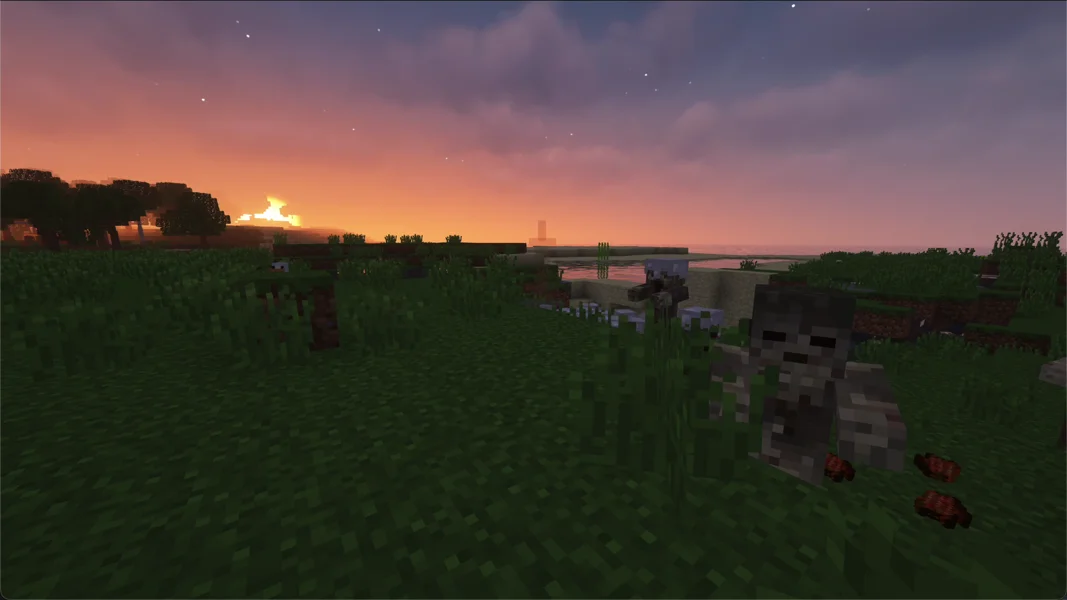
Further settings:
| File | Setting | Value in the pack | Effect |
|---|---|---|---|
config/difficultylock.json5 |
forceHard / shouldLockDifficulty |
true / true |
The pack wants to fix the difficulty to “Hard”. On the server, the mod doesn't enforce this itself; what counts is server.properties. We set difficulty=hard there during installation; the world starts on “Hard” and stays locked. |
config/hardcorerevival-common.toml |
ticksUntilDeath / rescueDistance |
2400 / 5.0 |
Anyone who falls lies on the ground for two minutes and can be rescued by a teammate from five blocks away. |
config/gravestone-server.toml |
only_owners_can_break |
false |
Anyone can break gravestones, not just the owner. |
Common problems with Zombie Invade:
- The zombies are too harmless: Check the difficulty with
difficultyin the console. If an older world is set to “Easy”, DifficultyLock has locked it, and the commanddifficulty hardno longer works. Then the only fix is a new world withdifficulty=hardinserver.properties. - Error messages about
invalid dist DEDICATED_SERVER: These are client classes that individual mods request on the server. Our server ran normally with these 15 lines.
What applies to all three packs
On new servers, the world is generated with the pack. Our test servers from September 25 still showed normal Minecraft terrain at spawn because a world had already been created before the pack installation. We have fixed this setup error since: on new servers, the pre-created world is removed before the first pack start. Existing worlds remain unchanged. If you want to start fresh with an older world, back it up first; a world reset deletes your previous game progress.
The server.properties comes from the server. None of the three packs brings its own. The values are therefore at the defaults: difficulty=easy, allow-flight=false, view-distance=10. Only for Zombie Invade do we set difficulty=hard, because the pack requires it. For the other packs, set the difficulty deliberately. If players on flying mounts get kicked for “flying”, set allow-flight=true.
The RAM belongs to the pack. For all three packs, the start line contained exactly the booked RAM as the Java heap; no pack file reduced it. So you get the full 8 or 6 GB.
Back up before big fights. Bosses, hordes and explosions change a lot at once. A backup before a boss fight costs a minute, see Create a Minecraft server backup.
Connecting players
Every player needs the pack in exactly the server's version on their own PC: Prominence II 4.1.2, DawnCraft 2.0.16_hf or Zombie Invade 2.3-Fix. You install Prominence II and Zombie Invade via Modrinth, for example with the Modrinth App or Prism Launcher, and DawnCraft via the CurseForge app. After installation, the player enters the server address from your panel under “Multiplayer”. If the version doesn't match, the server rejects the join with a list of missing mods. The detailed guide for all launchers is at Joining a Minecraft modpack server.
Bedrock players, i.e. console and mobile, cannot join these servers. All three packs need the Java Edition with installed mods.
You can find more packs compared in the overview The best Minecraft modpacks for a server. You order Prominence II and DawnCraft directly via their pages: Prominence II and DawnCraft, each with “Configure Server Now”.
FAQ
Which of the three packs needs the least RAM? Zombie Invade 100 Days. Our test server used 1,419 MiB at idle after a restart, with 6 GB booked. Prominence II was at around 5 GB, DawnCraft at 1.9 GB.
Is 8 GB enough for Prominence II with several players? Without players, the server was at a good 5 GB, so a good 2 GB remain for players, chunks and creatures. How much a group actually needs, we have not measured. Watch the RAM display in the panel on the first evenings.
Which version of Prominence II runs on the server? Since October 6, 2026, our configurator installs the verified version 4.1.2. The recordings in this guide show 4.1.0.
Why does DawnCraft run on Minecraft 1.18.2? The pack author builds DawnCraft for 1.18.2. There is no version for newer releases. The server sets the matching Java version itself.
What happens after day 100 in Zombie Invade?
According to endofdays-day.json5, the invasion ends on day 100. The world remains, and you can keep playing.
How long does a restart take?
On our test servers, 138 seconds for Prominence II, 106 seconds for DawnCraft and 54 seconds for Zombie Invade, each from start to the line Done.
Sources and test status
Test status: The measured values come from our own test servers on September 25, 2026 (DawnCraft, Zombie Invade) and October 6, 2026 (Prominence II 4.1.2); the pack data from our catalog, CurseForge and Modrinth. In detail:
- Prominence II: Prominence II: Hasturian Era on Modrinth, installed 4.1.2 (file 3uZ1MN34), Fabric 0.19.3, 348 mods. The still images show 4.1.0.
- DawnCraft: DawnCraft – Echoes of Legends on CurseForge, version 2.0.16_hf, server pack file 7243901, Forge 40.2.17, 251 mods.
- Zombie Invade 100 Days: Zombie Invade 100 Days on Modrinth, version 2.3-Fix (file M8j2mfGj), Forge 47.4.10, 93 mods on the server.
- Test servers: September 25, 2026 (DawnCraft with 8 GB, Zombie Invade with 6 GB) and October 6, 2026 (Prominence II with 8 GB), Java 17. Times and RAM from the container, settings read from the files of the servers and the pack. Servers deleted afterwards.
- Nightly runs: Prominence II 3.9.27 passed on September 25 and October 4, 2026, DawnCraft on August 19 and 31 as well as September 16, 2026, each with 8 GB.
- Not measured: RAM and TPS with real players, player capacity, zombie hordes on late days.
- Images: own recordings from single-player worlds. Creatures and bosses are placed via command, the bosses with AI disabled.
Confirm the group decision with a short function test
After the first join, test the mechanic that justifies your choice: quests and classes, combat controls or the zombie progression. Note the concrete pack release and whether progress is organized per person or together. A successful start alone doesn't answer whether your favorite feature works as expected. Also deliberately check difficulty, graves and backups before the group plays for a longer time. Don't change pack files just because of a different modpack with a similar name. If you switch packs later, keep the old world together with its extensions as one coherent state.
Prominence II: view an example
Our own captures from a demonstration environment. The version and setup shown may differ from your server.
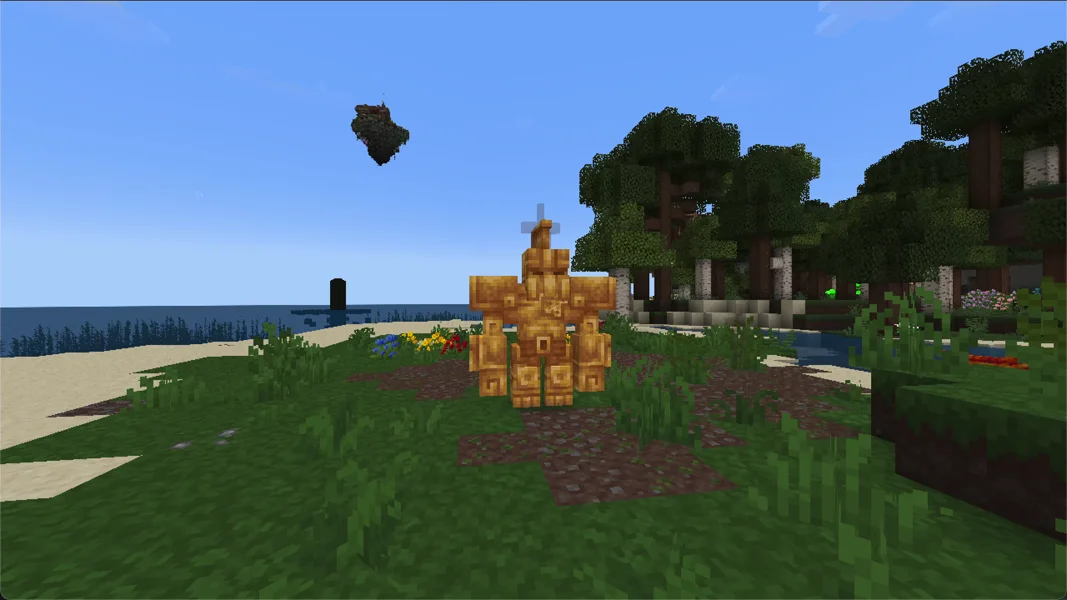
- Golden Automaton from Mobs of Mythology. Placed by command for this recording.
- Drake from Mobs of Mythology. Placed by command for this recording.
- Coast with a building from the pack.
- The intro tavern in Prominence II.
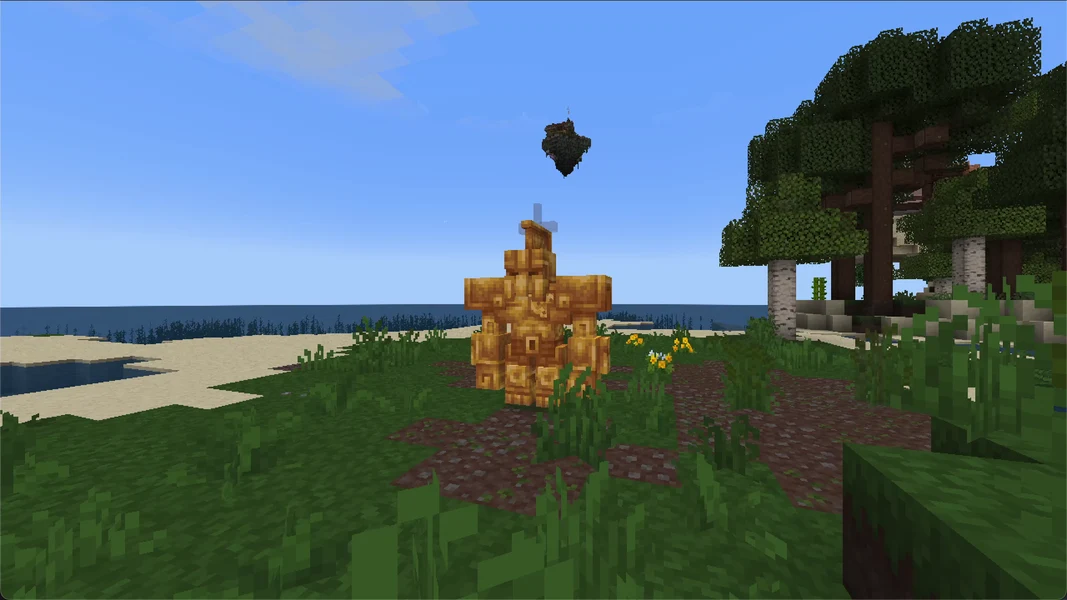
Prominence II: Hasturian Era 4.1.0 · Minecraft 1.20.1 · Fabric · 2026-09-24
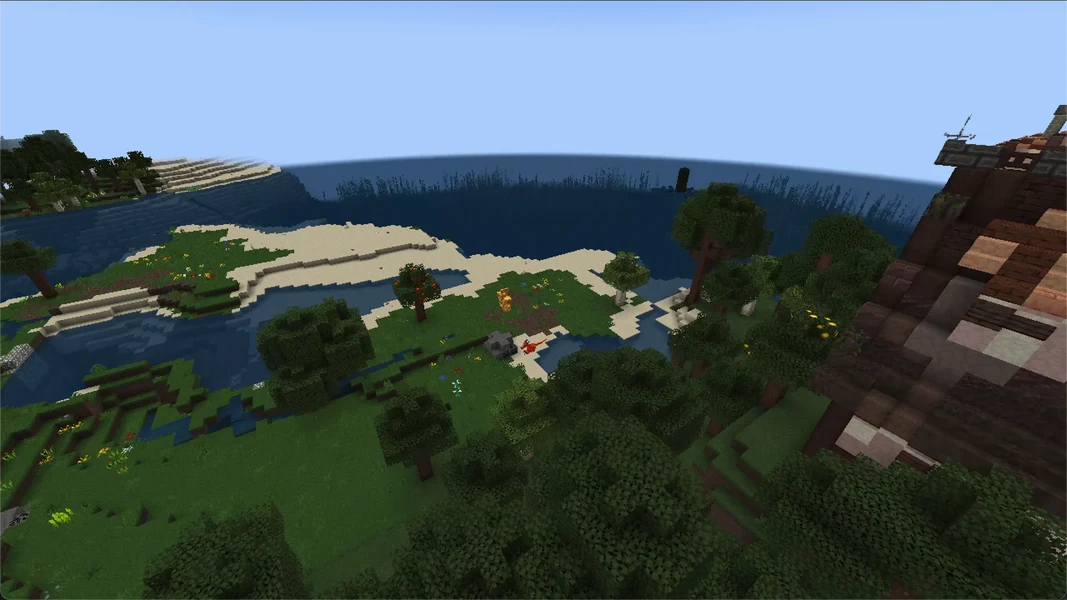
Prominence II: Hasturian Era 4.1.0 · Minecraft 1.20.1 · Fabric · 2026-09-24
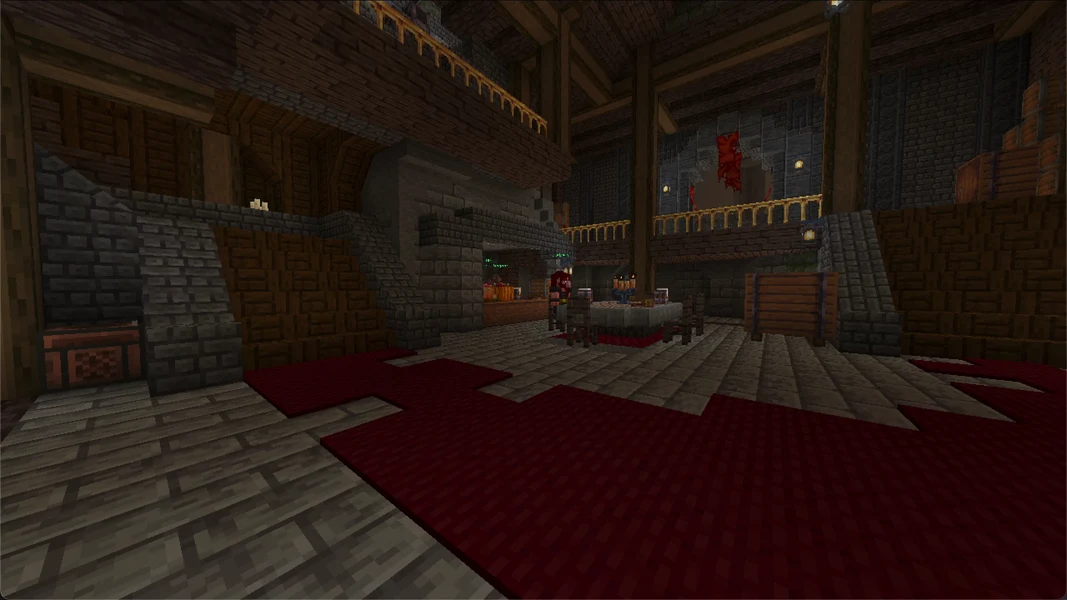
Prominence II: Hasturian Era 4.1.0 · Minecraft 1.20.1 · Fabric · 2026-09-24
DawnCraft: view an example
Our own captures from a demonstration environment. The version and setup shown may differ from your server.
- Ignis from Cataclysm. Placed by command for this recording.
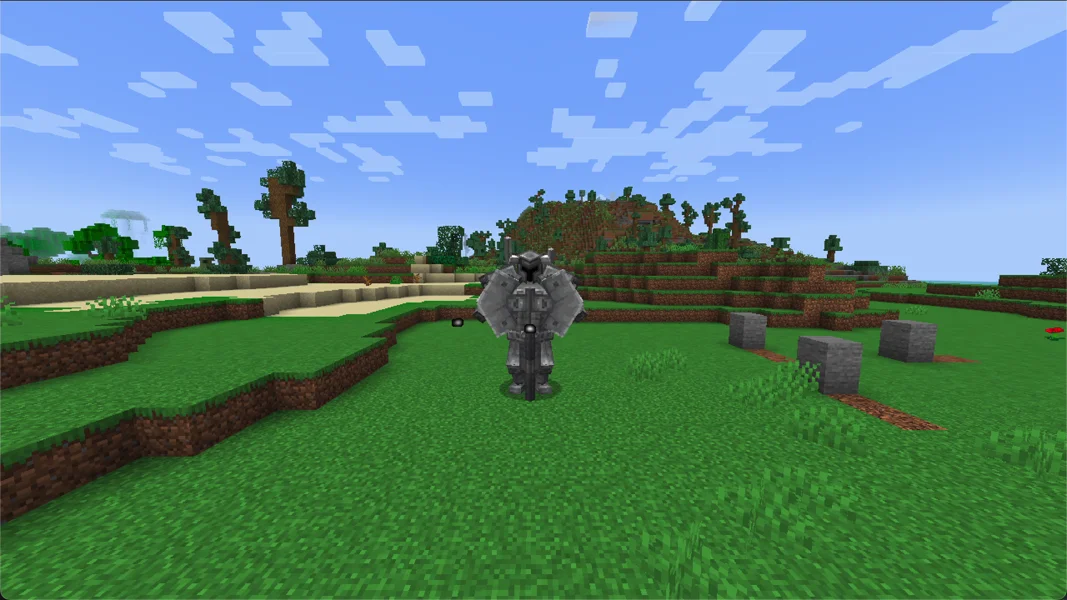
- Ferrous Wroughtnaut. Placed by command for this recording.
- The swamp landscape in DawnCraft.
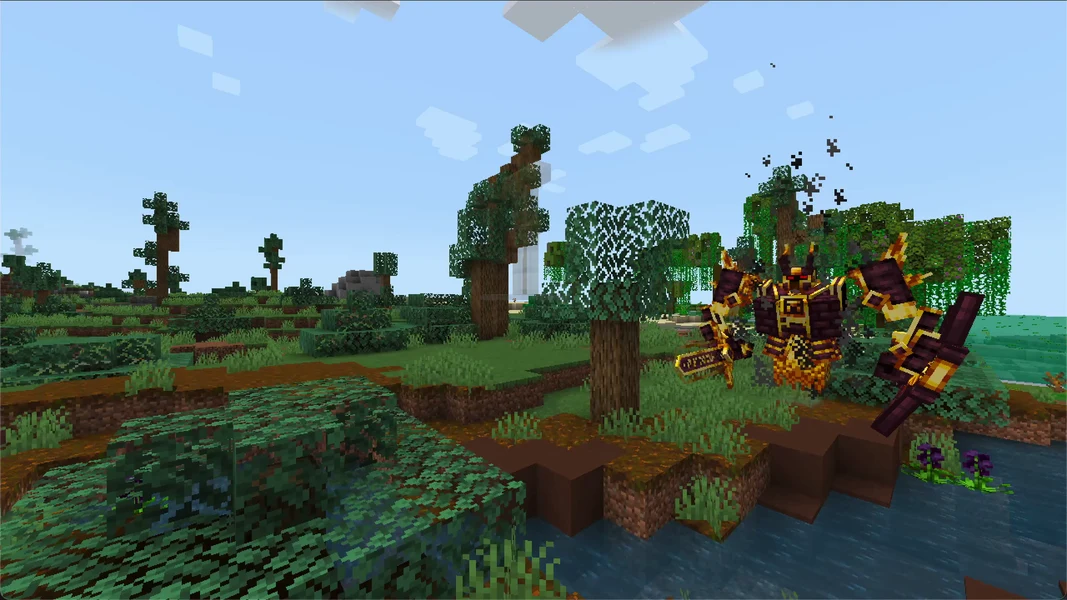
DawnCraft · Minecraft 1.18.2 · Forge · 2026-09-24
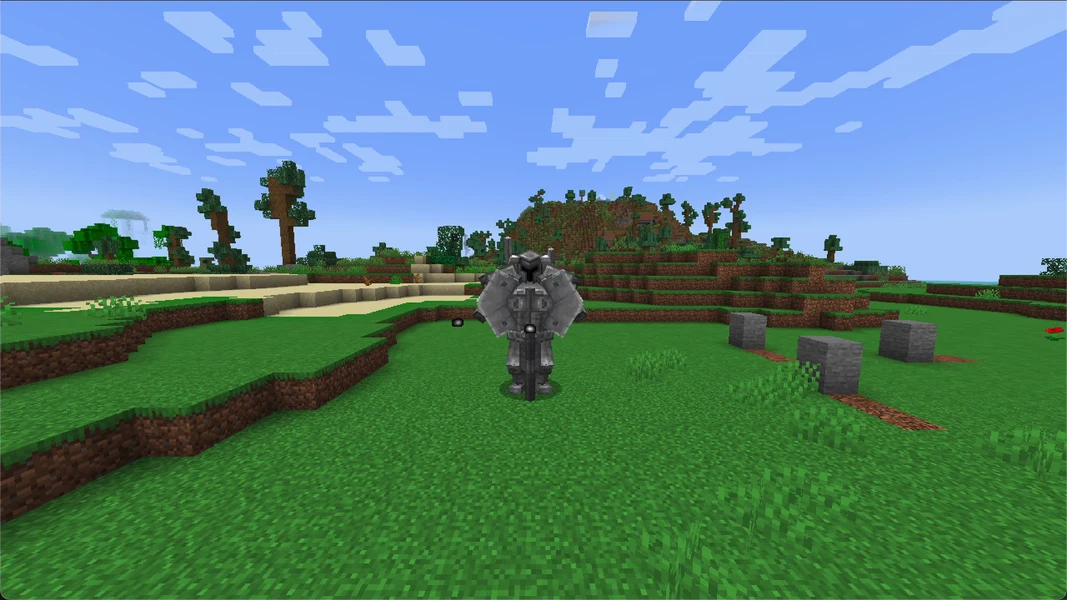
DawnCraft · Minecraft 1.18.2 · Forge · 2026-09-24
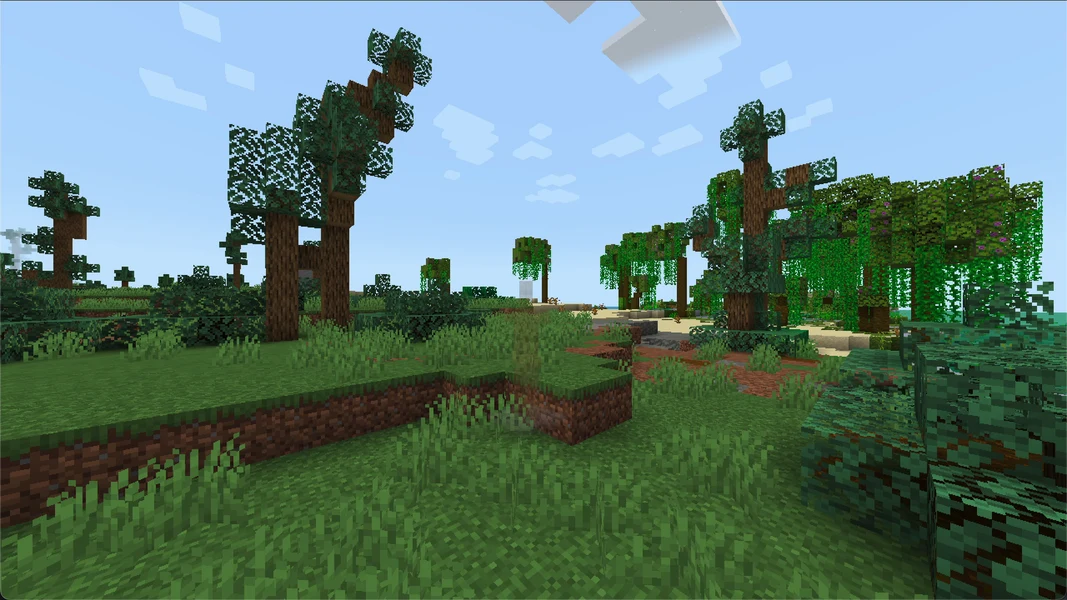
DawnCraft · Minecraft 1.18.2 · Forge · 2026-09-24
Zombie Invade: view an example
Our own captures from a demonstration environment. The version and setup shown may differ from your server.
- Zombie horde in daylight, placed by command for this recording.
- Husks in the recording world, placed by command.
- The plains of the recording world in daylight.
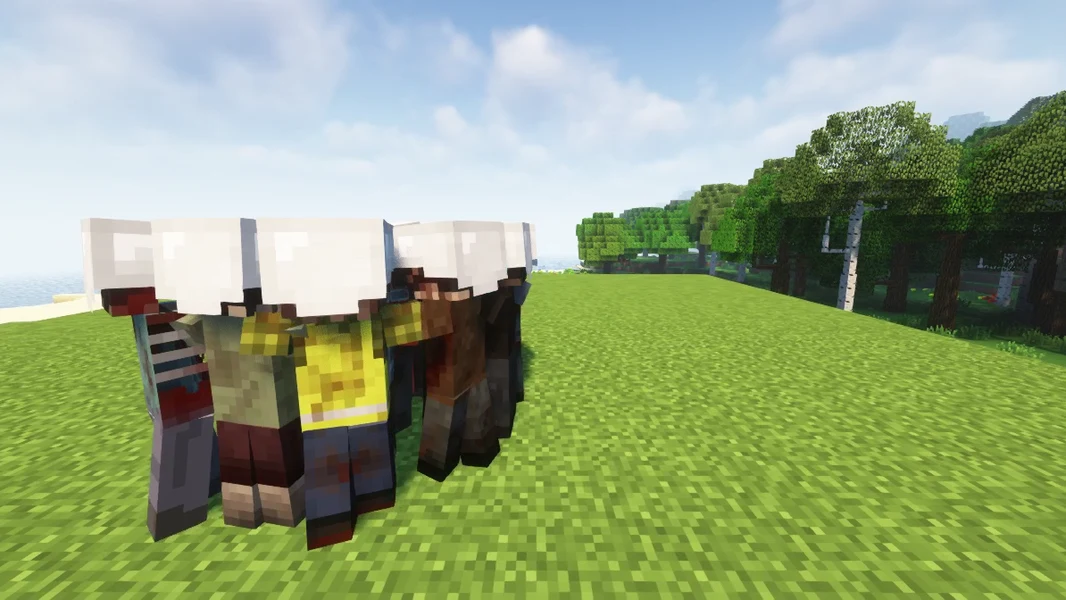
Zombie Invade · 2026-09-27
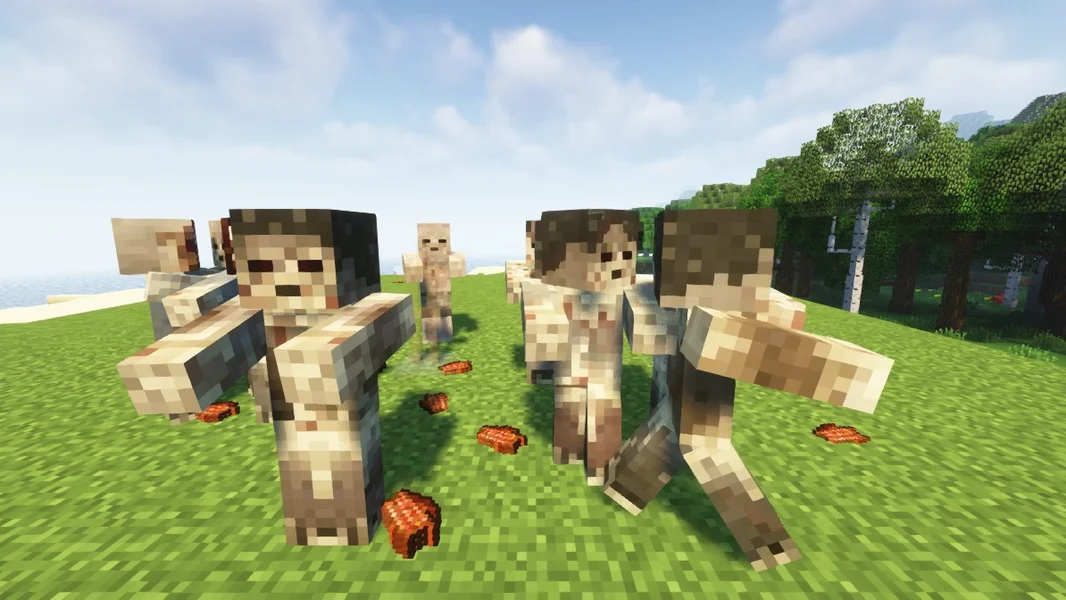
Zombie Invade · 2026-09-27
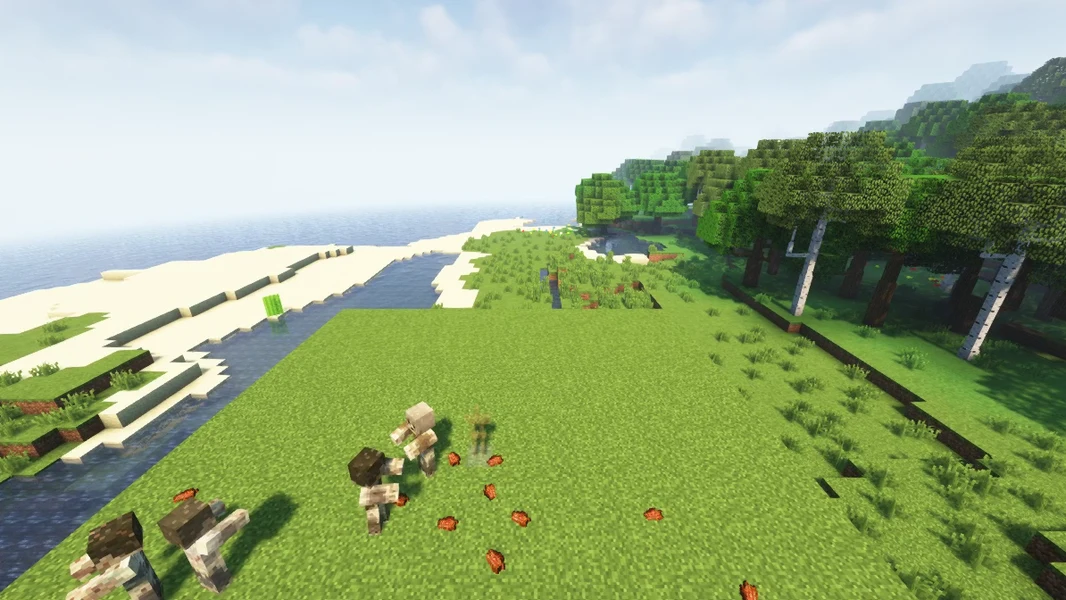
Zombie Invade · 2026-09-27