Mods & Plugins für Don't Starve Together
Dieser Katalog listet 24.000+ Don't Starve Together-Projekte von Steam Workshop. Einträge können serverseitig, clientseitig oder auf beiden Seiten erforderlich sein und auch Karten oder andere nutzergenerierte Inhalte umfassen. Prüfe vor der Installation die verlinkte Quellseite, Spielversion und Abhängigkeiten.
6格扩展
von 76561198145469093
Lua加密工具(附一篇小作文)
von 76561198817463174
有图的网页版介绍(推荐) https://dont-starve-mod.gitee.io/lua-encode/ 无图纯文字版 本mod包含一个Lua代码混淆模块。运行该模块需要使用安装Lua解释器。 使用方法 cd LuaEncode lua CommandLineMinify.lua <需要加密的文件路径> <导出的文件路径> <-G或--env(必须选择一个)> <--loadstring(可不用)> 参数说明 -G: 设置环境为全局 --env: 设置环境为modmain --loadstring: 将源代码转义为数字串 这个工具并不完美,甚至可能会有点难用(需要一点点基础的命令行知识),但是如果你有空,可以看看下面的小作文。 mod制作者是否应该加密源代码 前言 上周,无意间在创意工坊看见了一个名为"lua解码工具包"的mod,发布者提出了一个观点——mod开发者应该将代码开源,便于初学者观摩学习。当时我只是一笑而过,并未在意。 但想不到的是,一周时间过后,这一mod的评论区内出现了不少深入坦诚的交流,工坊也更新了两篇新的大作: 《关于mod制作与创作环境的小作文》和《简易API教程,别再为了改个数字复制整个mod自用了!》。我不由惊呼,原来创意工坊也是一个写文章的好地方。 反正闲着也是闲着,不如在这里发表下我的一点点看法。 加密代码是否打击了mod初学者的热情 三年前,我还是个萌新。在刚接触饥荒mod的时候,我参考过不少作品。大部分是编码教程,如api范例、生物制作教程、音效制作教程,也有一些真正可玩的mod,如康娜、血条显示。 在浏览mod文件时看见乱码,是非常常见的事。我明白自己没有实力去搞反向工程,所以一看到这种mod就直接跑路,转头寻找其他开源的mod。加密确实影响到了我最初期的学习速度,但也不至于严重到看到一堆乱码就直接放弃。 随着技术的进步,我的学习资料也从mod代码变成了官方代码。klei程序员编写的代码更规范,更稳定,是所有mod开发者的标准,这点无可置疑。即使官方代码里有1%的内容是klei程序员在犯病,比如拼写错误,但总体的质量还是很优秀的,我受益匪浅。至于其他人的mod有没有加密,我早已不在乎了。 我的观点是,加密代码确实会打击初学者热情,但是,能被一次加密打击到弃坑的人,真的适合学习mod吗?如果一个mod初学者对我说:“我想学mod,但是工坊的mod不开源,所以我不学了!”,我会认为这只是个借口。 退一步讲,即使“所有代码都开源”的美好愿景实现了,初学者也未必能完全看懂。举个例子,晓美焰mod发布后,有些人想参考【时间停止】这个技能的实现方法,我的回复一律是“代码没加密,想学就学,想抄就抄。”,这已经非常自由了,但实际上最后真正抄明白的只有两个人。 想看懂别人的代码,本就是一件难事。对正在学习mod的人,他们需要的是对代码充分而深入的理解;而对剽窃mod的人,他们只需要把一段开源的代码无脑复制,再改改数据,就当成自己的东西了。开源真正受益的人,究竟是学习者还是剽窃者? 为什么一些mod作者要加密代码 这个问题的答案在《关于mod制作与创作环境的小作文》内已经有详细的描述。我这里再简单说明一下,加密不是防学,而是防抄和防改。 在我认识的作者里,有不少人对私自魔改和盗传自己作品的行为非常反感,但是这种行为难以监管,即使他们反馈给klei官方,也没能得到有效的帮助,唯一的防御手段就只有加密。他们把自己mod的代码变成电脑能看懂,但地球上99%的人都看不懂的东西,就足以拦住某些心怀鬼胎的人,而对于诚心想学mod的新手,私信发一份未加密的源码,并不是什么难事。 尽管不少作者会加密自己的mod,但我不会,因为加密有很大的缺点。 加密代码会带来什么隐患? 前面反驳了"加密会带坏创意工坊风气,阻止初学者学习"的观点,我再说一说,加密真正的问题是什么。 饥荒开启mod后,报错是件常事,毕竟mod是人写的,而人总会犯错。比如我,本来就不是信科出身的程序员,硬着头皮去敲代码,敲着敲着就搞出新bug了。 犯错并不可怕,饥荒本身有一套查错机制。当游戏崩溃的时候,有关这次崩溃的详细信息都会被收集起来,包括:运行到了哪一段代码,代码在哪一个文件的哪一行,使用了什么函数,变量的值是多少——这些信息对开发者修复bug有很大的帮助。 代码被加密后,收集错误信息的过程就会遭到干扰。有些加密形式是把代码压缩成一行,那行数的检测就失效了;有些加密形式是混淆本地变量名,那对变量的检测就变得完全不可读了。如果有玩家因为使用了加密的mod导致崩溃,向作者反馈时,发送给作者的崩溃信息中也可能会出现难以阅读的乱码,这对于bug的修复会造成很大的影响。作者必须先在自己电脑上复现出这个bug,才能进行修复。 因此,我认为,对于不能保证自己代码质量的开发者,比如新手,mod加密是弊大于利的。 我应该教别人做事吗 尽管我个人不提倡mod加密,但我也完全理解和尊重其他作者加密代码的行为。 我自己负责的mod可以在这个网站→ https://dont-starve-mod.github.io/lw/zh/home/ 找到,这些mod从构思、代码编写到发布都是我一个人决定的,我不仅没有加密,甚至还在一些玩家可能需要修改的部分贴心的写上了注释。 也有一些mod,策划是其他人,而我只参与了一小部分的制作,比如阿米娅、小房子。这些mod有些会有代码加密。但我并不认为这些mod的作者是“自私”的,我完全理解他们的想法。加密和开源只是两种选择。 当mod初学者问我代码是否要加密时,我会推荐他们开源,把更多心思放在提高代码质量上。 但当有人想向我要lua代码加密工具时,我也会毫不犹豫的把工具分享给他。 如何自制加密工具 (准确的说,这不叫加密,而叫混淆) 加密的方式多种多样,我有一个自制的简易加密工具(虽然几乎没有使用过)。如果你有加密代码的需求,建议也自制一个加密工具,使用自己的工具总是最有成就感的。 我的加密工具修改自github上的LuaMinify项目。 https://github.com/stravant/luaminify 原理非常简单,LuaMinify自带一个Lua语言的解析器,会把代码拆解为最基本的元素,如关键字(local, then, end等)、变量名、表索引、常量、注释。我们只需要将这些东西替换成正常人读不懂的样子就行了。 结语 mod开发的良好环境需要大家一起维护,这没有错。但是假如代码完全开源,环境会不会真的变好,这点还是值得商榷的。 我个人并不推崇加密,虽然做了工具,但基本没怎么用过,就分享给其他有需要的人吧。 如果你觉得这个工具很难用,那就对了,把精力放在提升自己的能力上吧,别整这些花里胡哨的东西了! 参考文献 (1) Lua Decode Kits, cy, id: 2676545388 (2) 关于mod制作与创作环境的小作文, liximi, id: 2679636248 (3) 简易API教程,别再为了改个数字复制整个mod自用了!, 贝子小姐脚下埋着贝尔, id: 2682757326

Blanc (bug fix)
von 76561198152896462
BUG FIX: 1) Equpping and Unequipping her hat, her damage absorption is 25%. The bug was fixed. MODIFICATION: 1) Equipments Set Effect (on configuration) 2) Feather Hammer Attack Range (on configuration) 3) Feather Hammer Attack Damage (on configuration) 4) Feather Hammer Attack Effect (on configuration) 5) Feather Hammer is workable as a hammer. (on configuration) 6) White Hat is upgradable. (on configuration) THANKS! The original mod is created by Kelsuis. I admire his work. >> https://steamcommunity.com/sharedfiles/filedetails/?id=664262357
Expanded Lunar Rifts
von 76561198830730990
Silly poorly made mod that makes rifts spread ad infinitum* and changes how they work slightly. *Rift growth not actually infinite
(Test) Factions
von 76561198314503640
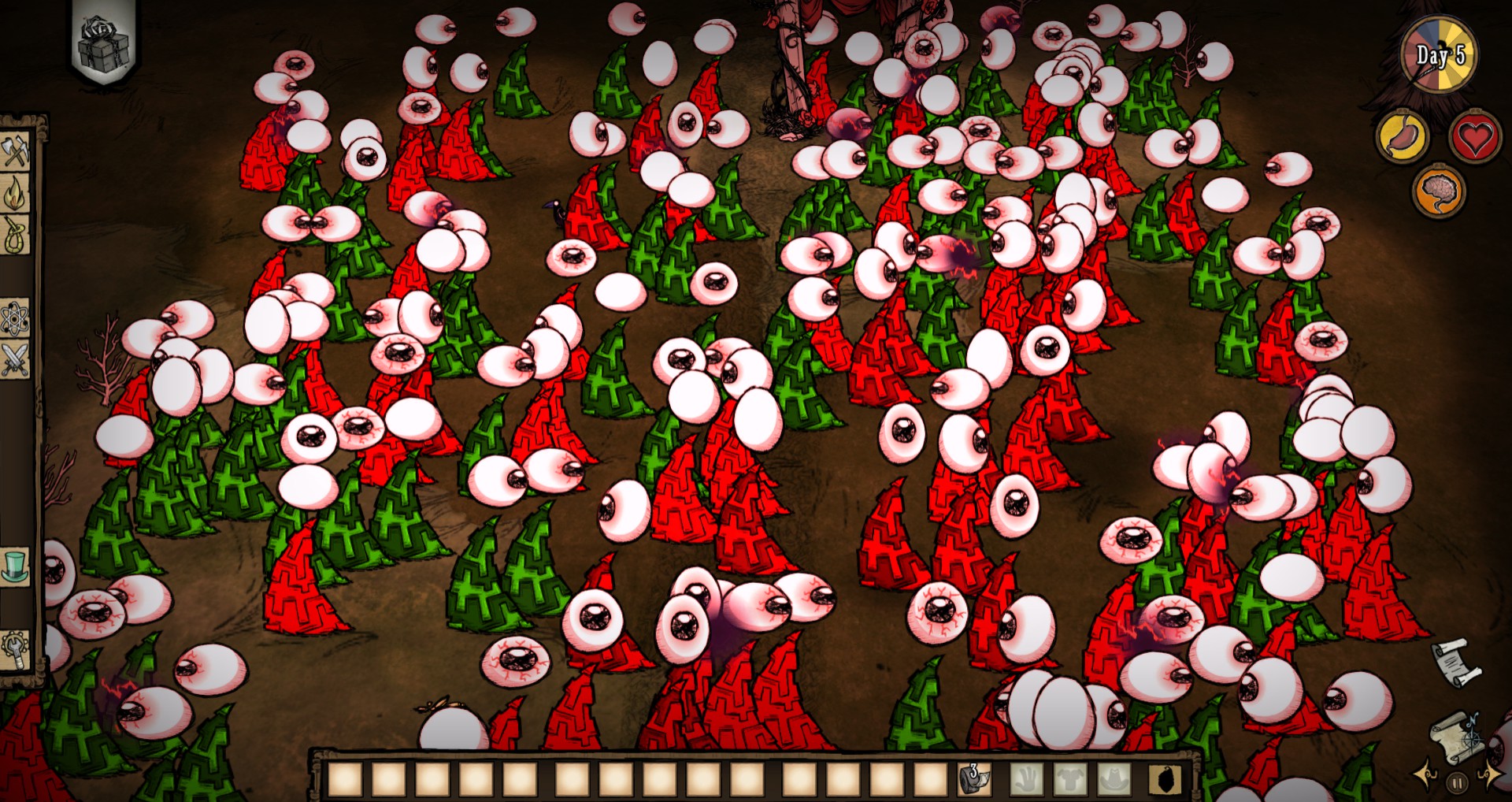
This mod is a work in progress, I will add more to this description once it's finished. Basically though, it just adds a button on the bottom right of the screen that let's you create and invite players to your faction in a pvp server. It makes it so you can't attack them, and you can claim houndious shootious and winona catapults. Winona catapults deal no damage if pvp is off so I recommend turning pvp on in your server. Teams are also shared across shards, however all shards need to be running for the sharing to occur. (Hopefully not a problem) Thanks to Gamer G and AKU for helping me test this.
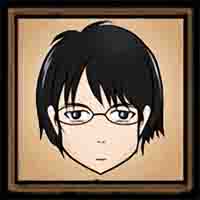
jasenwdh (Yamazaki Kaoru)
von 76561198092363612
僕ではただのオタクにしている。 ——jasenwdh jasenwdh自用的DST mod ver1.3.0 画师:99猫 原人物是出自《NHKにようこそ!》的山崎薰。只修改了头部的立绘。因为穷。没有钱付给美工大佬。 特性: 饱食:75 精神:150 健康:75 -是个死肥宅,拥有更好的保温性能,饱食值下降的更慢。(性能可以调节,默认为一顶帽子。) -来自FFF团,火把在手里能搓出火球。(伤害可以调节,默认为5。) -跑的比香港记者都快。(可以调节,默认1.15倍,最高2倍。) -是个修仙大佬,并不会因为黑暗降低精神值。 -还是个膜法师,做表情的时候会念诗,并且-1s。苟利国家生死已,岂因祸福避趋之。 -不会被青蛙主动攻击。 现在已知还存在的问题:并不是所有的表情都能念诗,并且-1s。
Extra Equip Slots 2026 (real)
von 76561198308469170
Bro F8CK your equip slots 🥀🥀🥀
![[阿林]加强雪球机 – Don't Starve Together Mod](https://images.steamusercontent.com/ugc/11952023135833174801/09370C3CB47C9B074DE8E71800A077DD316B1B8F/)
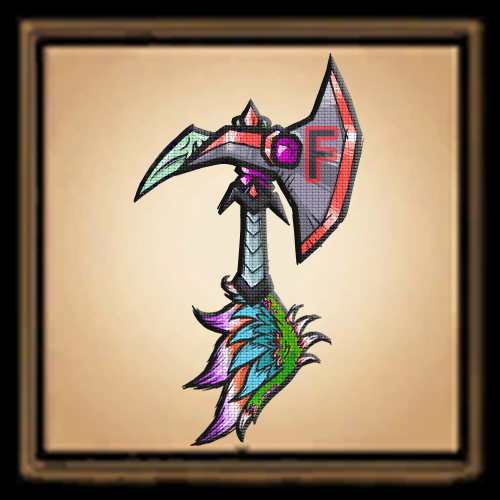

Optimization of wathgrithr
von 76561198453338412
Modified some parameters of Elding Spear and Battle Rond, such as: --CD when equipping weapons --CD after using weapon special abilities --Reduced CD after successful Battle Rond blocking --Endurance loss when using a Battle Rond attack Enemies who have used a Battle Rond to attack now will only target you for a certain period of time (Must be equipped with a Battle Rond)
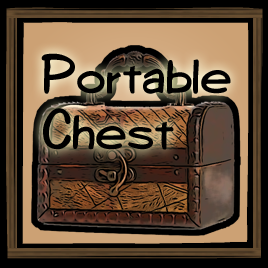
Small Trunk Case
von 76561198152896462
A Portable Chest for travel. - It has 9 slots (as equal as a Chest). - You can carry it. - You can use it on the ground, not in your inventory. - You start a new game with it (on configuration). The usability of this Truck Case is similar to a Bundling Wrap. To use it, you should drop it on the ground. So you can't use it in an instant. If you want more large capacity, you try to use the mod. >> https://steamcommunity.com/sharedfiles/filedetails/?id=1862555886 RECIPE: Board x3 + Pigskin x1 + Gold x1, "CONTAINERS" filter by an Alchemy Engine.

Ardata Carmia
von 76561198085884343
ver. 1.03 beta Health(200) hunger(100) sanity(300) *Mind control has strengthened her mental strength. *She eats less and often. *Cerulean is a color that is hard to cull. *She begins with something that holds can shakes hearts of monsters.
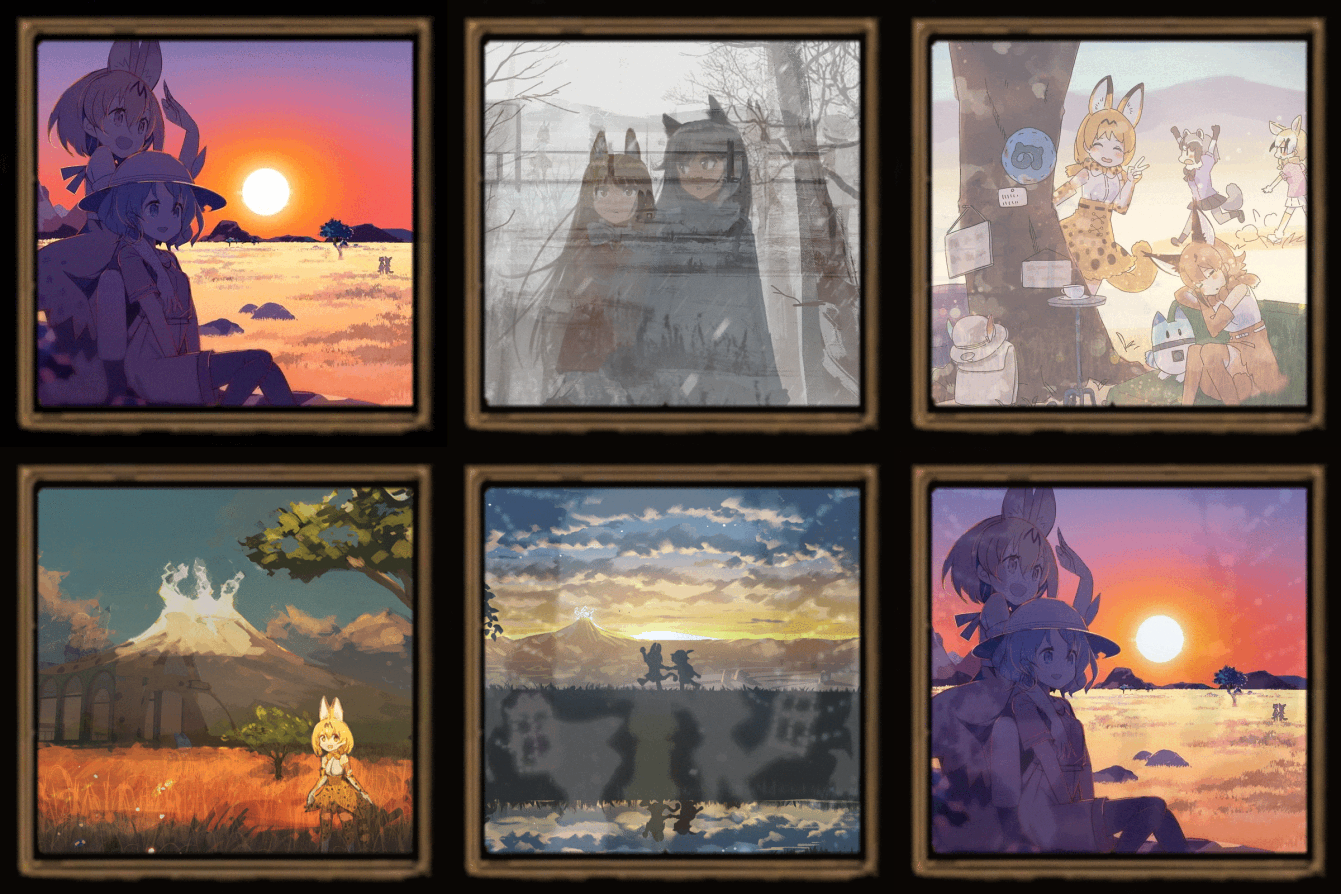
Kemofure Ambient
von 76561198155345442
This configurable mod replaces the Main Screen Soundtrack to the Original OST from Kemono Friends, like: Kaze Wo Kanjite Welcome to Youkoso Japari Park Youkoso Japari Park Orgel Ver. Sawagashii Nihiki Kawaii Nihiki Sand Star Dobutsu Biscuits Youkoso Merry Christmas And can be switchable to different Main Screens like: Sunset Savannah by 晴瀬ひろき Memories by 古川ヘッツァー Frostsunes by 古川ヘッツァー Playing Around by れんこん From the Start by ふとし Panorama by ランサネ On me! by 物絨毯 Christmas by けものフレンズ@公式アカウント Now compatible with another In-Game Mod Soundtracks. Fully compatible with Kemono Friends Soundtrack Mod.
Giảm Lag (Lag Remover)
von 76561199552352113
Mod "Lag Remover" phiên bản cải tiến (tiếng Việt). Sử dụng cho cá nhân. Xin cảm ơn phiên bản gốc từ: https://steamcommunity.com/sharedfiles/filedetails/?id=3050607025 Tính năng bao gồm: ・ 1. Tự động gom nhóm vật phẩm rơi trên đất; ・ 2. Thiết lập giới hạn stack tối đa (40 - 99999); ・ 3. Cho phép stack nhiều vật phẩm vốn không thể stack; ・ 4. Định kỳ dọn dẹp rác trên máy chủ (Có thể cấu hình số lượng giữ lại); ・ 5. Nhấn U (kênh thì thầm), nhập lệnh #clean hoặc #cl để dọn dẹp ngay; ・ 6. Giao dịch hàng loạt với Vua Heo, Vua Nhân Ngư, Chim, và Anh Lạp (Antlion); ・ 7. Ngăn chặn cây cối tái sinh tự nhiên để giảm lag; ・ 8. Thay thế cây nhiều cành bằng cành cây con thông thường; ・ 9. Chặt cây không để lại gốc (nhận thêm 1 gỗ); ・ 10. Tùy chỉnh danh sách dọn dẹp qua lệnh chat: #keep_item@mã_vật_phẩm:số_lượng Lưu ý: Mod chỉ dọn dẹp vật phẩm trên mặt đất vượt quá số lượng thiết lập. Vật phẩm trong rương hoặc túi đồ sẽ KHÔNG bị ảnh hưởng. #lag #remove #optimize
Disable Character(fixed)禁用你想禁用的人物(修复版)
von 76561198107155719
原作者主页:https://steamcommunity.com/profiles/76561198125763716 原作者链接:https://steamcommunity.com/sharedfiles/filedetails/?id=2595655293&searchtext=%E7%A6%81%E7%94%A8%E4%BA%BA%E7%89%A9 看这么久没人管这个MOD的BUG,由我来修复吧!修复了两个问题 一、勾选管理员能使用禁用角色且该禁用角色被禁用后在选人界面管理员选不到禁用角色的BUG 二、勾选管理员能选用禁用角色且其他人不能使用禁用角色下其他人能选用禁用角色的BUG

Daily duration
von 76561199185016237

旺达可读书 Wanda can read books
von 76561199039450612
旺达可以读奶奶的书 青年阶段读书消耗的san值为原本的3倍 中年阶段的san值消耗为1.5倍 老年为0.75倍 In the youth age, reading consumes triple sanity. In the normal age, reading consumes 1.5 times sanity. In the old age. consumes 0.75 times sanity.
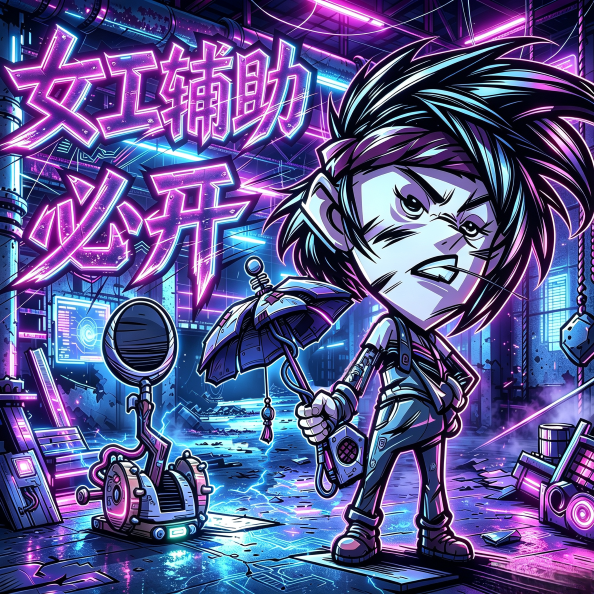
Winona must-have Assistant
von 76561198232157692
The Handywoman Winona Auxiliary ✅ Client-side Mod | Single Player Available | No Server or Other Player Installation Required Purely local convenience features, only yourself needs to enable it to take effect. Does not modify server rules, recipes, resource consumption, compliant and safe! 🔹 Instant Solve Cachebox - After opening the Cachebox puzzle interface, the modautomatically fills in the correct solution, eliminating the tedious manual puzzle-solving process - Can bedisabled separately in the mod settings, preserving the original puzzle experience 🔹 CTRL Rapid Fire Enlightened Strike - Optimizes The Handywoman Winona「Enlightened Strike」casting mechanism, supporting continuous casting by holding a key, making operation extremely simple - Select the Enlightened Strike skill and enter the range indicator state - Hold down the keyboard Left CTRL key, click once on the attack location to start continuous casting - Hover the mouse over the target attack location to automatically cast repeatedly - The mod automatically casts the skill every 1.1 seconds by default. Releasing CTRL, exiting the indicator willautomatically stop continuous casting, with no extra operations required 🔹 Teletransport Station Planning System - Allows players to plan out Teletransport Station locations in advance and manage all Teletransport Station plans directly from the map - Automatically records all global Winona Teletransport Stations. Data is saved separately for each world and permanently stored locally - Press SHIFT on the map to open the Teletransport Station planner - Shift + Left Click (empty ground): Add a new Teletransport Station planning point - Shift + Left Click (existing icon): Enable/disable the corresponding Teletransport Station - Shift + Right Click (existing icon): Delete the corresponding Teletransport Station planning point - Teletransport Station icon status description - Normal bright icon: Discovered and powered Teletransport Station, available for use - Gray icon: Disabled/unpowered Teletransport Station - Planning icon: Only marked as a plan, not actually built yet - Smart Equal-Distance Snap Planning Mechanism - Automatically calculates and previews precise locations that maintain equal distances between Teletransport Stations while moving the map cursor - The cursor automatically snaps to valid placement points, including intersection points created by multiple Teletransport Station distance ranges, helping players quickly create an optimal Teletransport network - Referenced code from the author: Teletransport Planner 🔹 Portasol Visual Indicators - When equipping Winona's Portasol, nearby teleportable items will be automatically highlighted. - When not standing at a Teletransport Station: A yellow arrow points to the nearest available Teletransport Station. - When standing on a Teletransport Station: Arrows display all connected directions, and the selected destination can be highlighted in yellow. 🔹 Smart Snap Building - Mark planning points on the map in advance. When building Teletransport Focuses/Winona Teletransport Stations, the preview model will automatically snap to the planned locations, eliminating manual distance alignment errors - Ground marker color meanings - Yellow: Planned location that has not been built - Green: Completed Teletransport Station/Teletransport Focus location - Cyan: Currently snapping target location - Snap radius supports customization: 2 / 4 / 6 / 8 four levels available, suitable for different building requirements 🔹 Crab King Attack Range & Ship Building Assistance - Adds visual assistance for Crab King combat and ocean building planning, making combat positioning and ship placement safer and more intuitive. - Crab King Water Pillar Attack Range Display (Blue Circle) - Safe Ship Placement Recommended Area Display (Green Circle) - Crab King Cannon Platform Spawn Area Display (Red Circle) If you encounter any problems, please feel free to provide feedback. I will fix them as soon as possible. For easier troubleshooting, please provide crash logs, the specific situation that caused the issue, and the list of other enabled Mods. Thank you for playing!

UI Inspector
von 76561198447494202
`` UI Basic Info Panel — DST UI Dissection & Editing Tool Stuck reading other people's UI code? Want to move an UI element but can't find the parameter? This mod lets you dissect any interface right inside the game: point your mouse at anything and view, modify, or copy every parameter of any UI widget — and even turn any image into a draggable pseudo-3D plane. ★ Feature Overview ★ 1. UI Drag Mode (V key) - Press V to toggle drag mode on/off - While enabled, hold the right mouse button on any UI to drag it; release to snap it to the target position — perfect for fine-tuning HUDs, panels and button layouts - Left Ctrl: select the current UI's parent (one level up) as the operation target - Left Alt: reset to the position before dragging 2. UI Info Panel (Z key) — Core Feature Press Z to inspect the UI under your mouse and open the info panel; press Z again to close. Hold Shift and press Z to inspect the currently active screen as a whole. - Live parameter view & edit: position, rotation, scale, size, font size, facing, color, etc. — type a value and press Enter to apply instantly - Value sliders — typing and dragging both work: - Click a value field = type directly - Hold and drag = quick adjustment (precision can only be switched while dragging) - Ctrl cycles precision: ×1 → ×0.1 → ×0.01 - Hold Alt = restore the value from before the drag - In fine mode, a live value bubble floats next to the mouse while dragging - Hierarchy traversal: switch to children / parent / siblings with one click to dive into any nesting level and locate widgets - Print Info (one-click code generation): outputs the current UI's complete Lua construction code, ready to copy straight into your own mod — auto-generates the AddChild statement including atlas, texture, font constants, position, rotation, scale, anchors, tooltip and all other parameters - Highlight boxes: three display modes — Axis-Aligned (AABB) / Oriented (OBB) / Per-Node — visualizing each widget's actual transform region - Turn to 3D: wraps the inspected image into a pseudo-3D plane; drag to rotate / move / zoom and view it from any angle — great for cards, character art and UI effects - Show log + X hot-reload: outputs debug logs, combined with hot-reloading for fast iteration 3. Debug Bench (Pseudo-3D Demos) - M key: pseudo-3D cube debug console - N key: dice demo - C key: right-click UI quick menu ★ Hotkey Reference ★ - V — toggle UI drag mode - Z — toggle UI info panel - Shift+Z — inspect the current screen as a whole - X — hot-reload (for development) - M — pseudo-3D cube debug console - N — dice demo - C — right-click menu toggle (anchor changes cannot be undone — use with caution) ★ Use Cases ★ - Port or reference UI from other mods — copy the code directly - Adjust HUD layouts — drag to edit - Learn DST's UI structure — hierarchy traversal + highlight visualization Note: This is a client-only mod — only you need to install it; no server or other players are required.

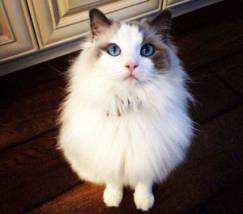
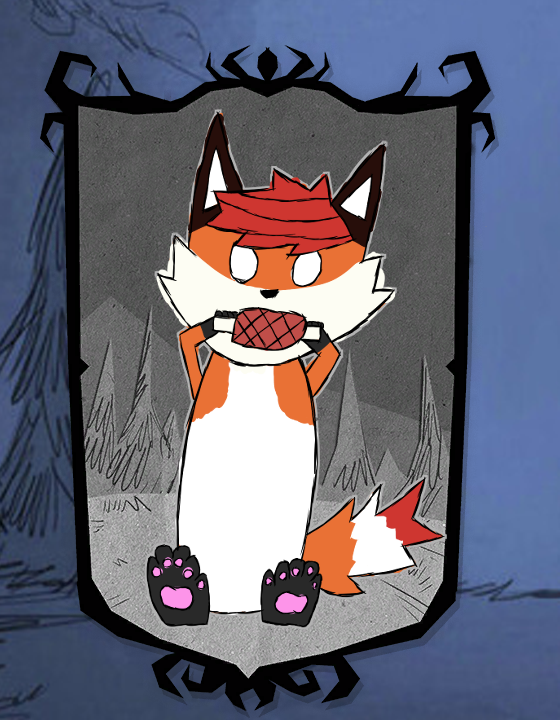
Pysiek The Fox
von 76561198330503965
Pysiek Fox Character for Dont Starve Together. Health: 175 Hunger: 150 Sanity: 125 Starting with: Walking cane Skify Plushie

Don't Starve Together Details →
Don't Starve Together Guides
Don't Starve Together Mods installieren – Server & Client
Installiere Don't Starve Together Mods sauber per Workshop-ID, aktiviere sie pro Shard und behebe typische Fehler auf dem Server.
Don't Starve Together Server mieten – Koop-Guide
Don't Starve Together Server einrichten: Cluster-Token, Caves, Mods, Weltoptionen, Prüfung und Troubleshooting für deinen Koop-Server.
Don't Starve Together Server mit Mod-Support
Kompatible, unterstützte Mods über das Server-Dashboard installieren.
Don't Starve Together Server mieten