Choose a Minecraft modpack for your server based on playstyle, shared client version and the need for add-ons. The table shows concrete catalog versions and RAM starting values. Download numbers or idle measurements alone prove neither the right player count nor stable performance for your finished world.
The selection sorts the documented catalog versions by playstyle. The download numbers on CurseForge and Modrinth are from September 22, 2026; the RAM preset is a planning value from the catalog. We deliberately do not state player counts: they depend on the world, machines and mods, and were not measured.
Comparison Table: 17 Modpacks for Your Server
| Modpack | Playstyle | Loader / Minecraft | RAM preset (catalog) | Downloads (09/22/2026) |
|---|---|---|---|---|
| Cobblemon Official | Catch, train and battle Pokémon | Fabric 1.21.1 | 6 GB | Modrinth 10.7M, CurseForge 3.7M |
| COBBLEVERSE | Cobblemon with gyms, story and regions | Fabric 1.21.1 | 8 GB | Modrinth 6.7M, CurseForge 5.0M |
| The Pixelmon Modpack | Catch and battle Pokémon, large Pokémon roster | NeoForge 1.21.1 | 6 GB | CurseForge 20.1M, Modrinth 2.2M |
| All the Mods 10 | Kitchen sink: tech, magic, quests | NeoForge 1.21.1 | 10 GB | CurseForge 21.8M |
| All the Mods 9 | Kitchen sink on 1.20.1 | Forge 1.20.1 | 10 GB | CurseForge 13.6M |
| Create+ | Machines, trains, automation | NeoForge 1.21.1 | 6 GB | Modrinth 1.3M |
| RLCraft | Hardcore survival, dragons, skills | Forge 1.12.2 | 6 GB | CurseForge 30.1M |
| Better MC BMC4 | Vanilla+ with structures and quests | Forge 1.20.1 | 8 GB | CurseForge 18.3M, Modrinth 2.2M |
| BetterMC: VanillaReborn | Vanilla+ on NeoForge 1.21.1 | NeoForge 1.21.1 | 4 GB | Modrinth |
| Prominence II: Hasturian Era | RPG with classes and dungeons | Fabric 1.20.1 | 8 GB | CurseForge 12.7M, Modrinth 2.0M |
| DawnCraft: Echoes of Legends | Souls-like combat, bosses, quests | Forge 1.18.2 | 8 GB | CurseForge 10.4M |
| Craft to Exile 2 | Action RPG with talent tree | Forge 1.20.1 | 8 GB | CurseForge |
| SkyFactory 4 | Skyblock with resource trees | Forge 1.12.2 | 6 GB | CurseForge 14.0M |
| SkyFactory One | Skyblock, modern successor | Forge 1.16.5 | 6 GB | CurseForge |
| Vanilla Sky | Skyblock, lightweight | Fabric 1.20.1 | 4 GB | Modrinth |
| Cursed Walking | Zombie apocalypse | Forge 1.20.1 | 8 GB | CurseForge 8.5M |
| DeceasedCraft | Urban zombie apocalypse | Forge 1.20.1 | 8 GB | CurseForge 9.3M |
The RAM column shows the preset from our catalog as a planning starting point. It is not a measured minimum — for All the Mods 10 there is a dedicated measurement series, see below. Download numbers are totals for the respective platform and say nothing about the version that is played today.
Collecting Pokémon: Cobblemon, COBBLEVERSE and Pixelmon
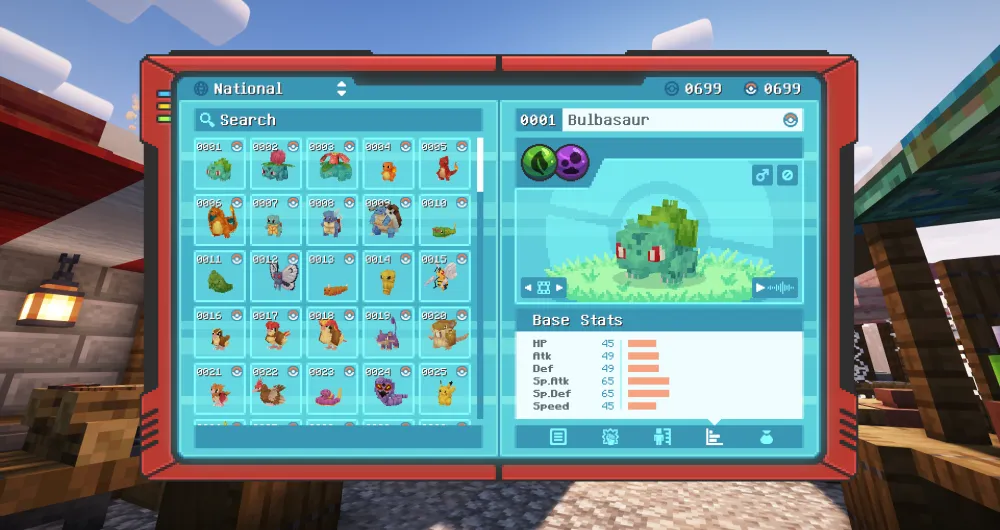
Cobblemon is among the most in-demand packs in the documented download figures. The offered version of the official pack runs on Fabric 1.21.1 with a catalog RAM starting value of 6 GB, comes with its own 3D models and can be played right away without extra mods: catch, train, battle and breed Pokémon, grow berries, revive fossils.
COBBLEVERSE builds on this and adds gyms, a story and multiple regions — the catalog preselects 8 GB for it. The actual requirement depends on the pack release and the load of your world. For a group that wants longer shared progression, COBBLEVERSE is the better choice; for an open server where players come and go, the leaner official pack.
Both packs are Fabric packs. Bedrock players cannot join a Fabric modpack server — Geyser does not transfer the mod content. Check this client requirement with all your fellow players before ordering.
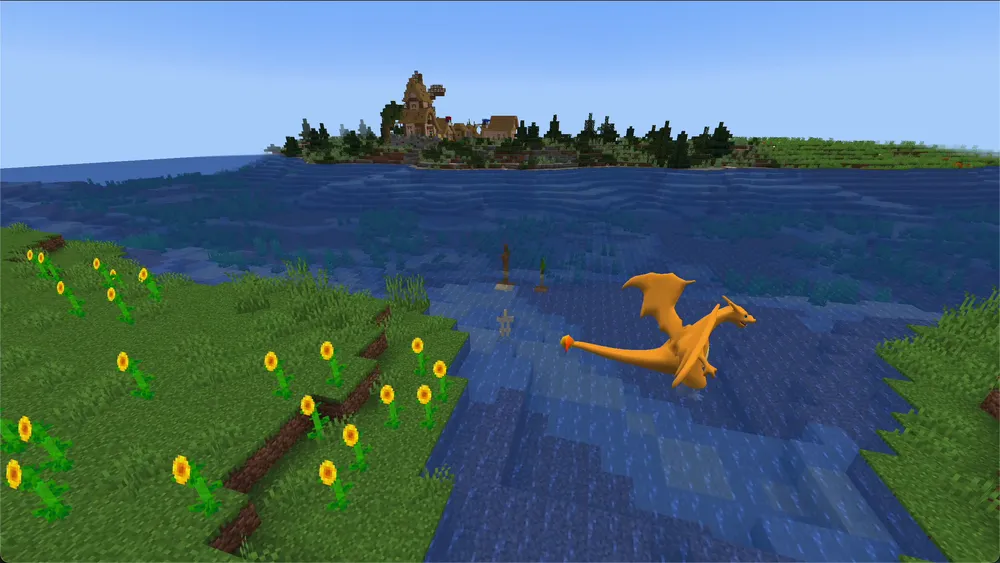
The Pixelmon Modpack follows the same basic idea — catch Pokémon, train them, let them battle each other — but on NeoForge instead of Fabric: over 1,000 Pokémon with their own models, Terralith world generation and a custom soundtrack resource pack make the pack, at around 400 MB, significantly larger than Cobblemon. With 20.1 million downloads on CurseForge, it is the most downloaded Pokémon pack there overall. Which pack fits better is not a question of rating but of the loader: if you already know Fabric mods or servers, stick with Cobblemon; if you prefer NeoForge or want the larger scope, take Pixelmon. Pixelmon also only runs with Java Edition — Bedrock crossplay is not possible here either. You can read the detailed comparison of both packs — loader, scope, RAM and startup time — in the guide Cobblemon vs. Pixelmon.
Tech Without Limits: All the Mods 10 and 9
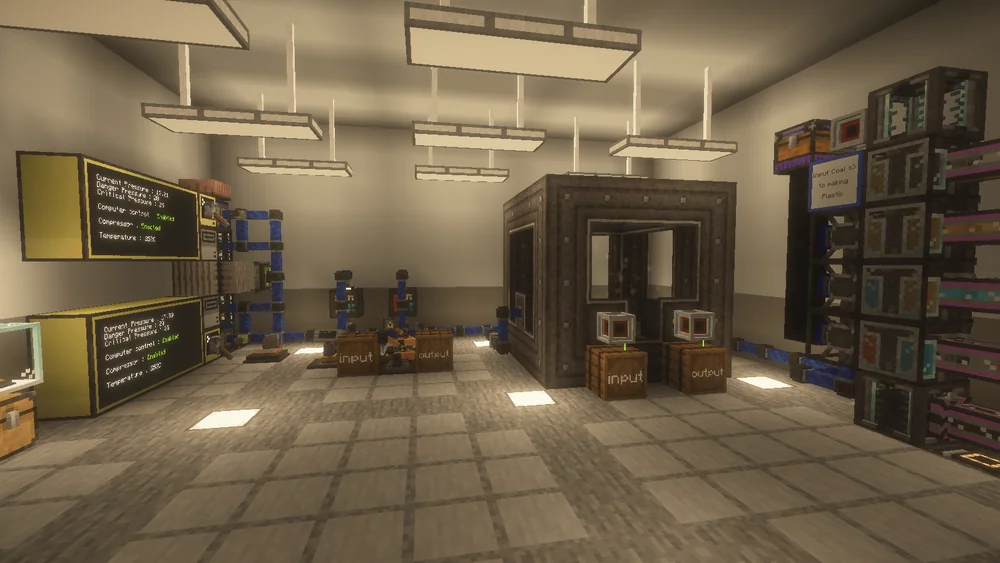
All the Mods 10, with 21.8 million CurseForge downloads, is an extensive kitchen-sink pack in the documented catalog version: several hundred mods for tech, magic, storage logistics and exploration on NeoForge 1.21.1, with a quest book and teams. It is also the pack whose RAM requirement we know most precisely: in three load runs with 10 GB allocated, the RAM P95 reached up to 8,137 MiB — the full measurements and their limits are in the guide All the Mods 10 Server: How Much RAM Does ATM10 Really Need?. How to set up the server from the first start through the settings to your fellow players joining is shown in the guide Create an All the Mods 10 Server.
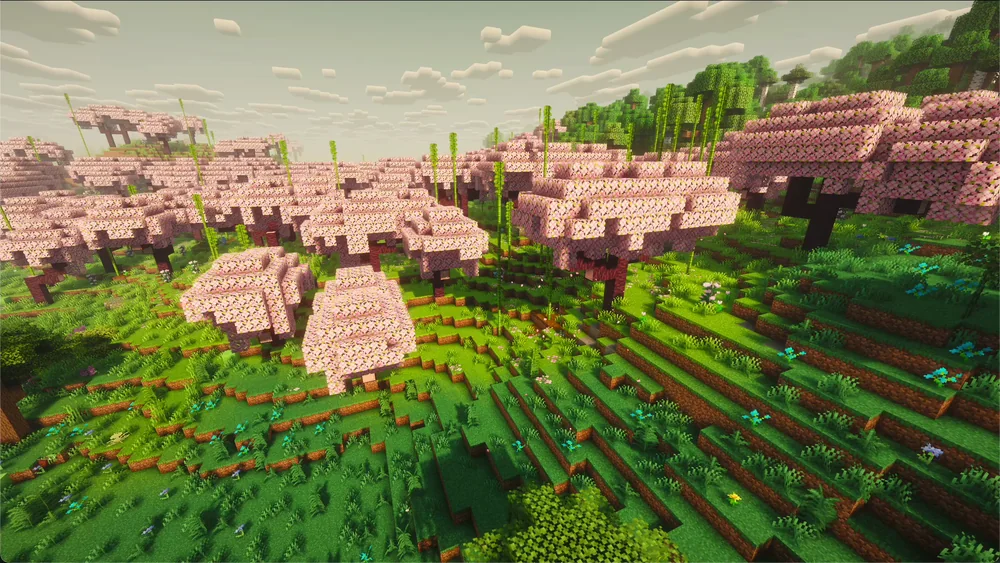
All the Mods 9 is the 1.20.1 generation on Forge. It is worthwhile if the group needs mods that do not exist on 1.21 yet, or clients stuck on 1.20.1. Setup, measured startup and settings are in the guide Create an All the Mods 9 Server. The preselected 10 GB is a catalog starting value, not a measured universal minimum. Plan based on pack version, machines, permanently loaded chunks and actual heap/tick measurements. In the described ATM10 comparison, smaller memory amounts were not tested; no general lag threshold can be derived from this.
Machines, Trains, Factories: Create+
Create+ offers a curated entry into the Create mod and add-ons for trains, steam engines and logistics. The offered version uses NeoForge 1.21.1; the catalog preselects 6 GB. In your first shared test, check a machine or a train so the group gets to know the mechanics and their impact on tick load.
On the server, with Create it is less about RAM than tick time: large contraptions and many trains cost milliseconds per tick. If you observe individual tick spikes above 50 ms despite an average TPS of 20, you will find the diagnosis in the guide Minecraft Server Lagging: Fixing the Watchdog Timeout Properly.
The Classic: RLCraft
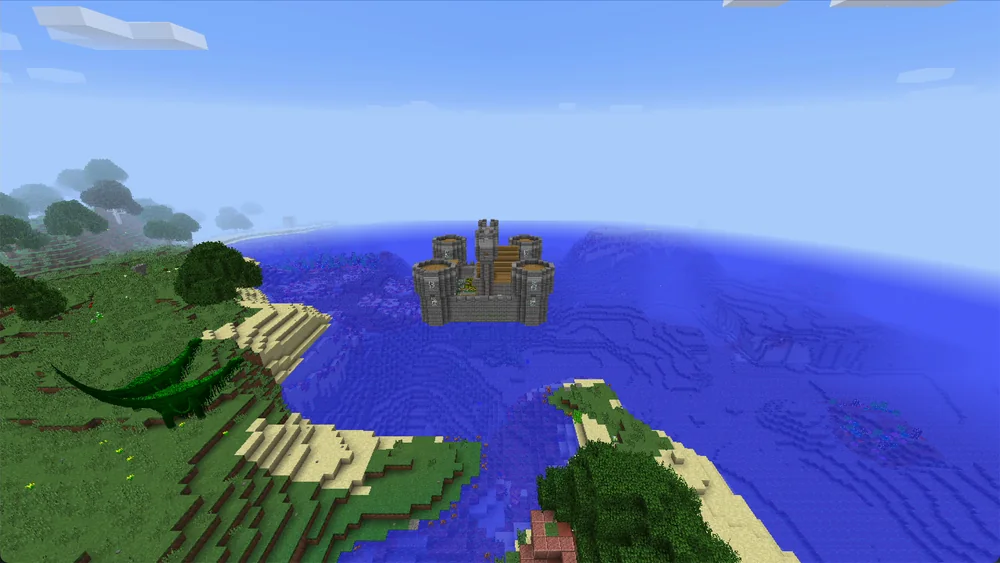
RLCraft, with 30.1 million downloads, is the most downloaded modpack on CurseForge overall — and deliberately hard: thirst, temperature, dragons, skills you have to unlock first, and a death that hurts. The offered version runs on Forge 1.12.2; the catalog RAM starting value is 6 GB.
The old version is not a drawback but the reason the pack works: the mod combination exists only on 1.12.2. On the server this means: the matching Java 8 runtime, add-ons suitable exclusively for Forge/Minecraft 1.12.2, and regular backups, because Lycanites creatures and dragons visibly change the world. How much RAM the pack actually needs and how the first start goes is covered in the guide Create an RLCraft Server.
Vanilla With More World: Better MC

Better MC BMC4 (Forge 1.20.1, 8 GB, 18.3 million CurseForge downloads) feels like vanilla — just with hundreds of structures, new biomes, bosses and over 100 quests. It is the pack for groups where not everyone wants to learn tech. RAM, first start, world and fellow players step by step: Create a Better MC Server (BMC4).
BetterMC: VanillaReborn is the leaner variant in the catalog on NeoForge 1.21.1 with a 4 GB RAM preset. Check on the actual client machines whether frame rate and memory usage are acceptable; the server RAM allocation does not prove any particular client performance.
RPG With Classes and Bosses: Prominence II, DawnCraft, Craft to Exile 2
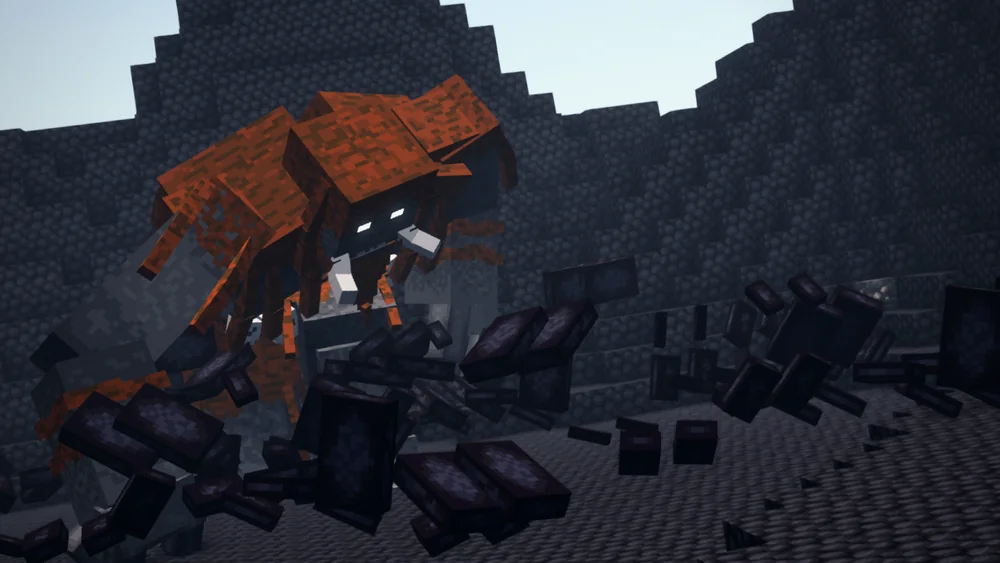
Prominence II: Hasturian Era (Fabric 1.20.1, 8 GB) is the RPG pack with classes, abilities and dungeons; DawnCraft (Forge 1.18.2, 8 GB) focuses on souls-like combat and boss enemies with a fixed questline; Craft to Exile 2 (Forge 1.20.1, 8 GB) takes talent trees and loot systems from action RPGs. For all three, the catalog preselects 8 GB. This is not a measured universal minimum: mobs, structures and permanently loaded areas must be observed in actual operation.
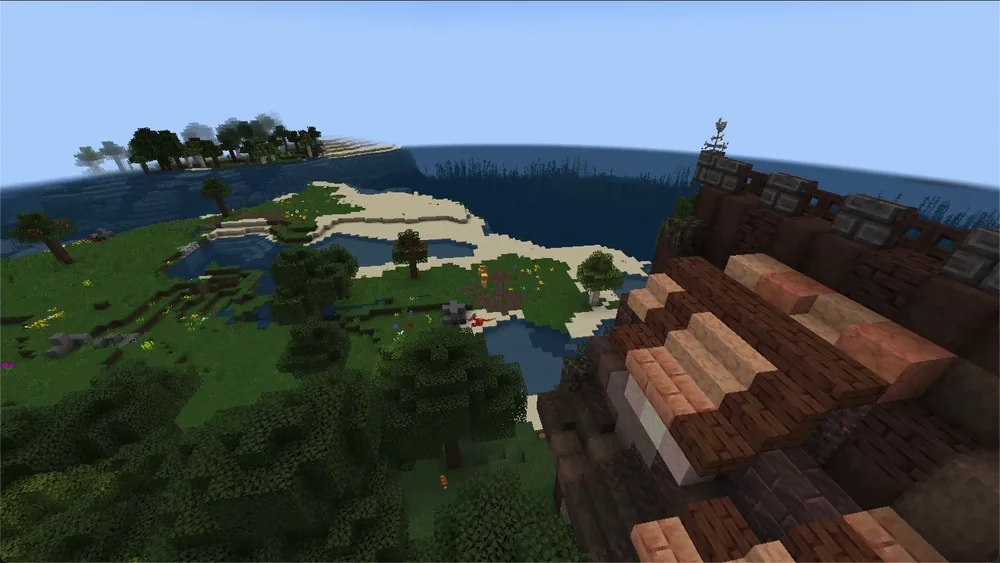
With changing players, check how individual class development, quests and shared progression fit together. A fixed group can plan its quest sequence together more easily. No measured stability ranking of the three packs follows from this. Measured startup times, idle RAM and the most important settings for Prominence II, DawnCraft and Zombie Invade are in the guide RPG Modpacks on Your Own Server.
Skyblock: SkyFactory 4, SkyFactory One, Vanilla Sky
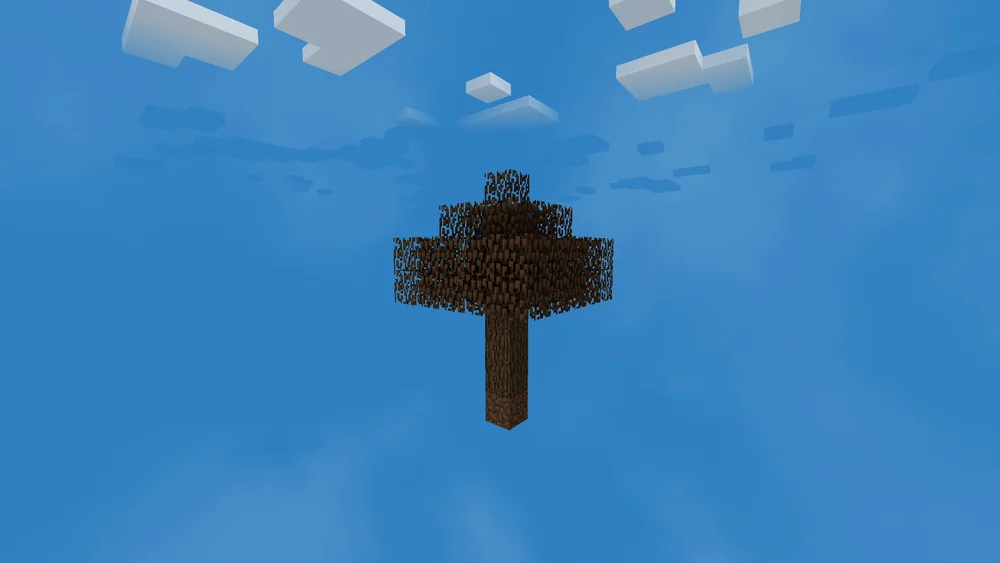
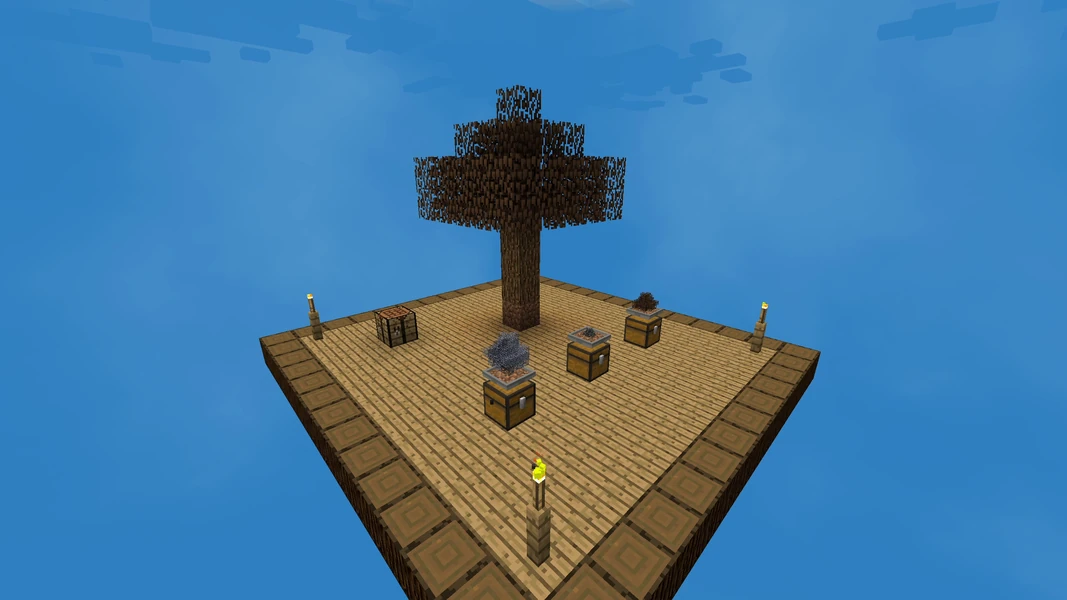
SkyFactory 4 (Forge 1.12.2, 6 GB, 14.0 million downloads) is skyblock with resource trees, sieving and a prestige system that carries the replay value. SkyFactory One (Forge 1.16.5, 6 GB) is the more modern successor with the same core. Vanilla Sky (Fabric 1.20.1, 4 GB) is the lightest pack on the list: skyblock close to vanilla, for small groups and small servers. How the SkyFactory 4 world with the tree in the void comes about and which settings the pack brings is covered in the guide Create a SkyFactory 4 Server.
A skyblock world can limit the generation of new terrain. Machines, entities and permanently loaded islands can nevertheless increase memory and tick load over the course of play. Observe this load in actual operation; a small world does not guarantee a permanently stable RAM requirement.
Zombie Apocalypse: Cursed Walking and DeceasedCraft
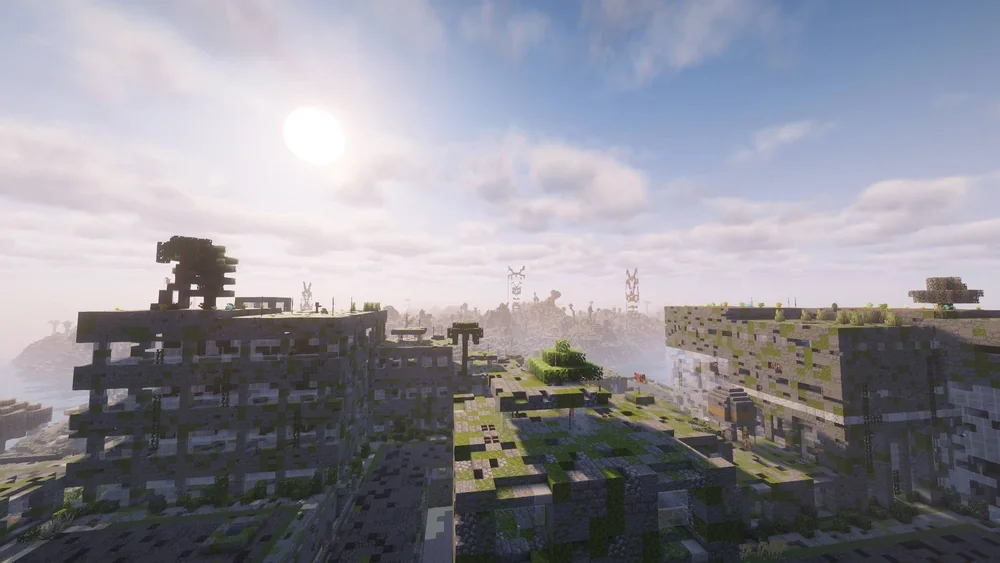
Cursed Walking (Forge 1.20.1, 8 GB, 8.5 million downloads) and DeceasedCraft (Forge 1.20.1, 8 GB, 9.3 million) are the two big survival packs: hordes, weapons, cities, base building. DeceasedCraft is more urban and action-heavy, Cursed Walking is closer to a series with a slow-burning threat. Both offered versions use Forge 1.20.1. For a switch, every fellow player still needs the complete target pack in the matching release, ideally in a separate launcher profile; an identical loader/Minecraft version does not make the packs interchangeable.
What's Missing From the List, and Why
Fabulously Optimized is the most downloaded pack on Modrinth, but a client optimization pack — it does nothing on a server. Server Optimization from our catalog (Fabric 1.21.1, 4 GB) is the server-side counterpart: not a content pack, but Lithium, FerriteCore and co. for a faster vanilla server.
Packs such as Cave Horror Project or Backrooms: Found Footage are in the catalog, but have not yet passed a boot test on our platform. They will only appear here once that has been completed.
How Much RAM Does a Modpack Server Really Need?
The table shows catalog presets for the offered pack version. They are not proven minimum values or player limits. Three groups help with initial planning; the ATM10 measurement does not confirm a memory limit for the other packs:
- Light packs (Vanilla Sky, VanillaReborn, Server Optimization): 4 GB. Few mods, small world.
- Medium packs (Cobblemon, Pixelmon, Create+, RLCraft, SkyFactory): 6 GB. Many mods, but a manageable amount of content loaded at the same time.
- Large packs (ATM9/10, COBBLEVERSE, Better MC BMC4, the RPG and zombie packs): 8 to 10 GB. Hundreds of mods, many entities, large structures.
More RAM alone does not guarantee better tick performance. A larger heap can change GC behavior; the effect depends on the collector, allocations and load. Check heap usage, memory limit and the exact error message for "Out of memory". GC pauses and TPS drops occurring at the same time require a diagnosis; on their own they do not prove a heap that is too small. The Minecraft RAM Calculator helps with a first estimate, and the measurements for ATM10 show how to verify it precisely.
Your Own Pack Instead of the Catalog
All the packs above can be preselected with one click in the configurator; installation runs automatically after payment. If you want a different pack from CurseForge or Modrinth, load it via the modpack browser in the server panel — the process is described in the guide Setting Up Mods and Modpacks on the Server. And because a modpack server only works with the same pack on the client: How Fellow Players Join a Modpack Server.
FAQ
Which modpack is the most popular in 2026?
By total downloads, RLCraft on CurseForge (30.1 million) and Cobblemon on Modrinth (10.7 million). These totals measure neither current active players nor new server launches. Choose based on the available pack release and your group's mechanics.
Which modpack is suitable for beginners?
Better MC BMC4 or VanillaReborn: the game stays vanilla, the mods only expand it. Cobblemon is also beginner-friendly because the core of the game is immediately understandable. RLCraft and All the Mods 10 are not.
Can Bedrock players join in on a modpack server?
The content modpacks compared here require Java clients with the matching pack. Geyser cannot transfer their additionally required Java mod content to a Bedrock client. This is to be distinguished from purely server-side add-ons, which do not require any additional client content.
Can I switch the modpack later?
Yes, but the world is tied to the pack. A switch usually means a new world; a backup of the old one is kept. Even with the same loader and the same Minecraft version, every client needs the complete new pack in the matching version. Use a separate profile for this and keep the old world together with the original pack version.
Is 4 GB enough for Cobblemon?
The catalog preselects 6 GB for the official pack and 8 GB for COBBLEVERSE. The available evidence does not assess a controlled 4 vs. 6/8 GB comparison; it therefore proves neither stable 4 GB operation nor a universal 8 GB minimum. Check the actual heap usage, memory limit and tick load of your world.
Sources and Verification Status
Verification status: Catalog values (RAM, loader, version) from our modpack catalog as of September 22, 2026; download numbers retrieved from CurseForge and Modrinth on the same day; ATM10 measurements from three documented load runs. Not measured: player counts per pack.
- Download numbers CurseForge: CurseForge — Modpacks by Total Downloads, retrieved on September 22, 2026.
- Download numbers Modrinth: Modrinth — Modpacks, sorted by downloads via the Modrinth Search API, retrieved on September 22, 2026.
- Crossplay limit: GeyserMC — FAQ on the question of why Bedrock clients cannot load Java mods.
- RAM recommendations, loaders, versions: our modpack catalog as of the same date; ATM10 measurements from three passed load runs from August 26 to 28, 2026, documented in the linked RAM guide.
- Search demand for topic selection: Google Ads volume via DataForSEO, September 2026.
Narrowing Down the Decision Before You Order
First write down which mechanics are indispensable: Pokémon, machines, skyblock or a fixed questline. Then check whether all fellow players can use the required Java client and loader. Choose a specific pack release rather than just the name of the series. The RAM figures serve to select the offered starting point; later machines, exploration and permanently loaded chunks need their own observation. After the first join, test the core mechanics before you carry over an existing world. Switching to a different pack is a new compatibility project and not a mere swap of the JAR.
Cobbleverse: view an example
Our own captures from a demonstration environment. The version and setup shown may differ from your server.
- A wild Pikachu Lv. 5 faces the trainer.
- The Ultra Ball flies and wobbles.
- Caught and sent out as a team member.
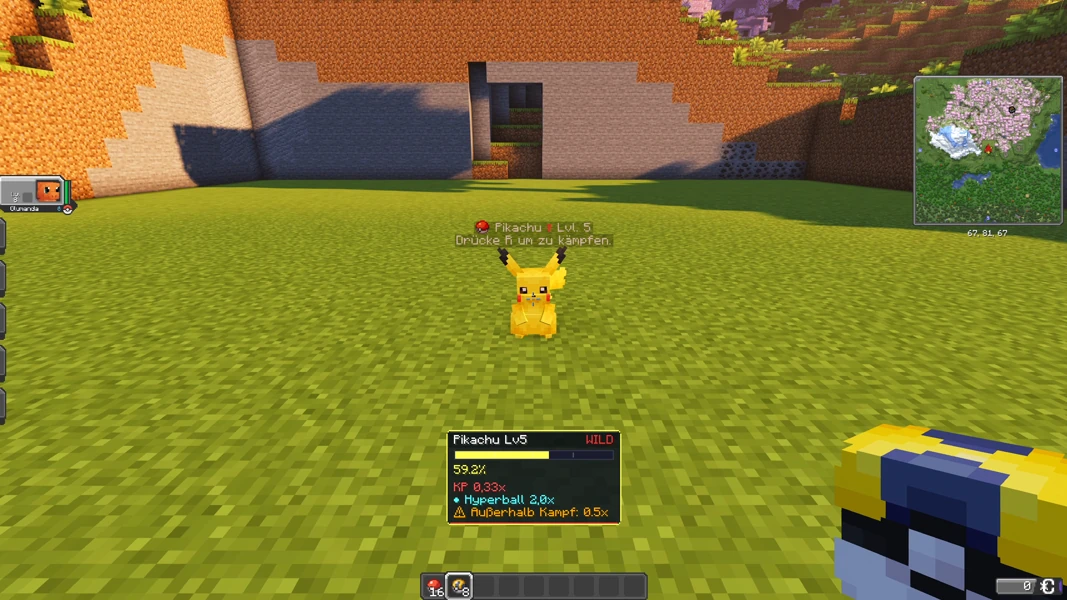
Cobbleverse 1.7.42 · Cobblemon 1.7.3 · Minecraft 1.21.1 · 2026-09-15
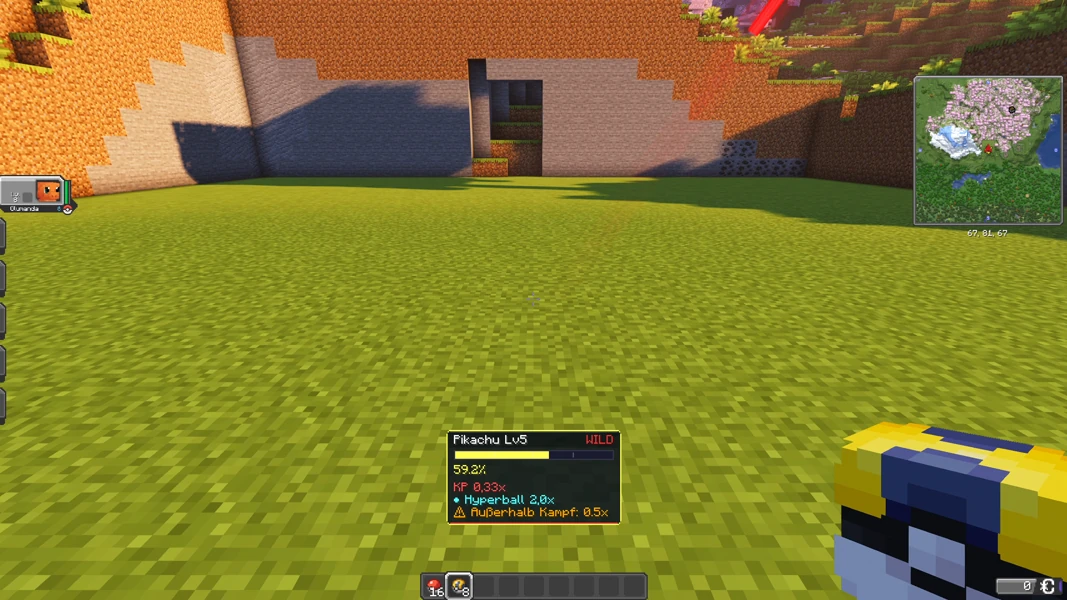
Cobbleverse 1.7.42 · Cobblemon 1.7.3 · Minecraft 1.21.1 · 2026-09-15
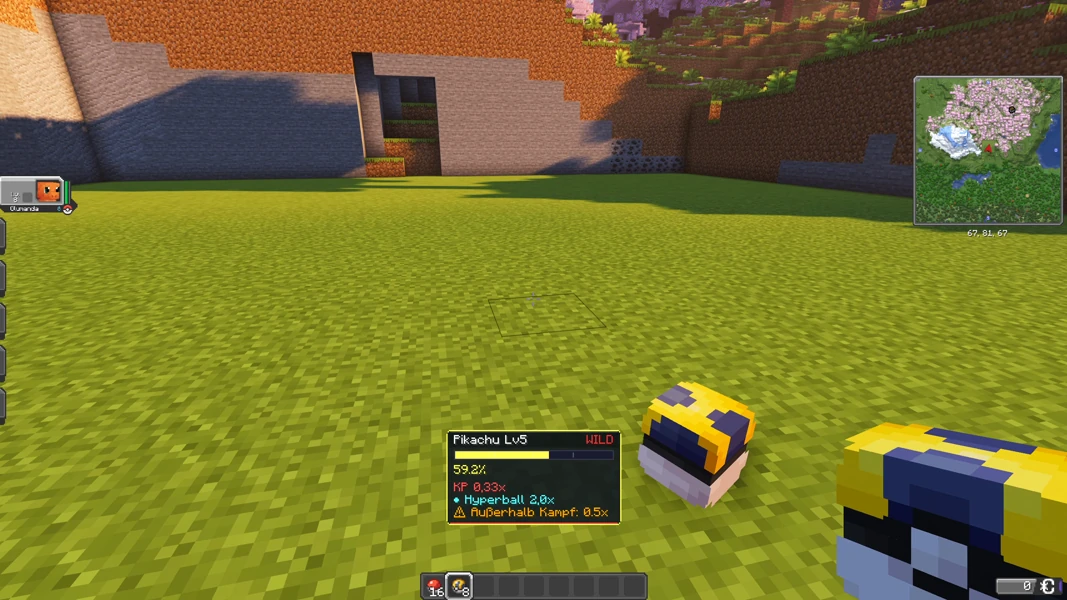
Cobbleverse 1.7.42 · Cobblemon 1.7.3 · Minecraft 1.21.1 · 2026-09-15
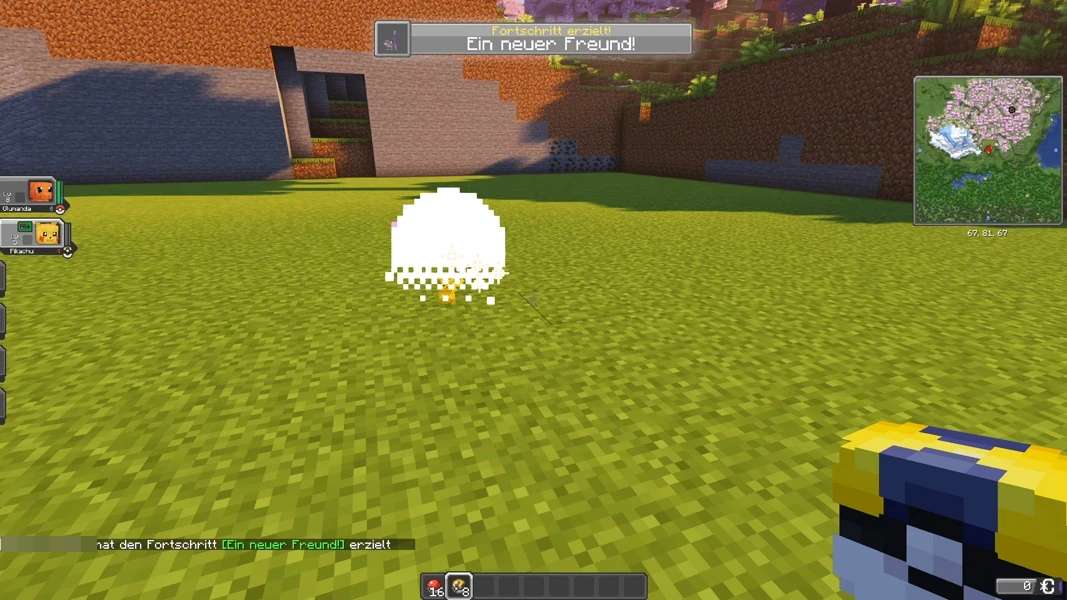
Cobbleverse 1.7.42 · Cobblemon 1.7.3 · Minecraft 1.21.1 · 2026-09-15
All the Mods 10: view an example
Our own captures from a demonstration environment. The version and setup shown may differ from your server.
- An iron ingot sits on the depot under the press.
- The hand crank drives the Mechanical Press.
- Result: an iron plate.
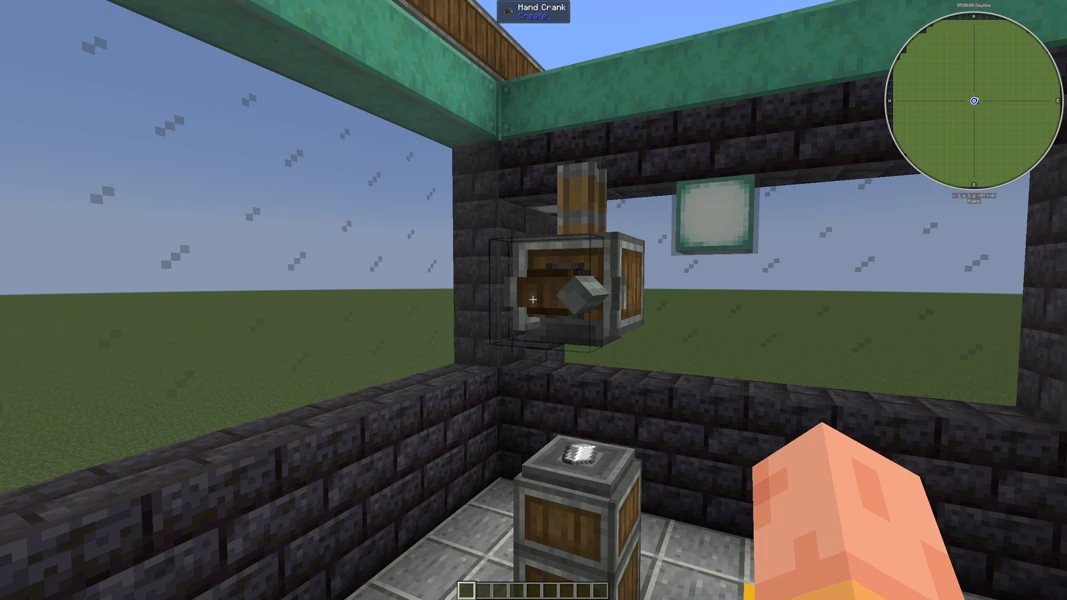
All the Mods 10 7.3 · Minecraft 1.21.1 · NeoForge 21.1.247 · 2026-09-15
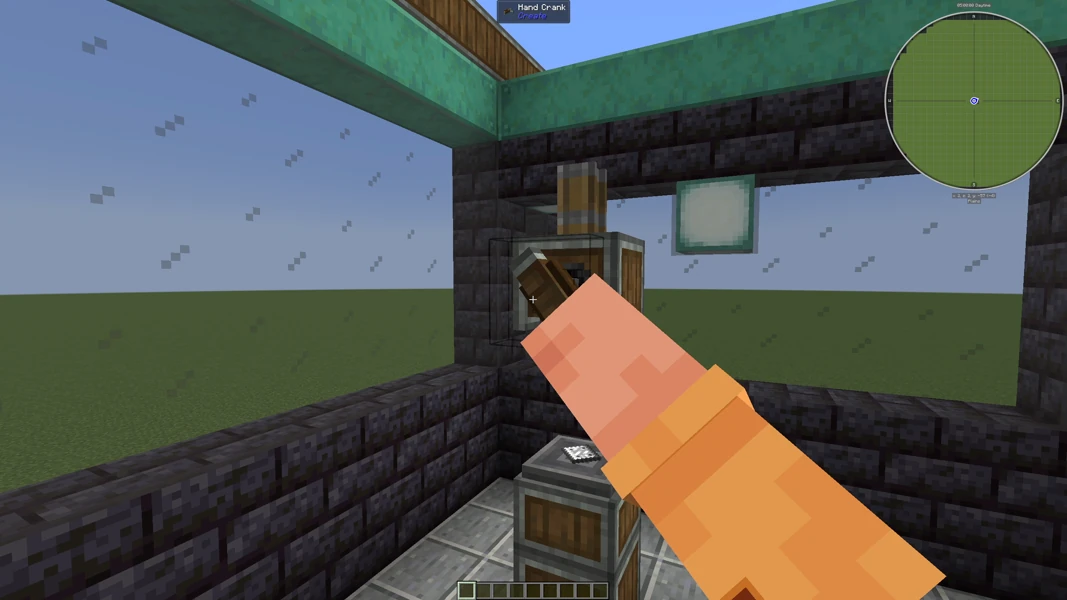
All the Mods 10 7.3 · Minecraft 1.21.1 · NeoForge 21.1.247 · 2026-09-15
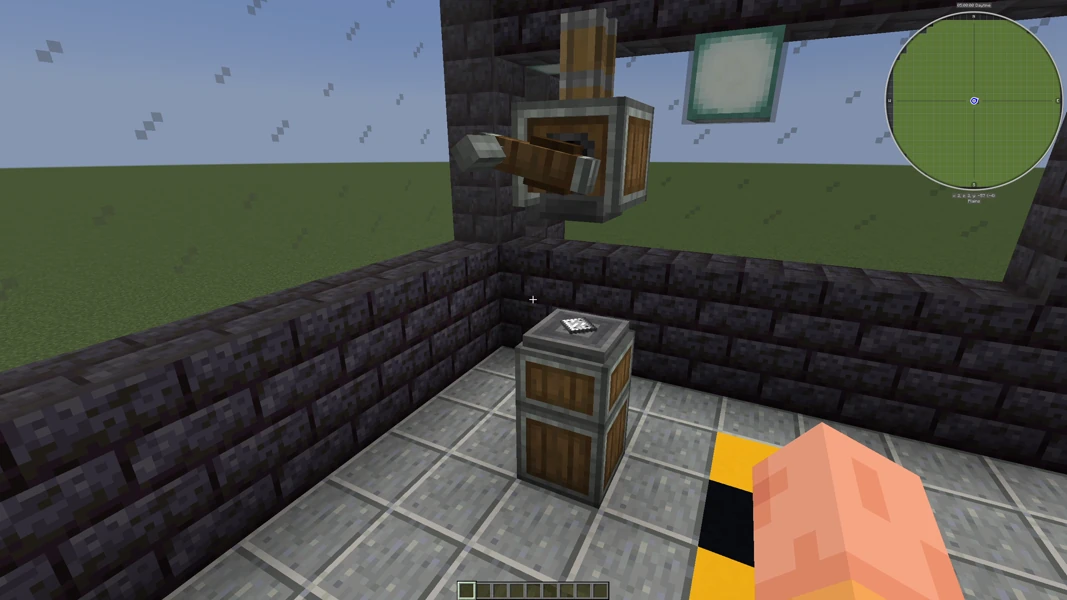
All the Mods 10 7.3 · Minecraft 1.21.1 · NeoForge 21.1.247 · 2026-09-15
All the Mods 9: view an example
Our own captures from a demonstration environment. The version and setup shown may differ from your server.
- Ender Guardian in the cherry grove. Placed by command for this recording.
- Camera move over the cherry grove.
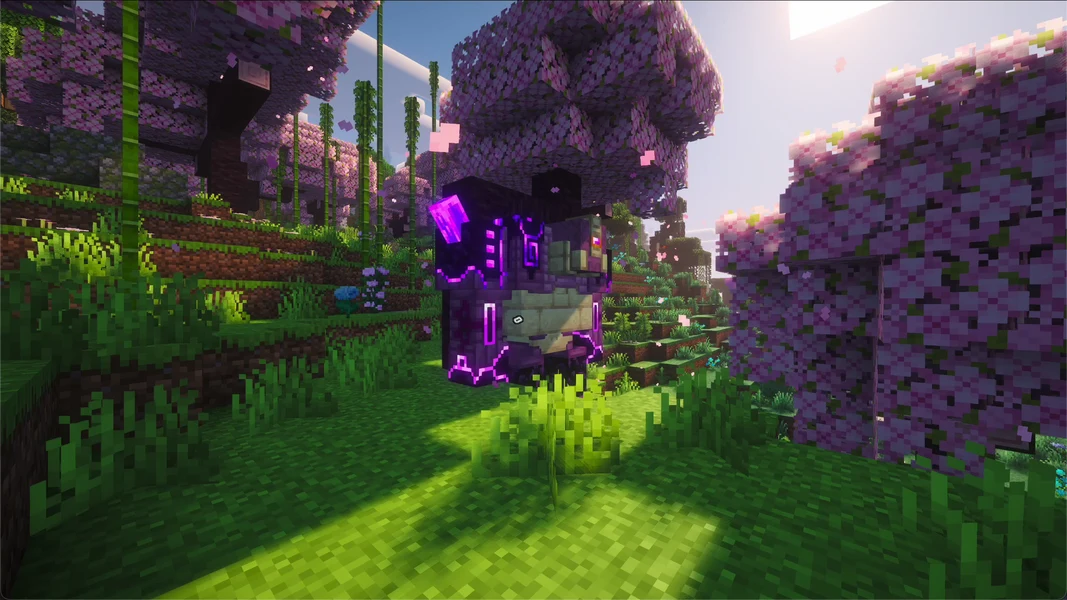
All the Mods 9 1.1.1 · Minecraft 1.20.1 · Forge · 2026-09-24
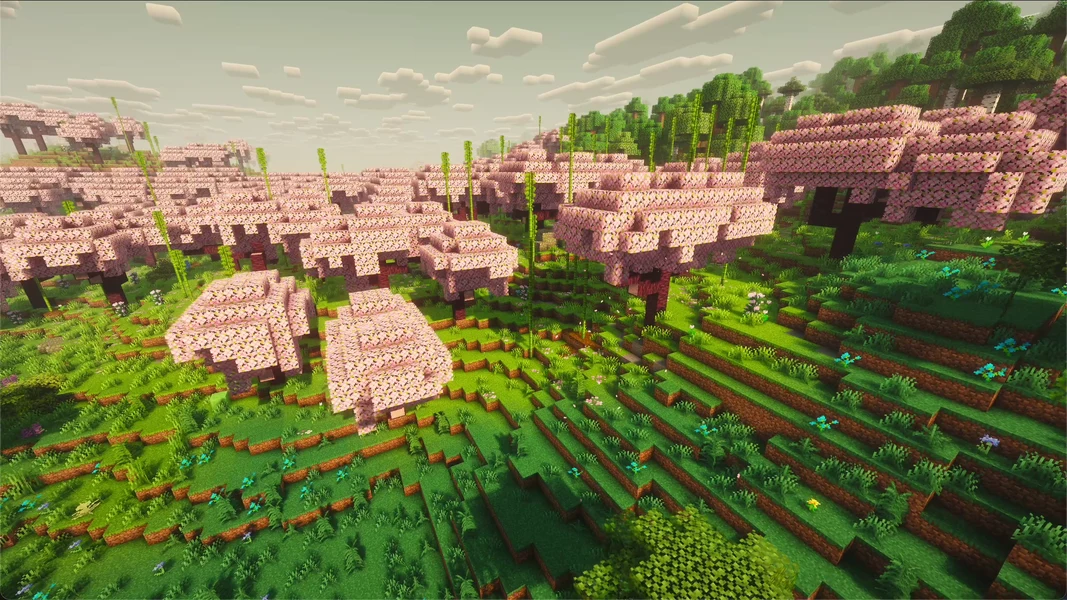
All the Mods 9 1.1.1 · Minecraft 1.20.1 · Forge · 2026-09-24
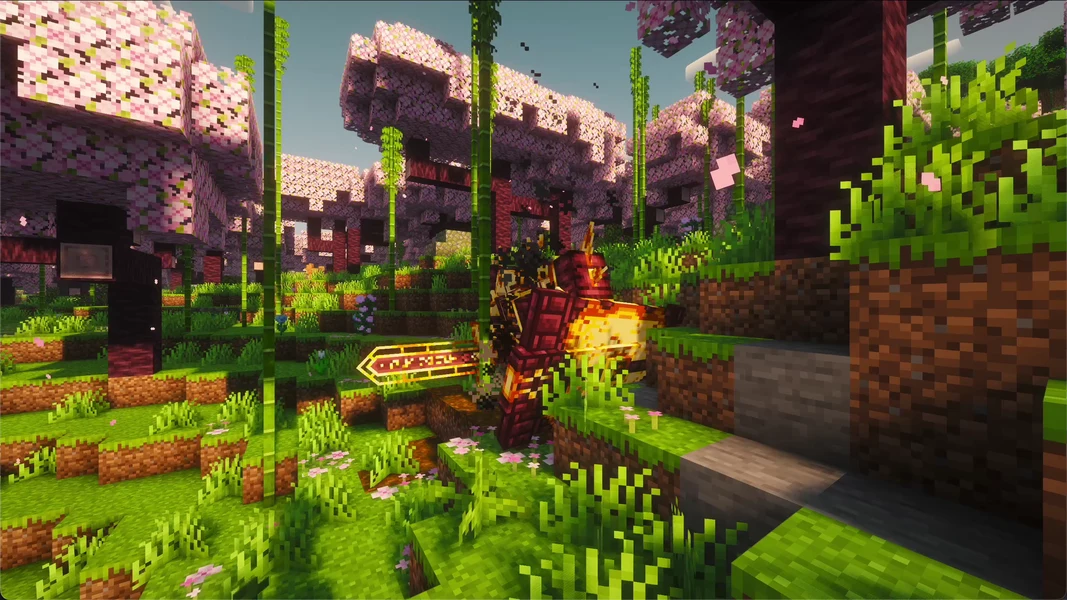
All the Mods 9 1.1.1 · Minecraft 1.20.1 · Forge · 2026-09-24
RLCraft: view an example
Our own captures from a demonstration environment. The version and setup shown may differ from your server.
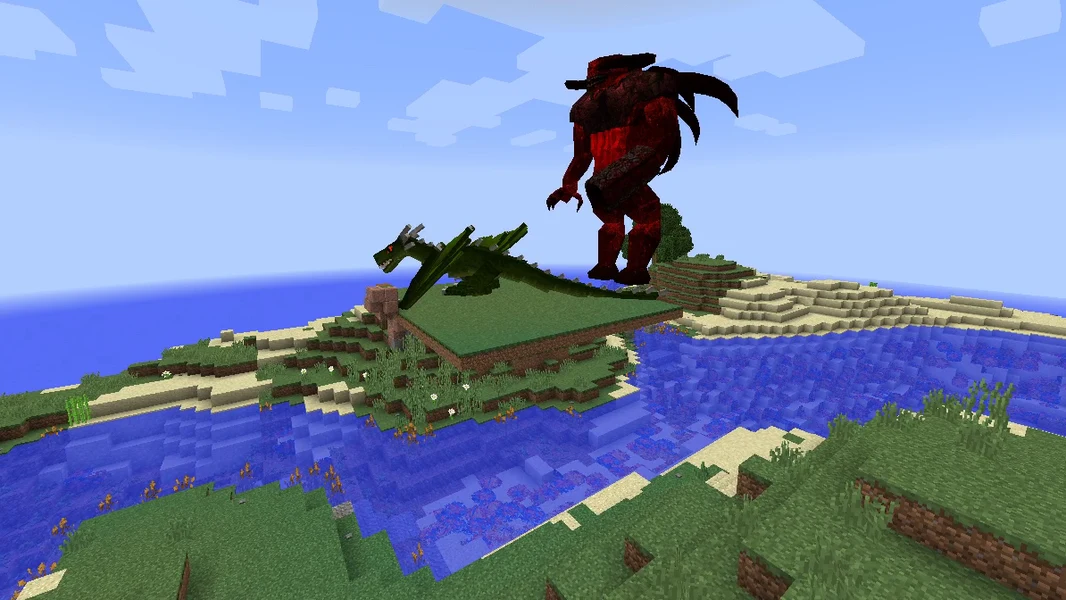
- Rahovart from Lycanites Mobs. Placed by command for this recording.
- Fire dragon from Ice and Fire. Placed by command for this recording.
- Castle on the RLCraft coast.
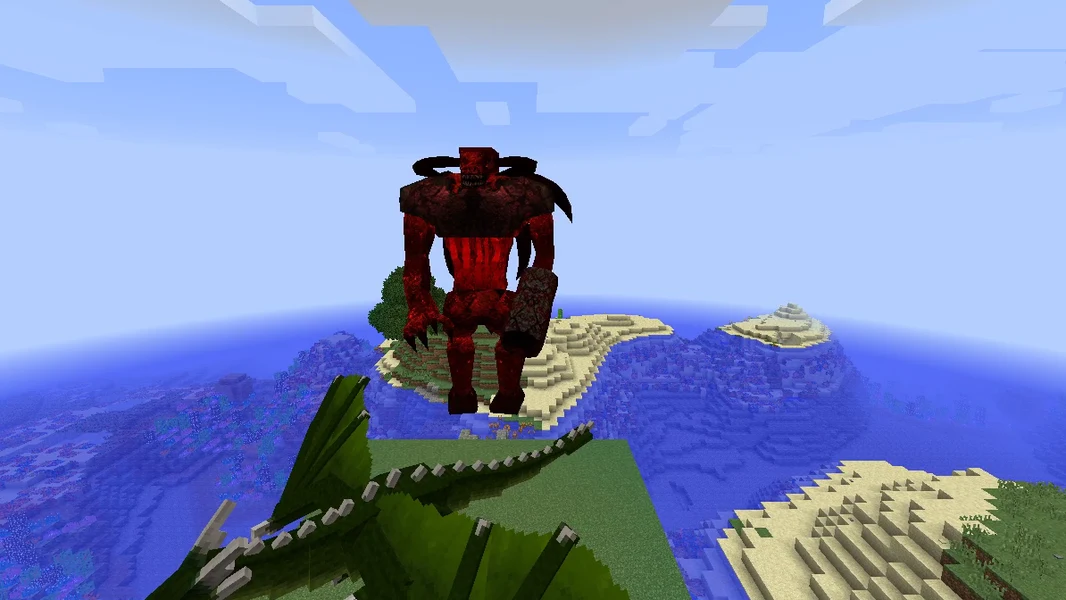
RLCraft · 2026-09-27
RLCraft · 2026-09-27
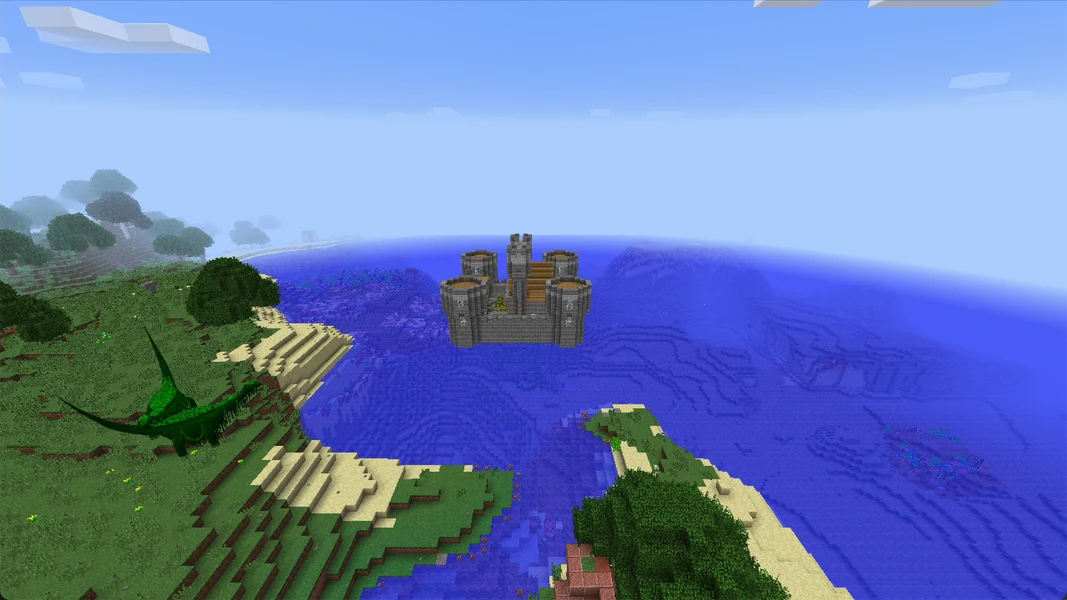
RLCraft 2.9.3 · Minecraft 1.12.2 · Forge · 2026-09-24
Better MC 4: view an example
Our own captures from a demonstration environment. The version and setup shown may differ from your server.
- Frostmaw in the cherry grove. Placed by command for this recording.
- Ferrous Wroughtnaut. Placed by command for this recording.
- Camera move over the cherry grove.
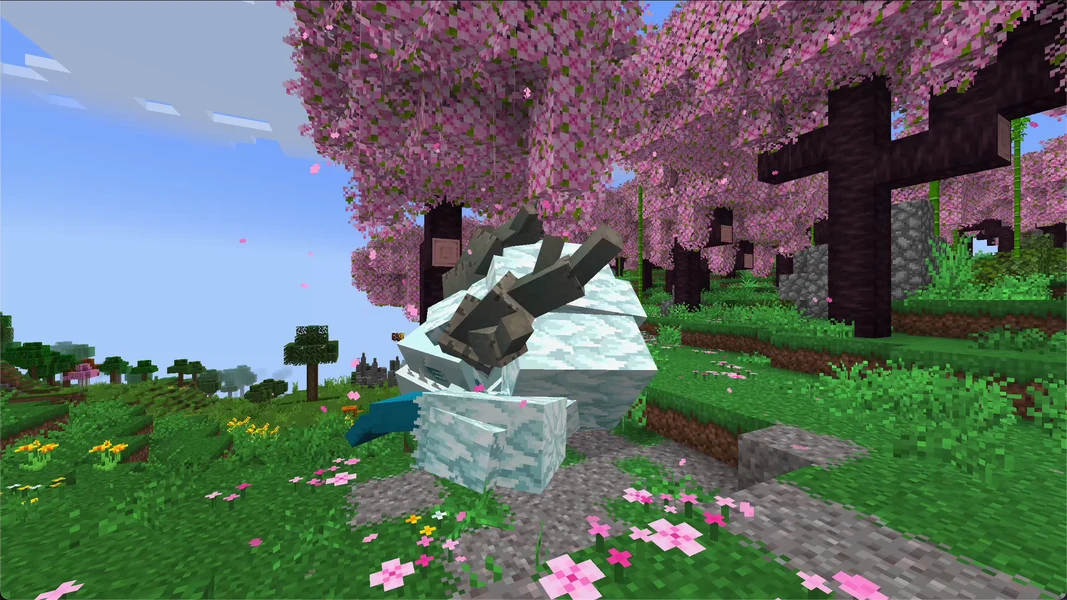
Better MC [FORGE] BMC4 v59 · Minecraft 1.20.1 · Forge · 2026-09-24
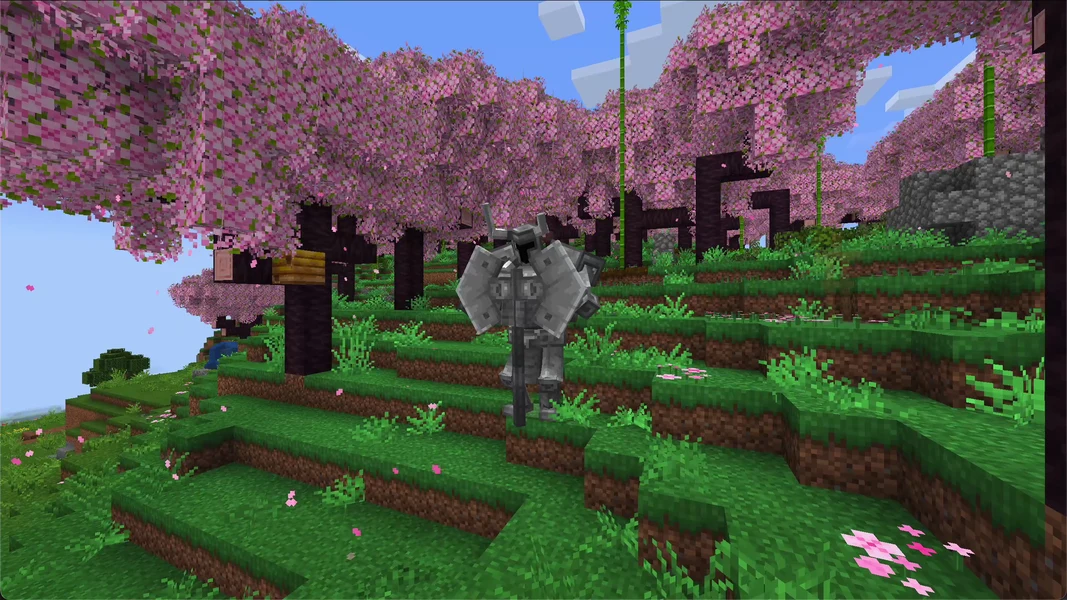
Better MC [FORGE] BMC4 v59 · Minecraft 1.20.1 · Forge · 2026-09-24
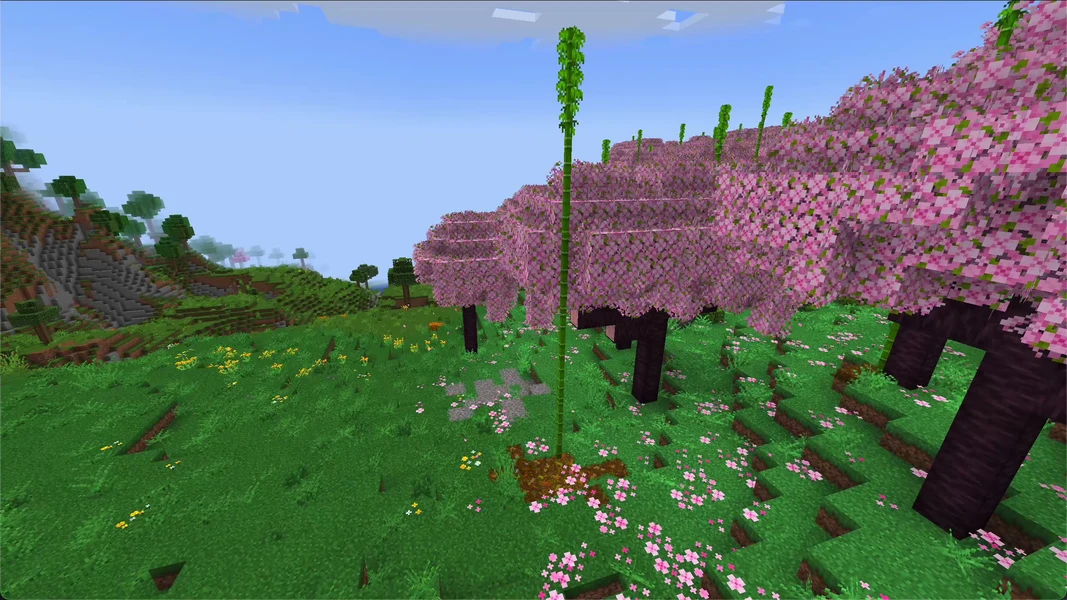
Better MC [FORGE] BMC4 v59 · Minecraft 1.20.1 · Forge · 2026-09-24
Prominence II: view an example
Our own captures from a demonstration environment. The version and setup shown may differ from your server.
- Golden Automaton from Mobs of Mythology. Placed by command for this recording.
- Drake from Mobs of Mythology. Placed by command for this recording.
- Coast with a building from the pack.
- The intro tavern in Prominence II.
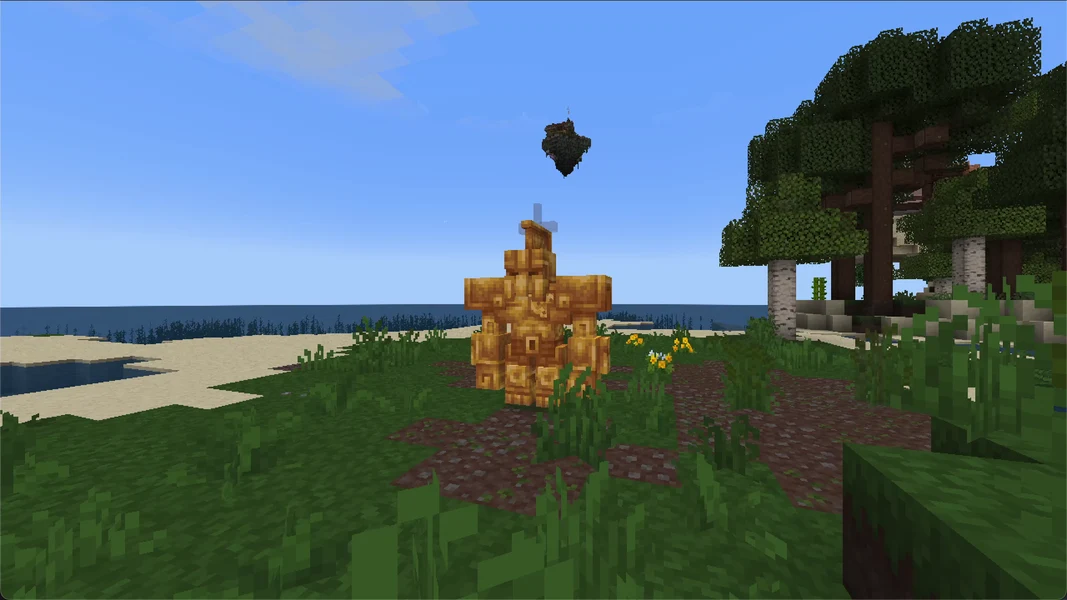
Prominence II: Hasturian Era 4.1.0 · Minecraft 1.20.1 · Fabric · 2026-09-24
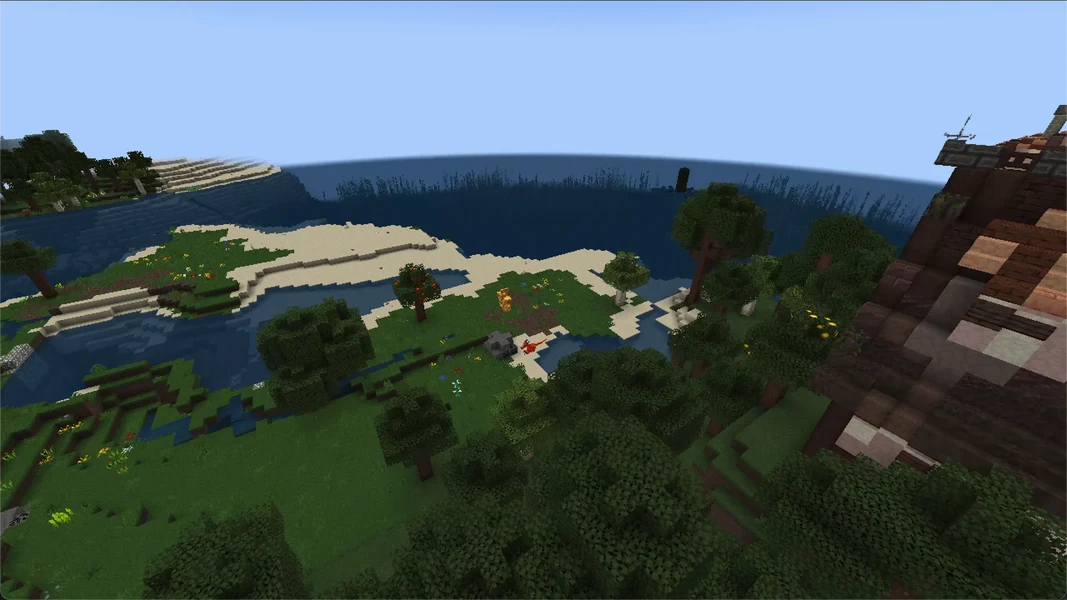
Prominence II: Hasturian Era 4.1.0 · Minecraft 1.20.1 · Fabric · 2026-09-24
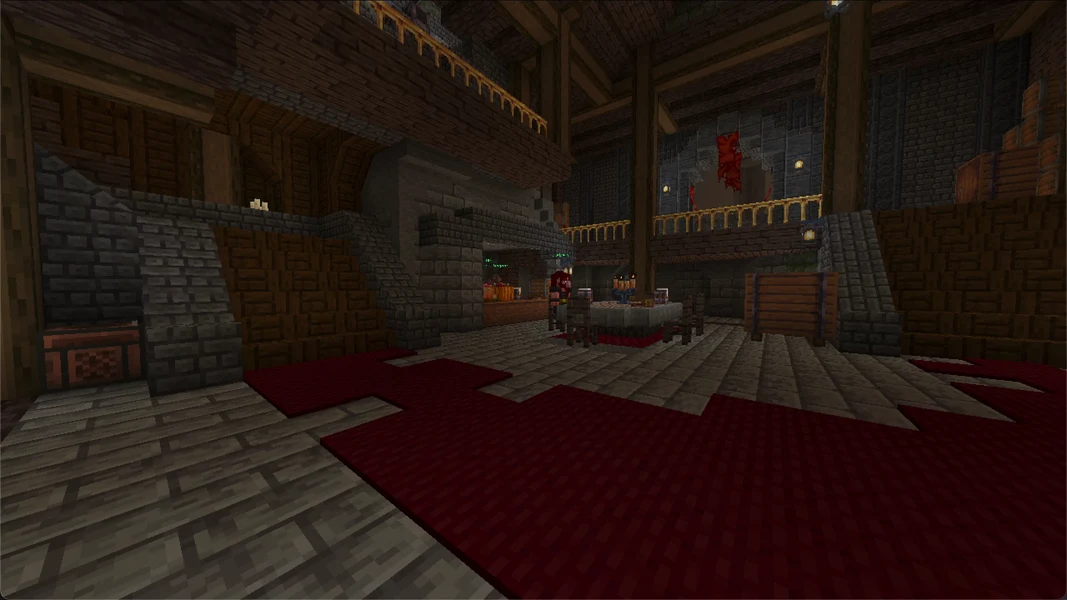
Prominence II: Hasturian Era 4.1.0 · Minecraft 1.20.1 · Fabric · 2026-09-24
DawnCraft: view an example
Our own captures from a demonstration environment. The version and setup shown may differ from your server.
- Ignis from Cataclysm. Placed by command for this recording.
- Ferrous Wroughtnaut. Placed by command for this recording.
- The swamp landscape in DawnCraft.
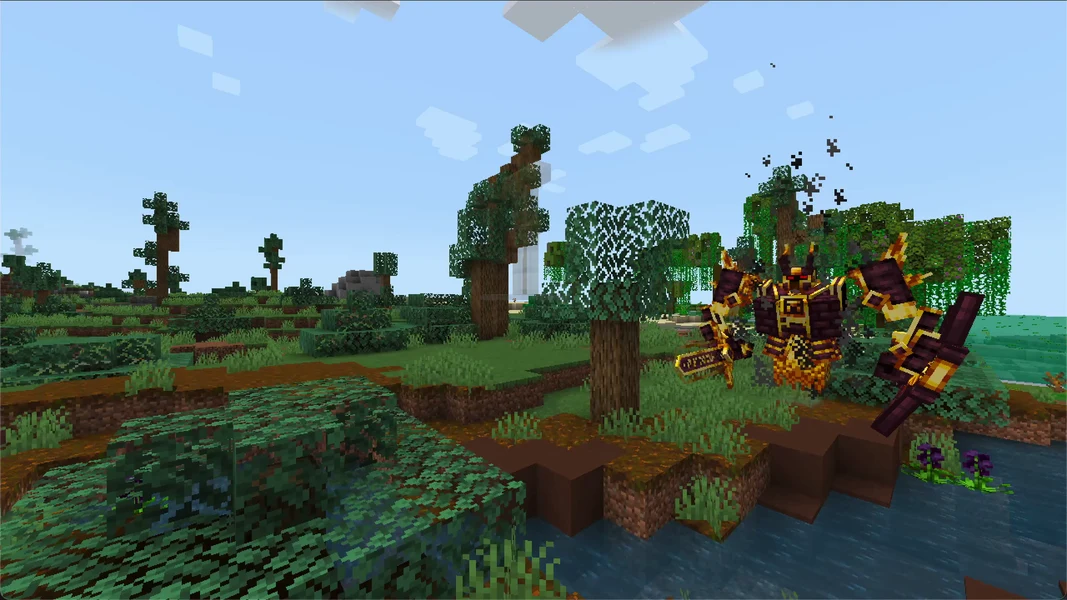
DawnCraft · Minecraft 1.18.2 · Forge · 2026-09-24
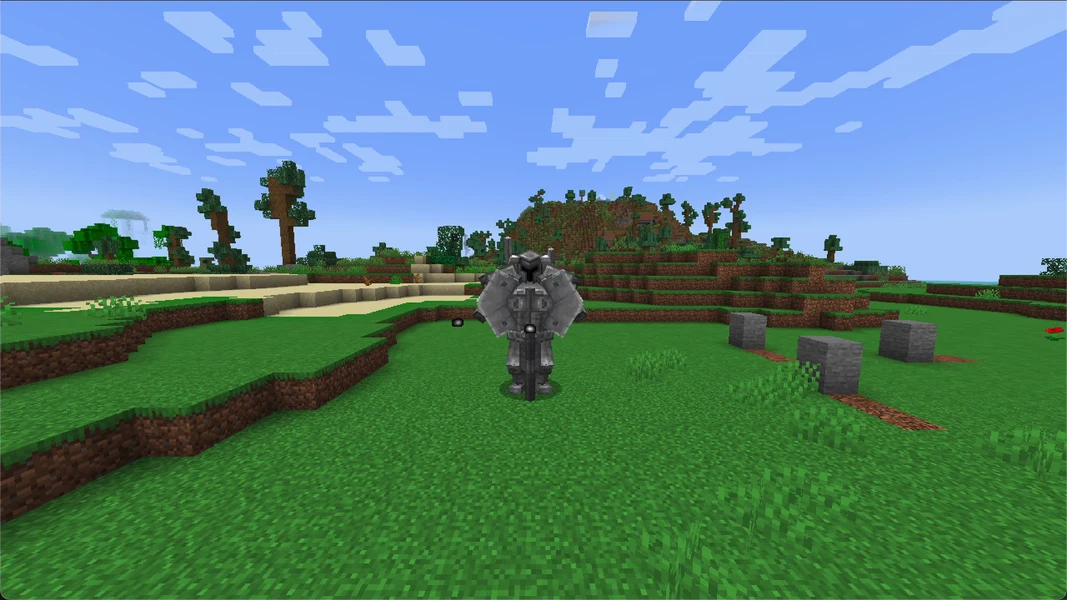
DawnCraft · Minecraft 1.18.2 · Forge · 2026-09-24
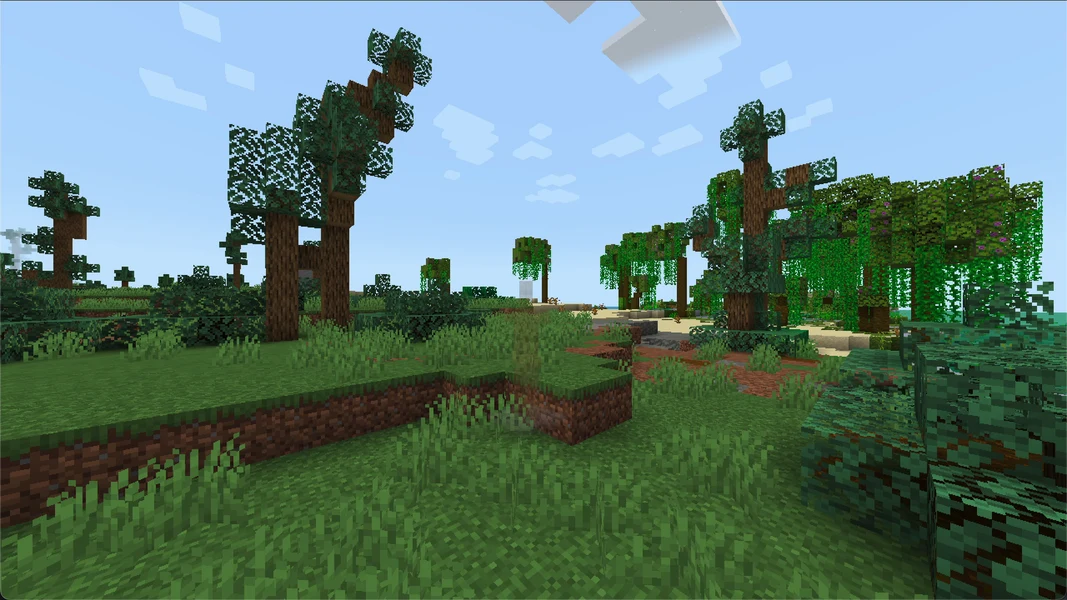
DawnCraft · Minecraft 1.18.2 · Forge · 2026-09-24
SkyFactory 4: view an example
Our own captures from a demonstration environment. The version and setup shown may differ from your server.
- You begin with a single tree in the void.
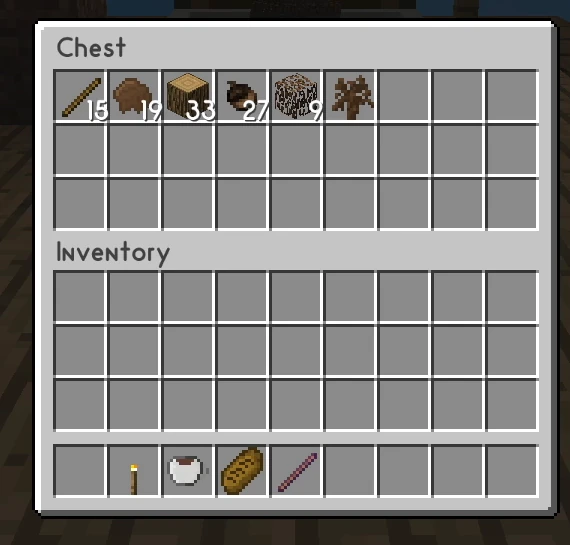
- Hopping Bonsais harvest automatically. Platform: Creative demo.
- The resources collect in the output chest.
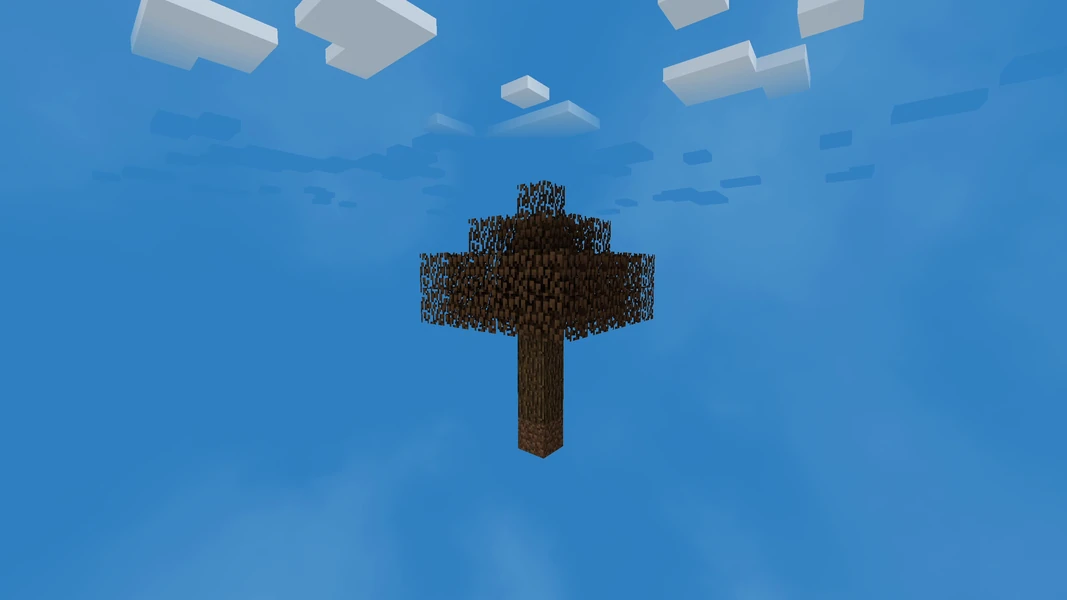
SkyFactory 4 4.2.4 / Minecraft 1.12.2 / Forge 14.23.5.2860
SkyFactory 4 4.2.4
SkyFactory 4 4.2.4