Tested technical baseline
Cobblemon Official is available as a launchable server configuration with Fabric on Minecraft 1.21.1.
Black Week: 10% extra from 3 months paid upfront, no code. Until Monday, 23:59. 2 days left.
All dealsBilled in euros
Instead of €12.78, for the first 3 monthly payments. After that €12.78 a month if you confirm in your account that you want to continue. Book by November 30, 2026.
or €5.51 per month with 12 months prepaid €66.14 one-time, −20 %Prices are charged in euros. Amounts in USD are approximate, converted at the ECB reference rate of Nov 27, 2026 (1.0957 USD per euro).
Rent your own Cobblemon server instead of joining a public one: catch, train and battle Pokémon with your group, by your own rules — boot-tested and ready in one click.
Boot-tested · Last tested: .
Server locations: Germany (Falkenstein/Limburg) · France (Roubaix) · United States (Vint Hill).
Want a server closer to you?
This page measures the ping from your browser to each location.
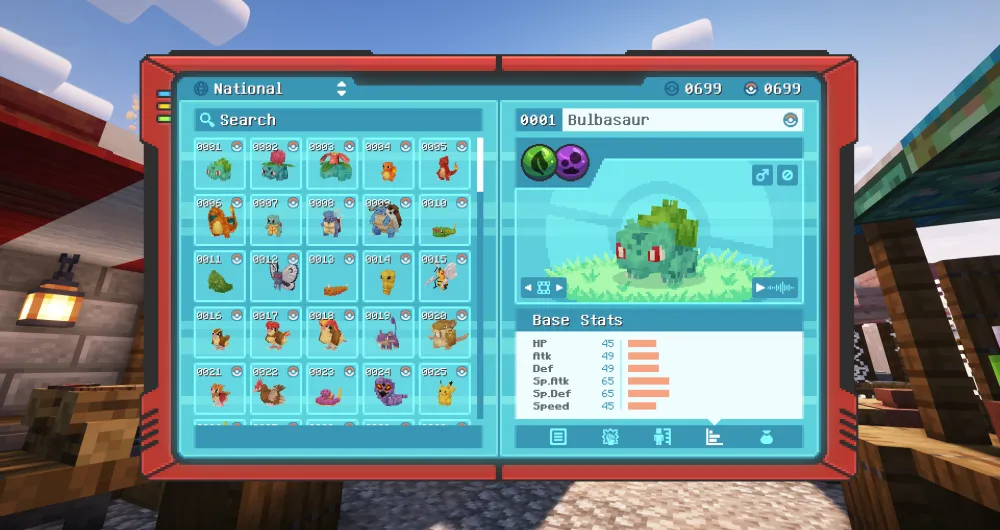
The official Fabric modpack from the Cobblemon team bundles the Pokémon mod with the recommended companion mods. Here you set up the private server with the matching server pack for your group; the client installation is still required on every player's PC.
Pokémon spawn freely in the world: catch them with Poké Balls, build your team and battle your friends — all in the familiar Minecraft look.
Hundreds of Pokémon from generations 1 to 9 are waiting in the world: you catch them, train your team, relearn moves, and decide for yourself when a Pokémon evolves. Battles run on the Pokémon Showdown engine, with the same mechanics used in competitive Pokémon.
On top of that: a Pokédex with a scanning function, riding your Pokémon, berry farming with mutations, brewed medicine, ancient structures with fossil revival, and pastures where your Pokémon roam freely. On your own server you trade and battle with your friends in multiplayer.
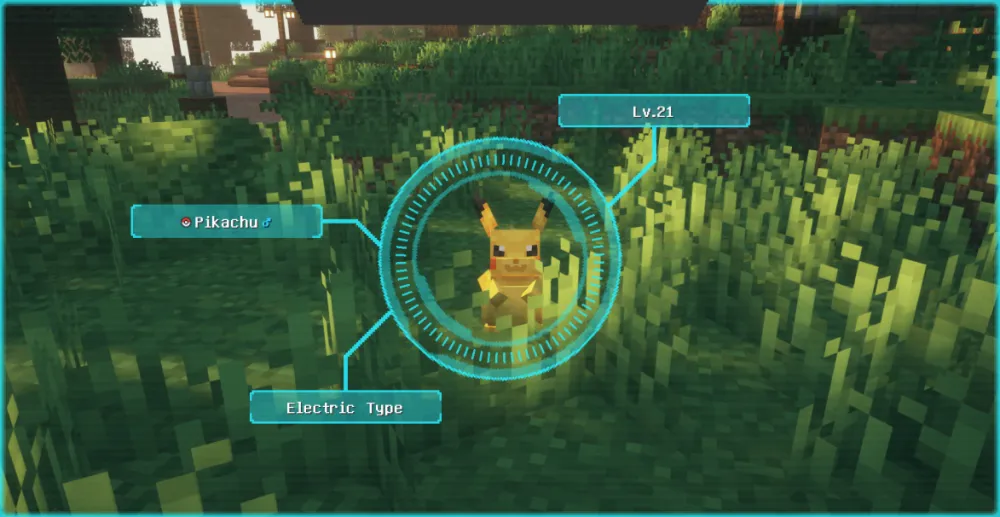
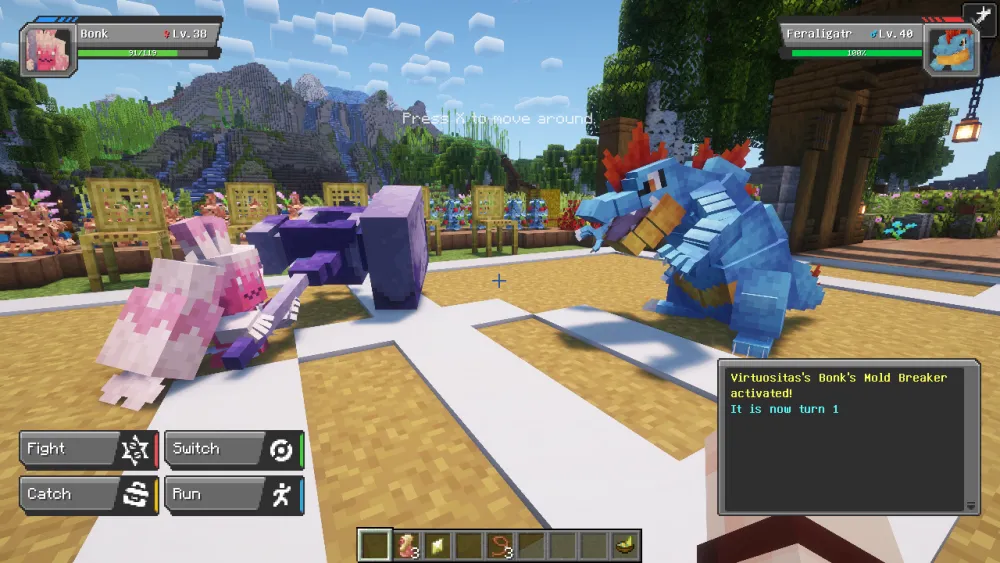
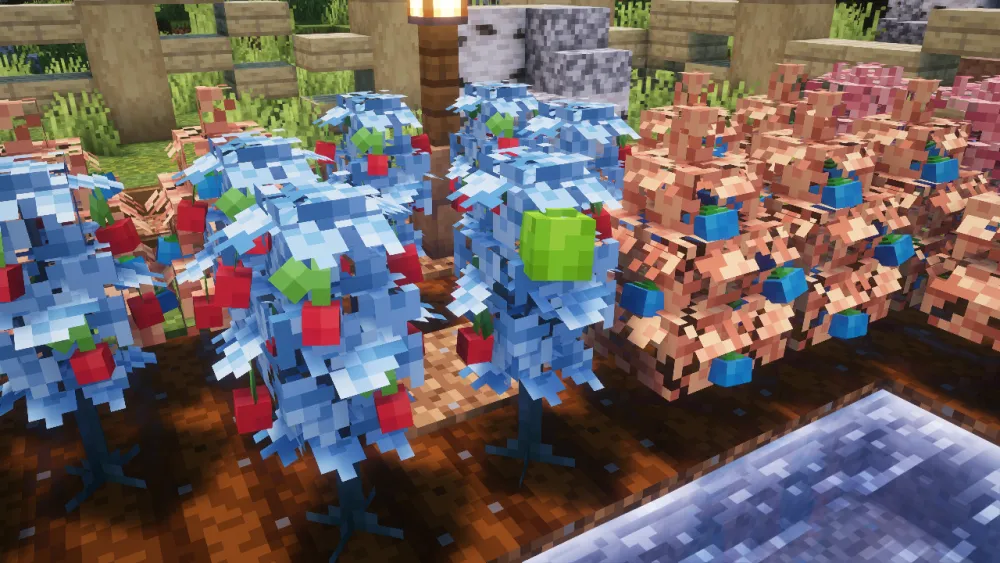
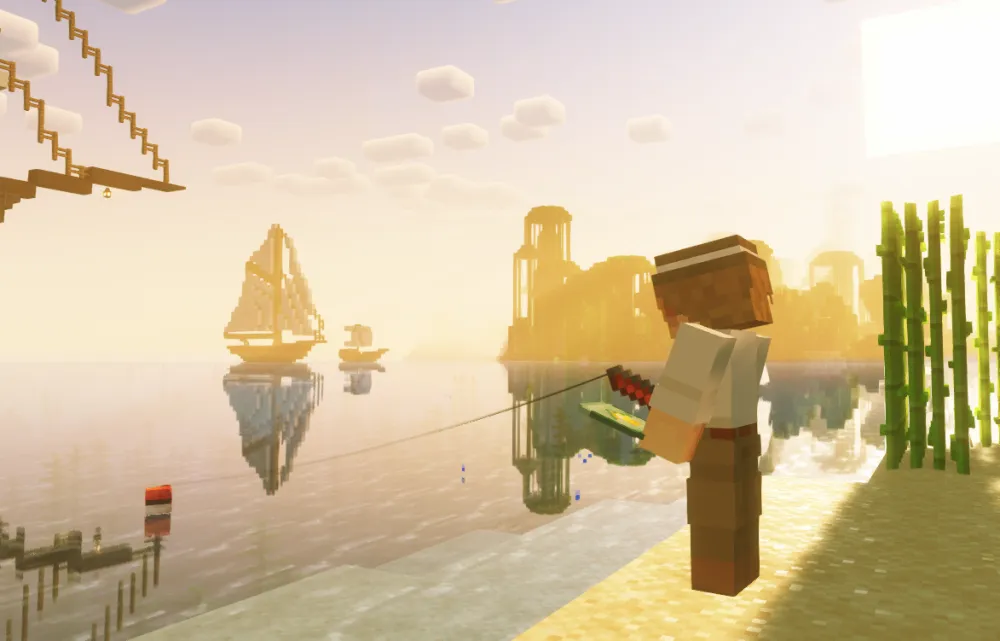
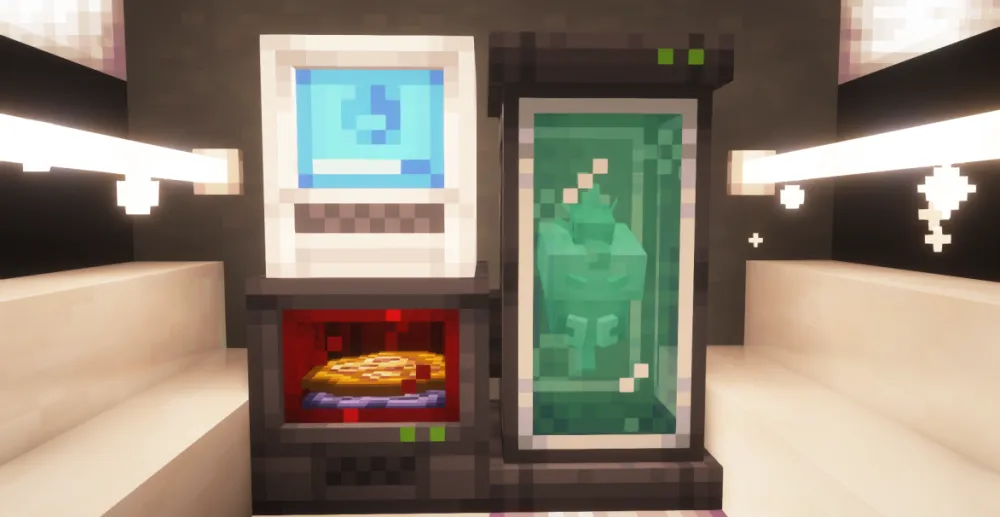
Image source: © Cobblemon-Team, via Modrinth
Game, loader and tested preset are preselected and remain adjustable.
Minecraft Java Edition · Cobblemon Official · Fabric · Starter: 6 GB RAM from €6.89 per month
Configure a Minecraft serverCobblemon Official is available as a launchable server configuration with Fabric on Minecraft 1.21.1.
We recommend at least 6 GB RAM on Minecraft 1.21.1 for the roughly 75 server mods in this pack. Boot-verified on our infrastructure.
Six runs on 23 September 2026 with Cobblemon Official 1.8.1 (Modrinth version Cqimd3JM, Fabric Loader 0.19.5, Minecraft 1.21.1), three each with 4 and 6 GB RAM: one CPU core, 4,225 pre-generated chunks, 200 cows as load, 2-minute warm-up, 5-minute measurement window.
Synthetic load without real players from a single measurement day, so no statement about player counts. No swap, no out-of-memory kill. A short measurement: our test procedure requires 30 minutes. The container limits were 4,916 and 7,373 MB.
Hundreds of Pokémon spawn in matching biomes, waiting to be caught and trained.
Challenge wild Pokémon and other players in classic turn-based battles.
Build, trade and battle together on your own server — no third-party server rules.
Maintained by the Cobblemon team: mod selection and updates come straight from the developers.
Battles use the Pokémon Showdown engine and reproduce competitive mechanics faithfully — including move relearning in the style of Legends: Arceus.
Explore the Minecraft world on the back of the Pokémon you caught — faster travel, and it looks the part.
A successful installation, boot or join test applies only to the tested pack version and does not demonstrate stable operation under every player load.
None known
Applies to every package on this page. You choose the package and price in the order wizard.
Every plan includes a CPU limit in vCPU that scales with RAM. An extra core raises it by 1 vCPU – that is 100% additional compute time of one logical processor core. The hardware is shared; it is not an exclusively reserved core.
If you add an extra core during a billing period, you only pay pro rata until it ends, and you can cancel at the end of each period.
Helps if …
Does not help if …
Try these for free first
Available for Minecraft Java (including Paper, Fabric, Forge, NeoForge and modpacks), Folia and Palworld – not for Minecraft Bedrock.
Yes. The wizard preselects the matching loader; modpack pages also load only the verified featured pack.
Yes. Always check compatibility and create a backup before changing versions.
Yes. Every player installs the Cobblemon modpack through a launcher like the Modrinth App, then connects to your server.
No. Modpacks such as Cobblemon run only on Minecraft Java Edition. Bedrock devices cannot display the modded content.
Yes. You can add Fabric-compatible mods via the file manager. Check compatibility and create a backup first.
We recommend 6 GB of RAM to get started. With lots of players, big builds or extra mods, you may need more RAM. You can upgrade it at any time.
The official pack lists more than 800 catchable Pokémon. Pokémon from generations 1 to 9 can spawn; if a species still lacks its own model, it temporarily appears as a placeholder doll.
On public Cobblemon servers you play by someone else’s rules: spawn rates, economy, resets and whitelists are set by the operator. Your own server belongs to you and your group — you decide the pack version, the rules, the backups and who joins. If you just want a quick look, a public server is fine; if you play with friends long-term, your own server is the better fit.
Self-hosting means: your own PC or root server, installing Java and Fabric, setting up the server pack, forwarding the port, handling updates and backups yourself — and the machine has to run whenever someone wants to play. Here the pack is already installed and boot-tested, backups and updates run through the panel, and the server is reachable around the clock. The world stays yours: you can download it at any time and continue elsewhere.
The server and clients must use the same Minecraft Java version, the same loader, and a compatible Cobblemon pack version. For this preset, that means Fabric and Minecraft 1.21.1. Don't just update individual clients; coordinate the pack version for the whole group.
Yes. First stop your previous server, create a full backup, and import the world, Nether, End, and the associated Cobblemon data together. Start the copy first with the same Minecraft, Fabric, and pack version, and check the Pokédex, teams, pastures, and rejoining before you give up the old setup.
Before every update, create a full backup of the world, configuration, and mods. Update Minecraft, Fabric, the Cobblemon pack, and dependencies as one matching set, start the server in a controlled way, and then test joining, the Pokédex, Pokémon encounters, and a second login. If errors occur, restore the backup.
Processor by location: Germany: AMD Ryzen 7 5800X (Zen 3, up to 4.8 GHz) or AMD Ryzen 9 5900X (Zen 3, up to 4.9 GHz) · France: AMD Ryzen 9 9950X (Zen 5, up to 5.7 GHz) · USA (Virginia, US East): AMD Ryzen 7 5800X (Zen 3, up to 4.8 GHz). Which of these processors your server gets in Germany is set at order time, based on free capacity; both are Zen 3, boosting up to 4.8 or 4.9 GHz. Per package: 2 GB RAM = 1 vCPU · 4 GB RAM = 1 vCPU · 8 GB RAM = 2 vCPU. Cores are shared: several servers run on the same machine, and no core is reserved for you alone. If you need more computing power, add up to 2 extra cores, each +1 vCPU for €2.99 per month. You can choose extra cores right when you order, or add them later in the panel.
6 GB NVMe SSD in the smallest package, growing with RAM up to 96 GB. Backups do not count towards it. 2 backups are included. You can set the schedule from hourly to monthly and the retention to up to 365 days. In the panel, you can restore and download backups yourself. With Backup+, you get 10 backups for €1.99 per month. 12 months: €23.88 (12 × €1.99).
Upload your own savegames, worlds and configurations via SFTP or the file manager in the panel. In the panel, you can schedule restarts, backups, commands and announcements.
Target: 99.5% monthly average (terms of service). The status page shows the current state. Traffic at no extra cost; every machine is connected at 1 Gbit/s or more. Included at every location: automatic network-level DDoS protection from the data center. Servers on OVH game hardware additionally run behind OVH's game firewall. By ticket and email. Support languages: English, German, Spanish, French, Dutch, Portuguese, Russian. We usually reply within a few hours (median over the last 90 days: 1.6 hours), but we do not guarantee it.
Client packs are installed on your computer; a server needs a compatible server edition. Compare game versions, dependencies and known limitations.
This page has been updated in the meantime. Reload it so everything works correctly.