This guide starts with a Minecraft server that has already been provisioned. You check the first start, set the base configuration, and then test joining. If you are still choosing the edition, resources, or hosting model, the selection guide will help you first.
Requirements
You need a valid Minecraft Java Edition or Bedrock Edition, a clear idea of the player count, game mode, and desired extensions, and a suitable server at game-serverhosting. Plans start at different prices depending on the current configuration and term; the final price in the order process is what counts.
For Java players, the default port 25565 is relevant. For Bedrock connections via a supported Geyser setup, the UDP port assigned in the dashboard is what counts; 19132 is merely the Geyser default. If you plan on mods, large worlds, many redstone machines, or several plugins, you should be conservative with RAM and readjust later based on real usage.
Official primary source: on the Minecraft server download page, Mojang describes starting a Java server using the example java -Xmx4G -Xms4G -jar minecraft_server.{0}.jar nogui and refers there to the Minecraft End User License Agreement and Privacy Policy: Documentation at minecraft.net. For the Bedrock Dedicated Server, Microsoft documents configuration via server.properties: Documentation at learn.microsoft.com.
Step 1: Check the Base Configuration
After ordering, your Minecraft server is set up automatically once the order process is complete. In the panel, first check the address, ports, start status, and console. The connection values shown in the dashboard remain important:
| Property | What you need to check |
|---|---|
| Java connection | Assigned address and TCP port; 25565 is only the default |
| Bedrock/Crossplay | Enabled setup and assigned UDP port; 19132 is only the default |
| RCON | Optional management access, not needed for normal joining |
| EULA | Check the required acceptance during setup and the actual first start |
Geyser and Floodgate allow Bedrock players to access a Java-oriented server setup, provided these components are active in your setup. Still treat crossplay as a configuration item: versions, plugins, and login behavior have to match. If Bedrock players cannot join, first check the port, server version, Geyser/Floodgate status, and the error message in the console.
Step 2: Determine RAM and Game Scope
The following planning table is a practical guideline, but not a guaranteed performance promise. Real load depends on version, world size, simulation distance, plugins, mods, farms, and player activity.
| Player count | Recommended RAM | Recommendation with mods |
|---|---|---|
| 1-5 players | 2 GB | 4 GB |
| 5-10 players | 4 GB | 6 GB |
| 10-20 players | 6 GB | 8 GB |
| 20+ players | 8 GB+ | 12 GB+ |
For Vanilla or Paper without a large plugin list, less headroom is usually enough than for modpacks. If you later notice that chunks load slowly, TPS drops, or garbage collection pauses occur, do not just blindly increase RAM. First check view distance, plugins, world generation, and active farms.
Step 3: Set server.properties Cleanly
The server.properties file controls core server options. Start with a few deliberate settings and do not change ten things at once, so you can attribute errors.
max-players=20
difficulty=normal
view-distance=10
spawn-protection=16
pvp=true
max-players should match RAM and community size. difficulty affects the play style, view-distance directly affects server load, spawn-protection protects the spawn area, and pvp decides whether players can damage each other. For version-dependent properties, consult the documentation of the Minecraft version you actually use; server.properties can change between releases.
The motd line in server.properties determines your server list entry. You can style it in color with the free Minecraft MOTD Generator.
Step 4: Connect and Check the Result
Open Minecraft Java Edition, go to "Multiplayer," choose "Add Server," and enter your subdomain:
dein-name.gs.game-serverhosting.com
For Bedrock, you enter the server address and the Bedrock port, provided your setup offers Bedrock access via Geyser. Afterwards, check not only whether joining works. Also verify that the spawn point, gamemode, difficulty, PvP, operator rights, whitelist or allowlist, and chat work as planned.
A good first check consists of five minutes of real use: a player joins, moves away from spawn, loads new chunks, breaks a block, writes in chat, and leaves the server again. Meanwhile, watch the console, RAM usage, and warning messages. Only once this simple round runs cleanly should you add plugins, mods, or larger community releases.
Performance Tips
Use Paper or Purpur instead of Vanilla if you need plugin support and additional performance options. Set view-distance to 8-10 rather than needlessly high. Very high view distances keep noticeably more chunks active; therefore start with the documented default of the version you use and increase it only after a load test. Use plugins like Chunky to pre-generate the world so new areas do not have to be generated while playing. Enable the Spark profiler if you want to find sources of lag in a traceable way.
For PvP or survival communities, clear operating procedures are just as important as performance: who may be an operator, when are backups checked, when are plugin updates applied, and how does the group report errors? If you are looking for a more competitive survival experience, you can compare the requirements with a Rust Server Setup. For roleplay structures with more rules and roles, the FiveM Roleplay Guide is also useful as an organizational comparison.
Troubleshooting
If Java players cannot connect, copy the actual address including the TCP port from the panel and compare the client version, server version, and startup log. For Bedrock, you need the designated UDP inbound port and an active BDS or crossplay setup; a TCP port test does not confirm a Bedrock connection. If changes to server.properties disappear, stop the server before the next edit and check whether a panel preset overwrites the file. For missing permissions, the OP levels and commands guide helps.
Sources and Verification Basis
- Minecraft Help: Setting up a Java server
- GeyserMC: Setting up crossplay
- PaperMC: Server configuration
The linked subpages support the technical basis explained immediately before or after them. Product prices and account features are additionally checked against the currently visible order or dashboard path.
Limits and Way Back
Prices and available server types may change; the checkout is what counts. RAM tables are starting values, not a capacity guarantee. Crossplay applies only to server types designated for it and with the UDP port shown in the dashboard. Before making changes, back up the affected files or the world. Then check the result with the same version and the same test procedure; if errors occur, you restore the backup.
FAQ
Can I let Java and Bedrock players join the same server?
Yes, if your setup uses Geyser and Floodgate appropriately. Java remains the primary server context, while Bedrock players connect via the crossplay components. Check versions and ports before you share the server publicly.
How much RAM do I need for my Minecraft server?
For 1-5 players, the table lists 2 GB without mods and 4 GB with mods. For 5-10 players, 4 GB and 6 GB respectively are listed. Use these values as a starting point and adjust based on real usage.
Which server.properties should I change first?
Start with max-players, difficulty, view-distance, spawn-protection, and pvp. These values have a direct impact on the gameplay experience, load, and moderation. Change them deliberately and test after each larger step.
Why is my server address better than a private IP?
A subdomain like dein-name.gs.game-serverhosting.com is easier to share and avoids you having to publish your private home network IP. In addition, the server runs regardless of whether your own computer is switched on.
What do I do about lag after the server starts?
First check the console, RAM usage, TPS, view distance, and newly generated chunks. Then test plugins or mods individually. Tools like Spark help find concrete causes instead of just blanket-booking more resources.
Vanilla: view an example
Our own captures from a demonstration environment. The version and setup shown may differ from your server.
- Vanilla: the original Java game.
- A snowy mountain landscape at sunset.
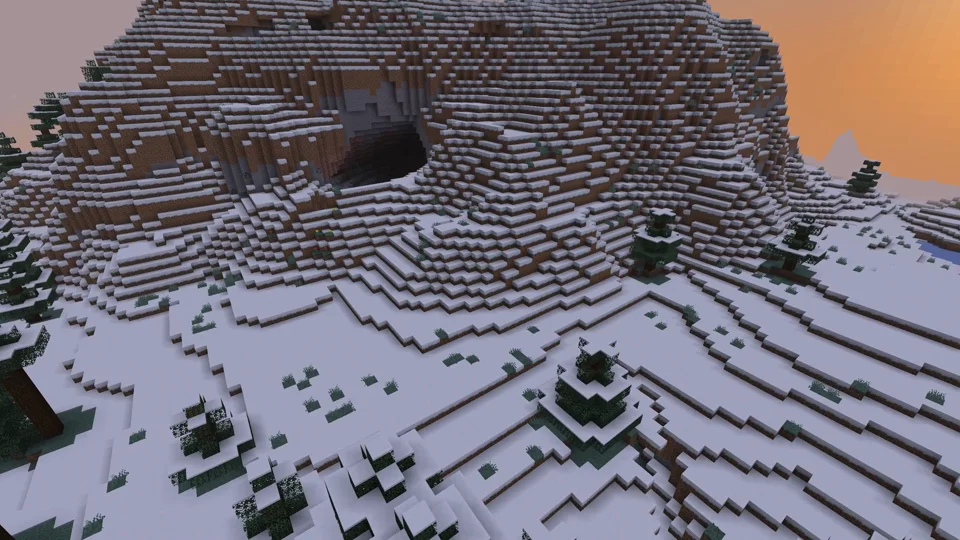
Java Edition
Paper: view an example
Our own captures from a demonstration environment. The version and setup shown may differ from your server.
- Paper: Java Minecraft with plugins.
- WorldEdit: a golden pyramid and glass dome.
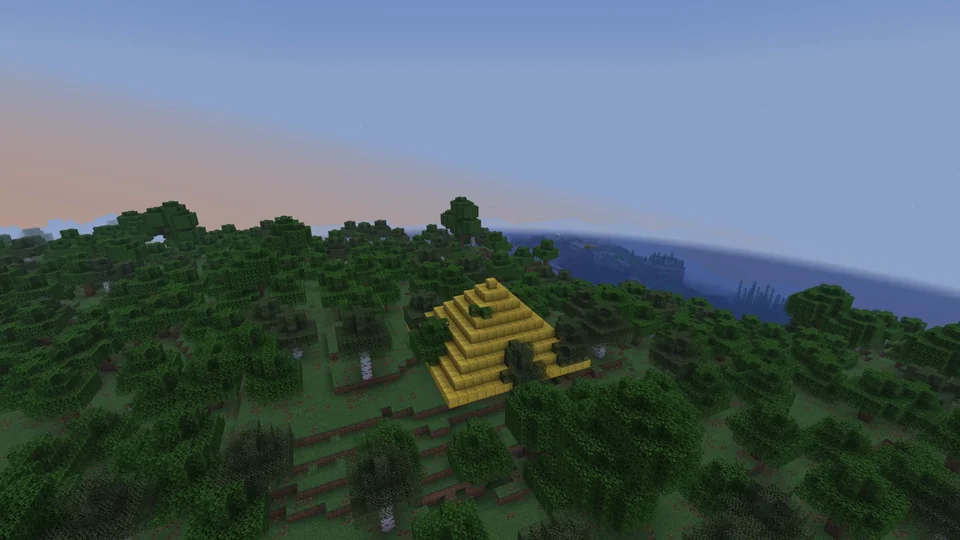
Paper / WorldEdit 7.3.16
Purpur: view an example
Our own captures from a demonstration environment. The version and setup shown may differ from your server.
- Purpur: more server settings.
- Phantom riding enabled for this demo.
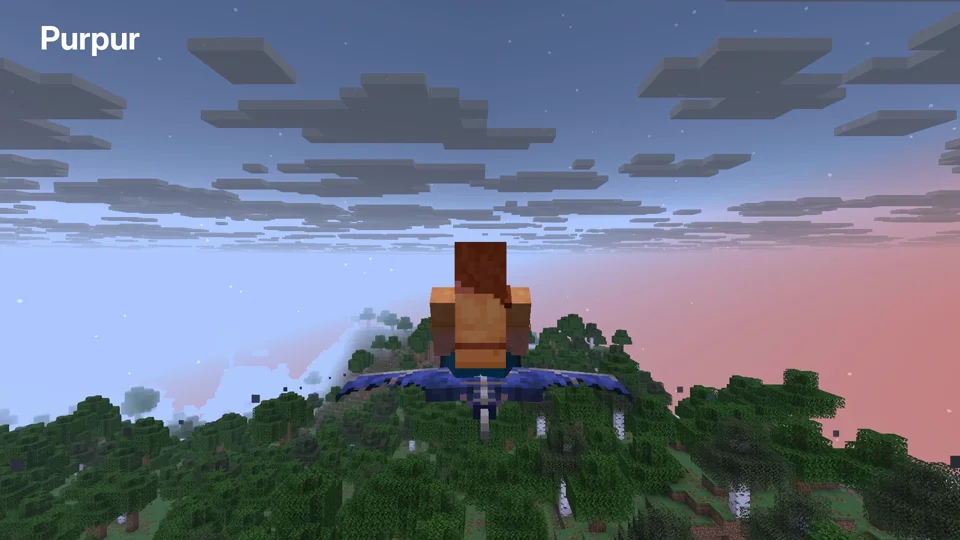
Purpur 1.21.6; phantom riding enabled
Fabric: view an example
Our own captures from a demonstration environment. The version and setup shown may differ from your server.
- Fabric: mods such as Cobblemon. Your client needs matching versions and mods.
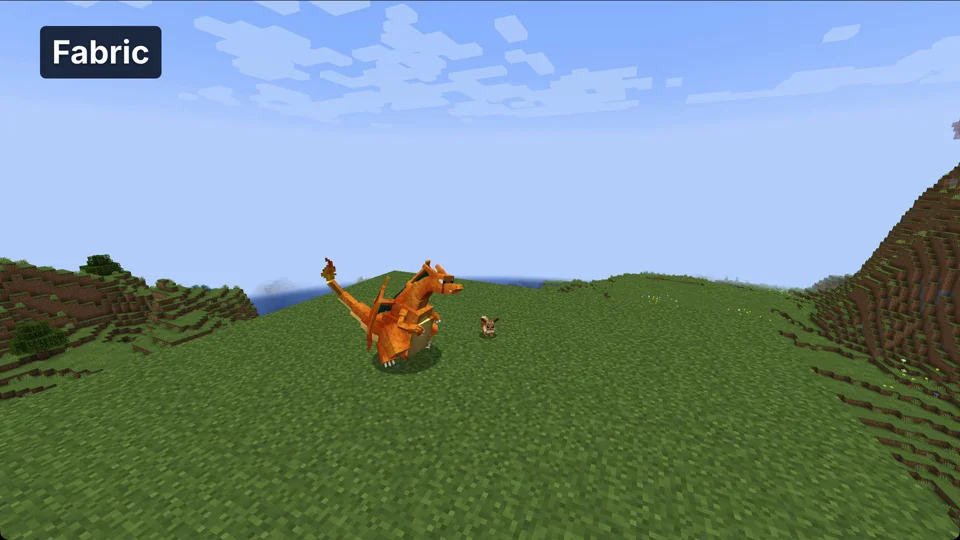
Minecraft 1.21.1 / Cobblemon 1.8.1 / Fabric API 0.116.17
NeoForge: view an example
Our own captures from a demonstration environment. The version and setup shown may differ from your server.
- NeoForge: technical mods such as Create. Your client needs matching mods.
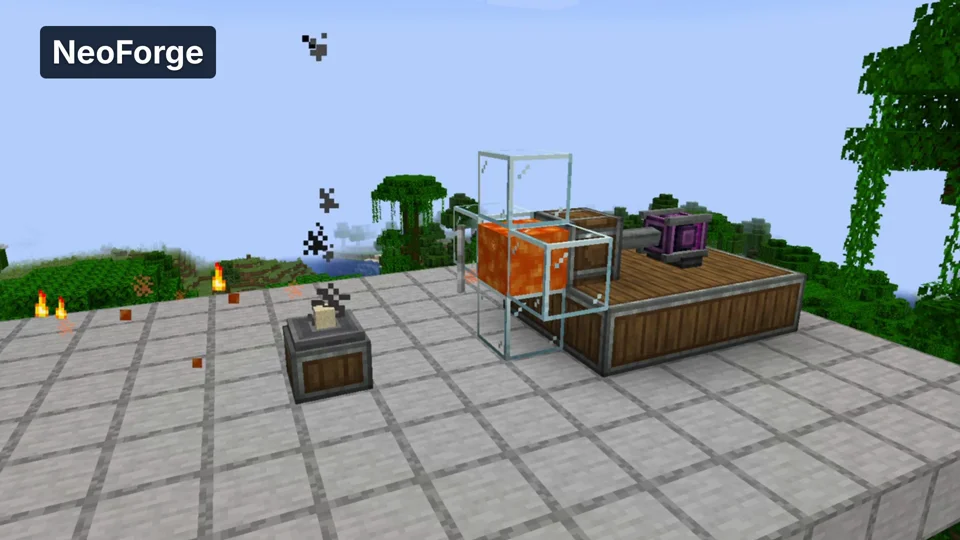
Minecraft 1.21.1 / Create 6.0.10
Velocity: view an example
Our own captures from a demonstration environment. The version and setup shown may differ from your server.
- Velocity: a proxy connects multiple Java servers. Here we move from the lobby to the second world.
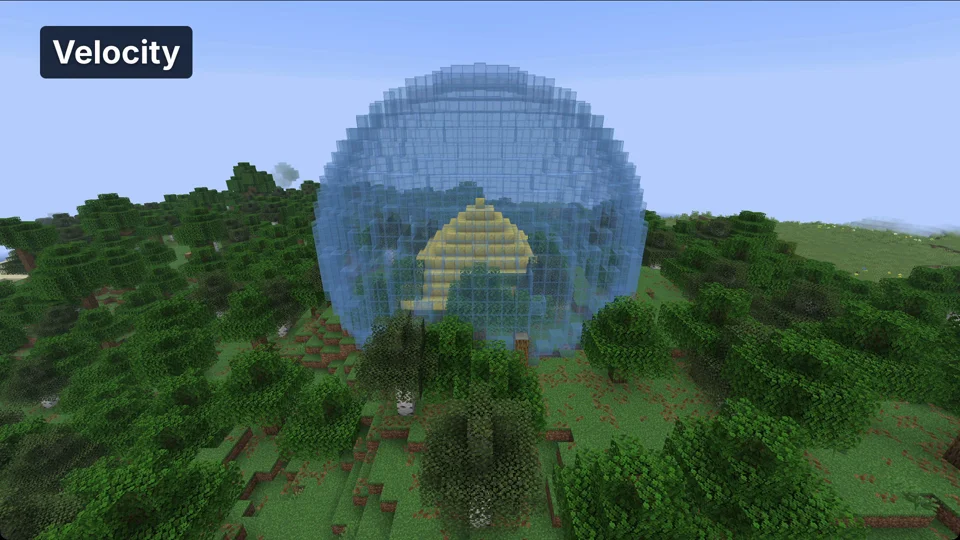
Java Minecraft 1.21.6; proxy world switch